

Asked
— Edited
 Resolved by Rich!
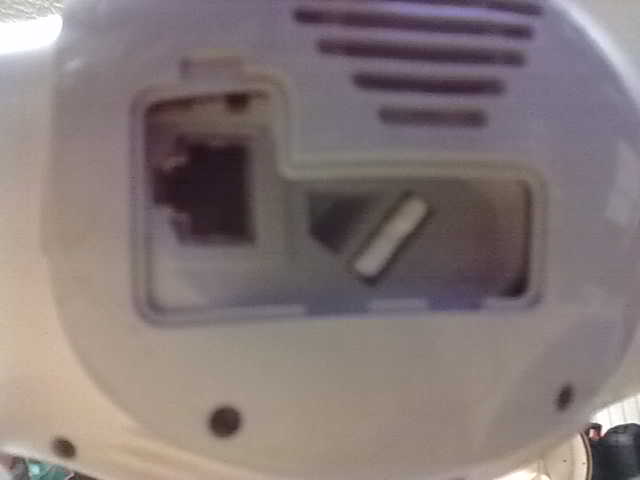
Internet Connetion Lan
is there someone who can help me with changing a lan wire to another, router port?
 BV4615 RC-5 IR Decoder
— Adds IR sensor support and button mapping for USB joysticks in ARC, enabling remote control functions; third-party hardware supported.
Try it →
Resolved by Rich!
BV4615 RC-5 IR Decoder
— Adds IR sensor support and button mapping for USB joysticks in ARC, enabling remote control functions; third-party hardware supported.
Try it →
Resolved by Rich!
is there someone who can help me with changing a lan wire to another, router port?

Really?
Step 1. Unplug the Ethernet cable from the current port in the router. Step 2. Plug the Ethernet cable in to the new port in the router.
Unless I am missing something?
I think @nomad broke his arm....
rich your back.
so thats all i have to do.
thanks
I never went away, I just stopped posting as often.
well i try it,but no luck means i lost a 4000 dollar robot i cant use. there is a factory reset but aldebaran said not to try that if your not a programmer. the web page am trying to get in sits in his head.
changing the port for the lan wire did stay same ,so this is good . i do get error this is not a safe for the web page.am lost.
thanks for responding do
That's a real bummer Charlie Brown.... I mean @nomad stress
Sell it to someone who actually knows how to use it and then use the money to buy more ez robot stuff.... Simple
RR
IT WORKED BEFORE.I BOUTH THE NEW ALPHA2.
SOME TIMES YOURRE A REAL BIG LOSER
DONT CHANGE MY TOPIC
@nomad well what can I say, bad things seem to happen to you all the time....