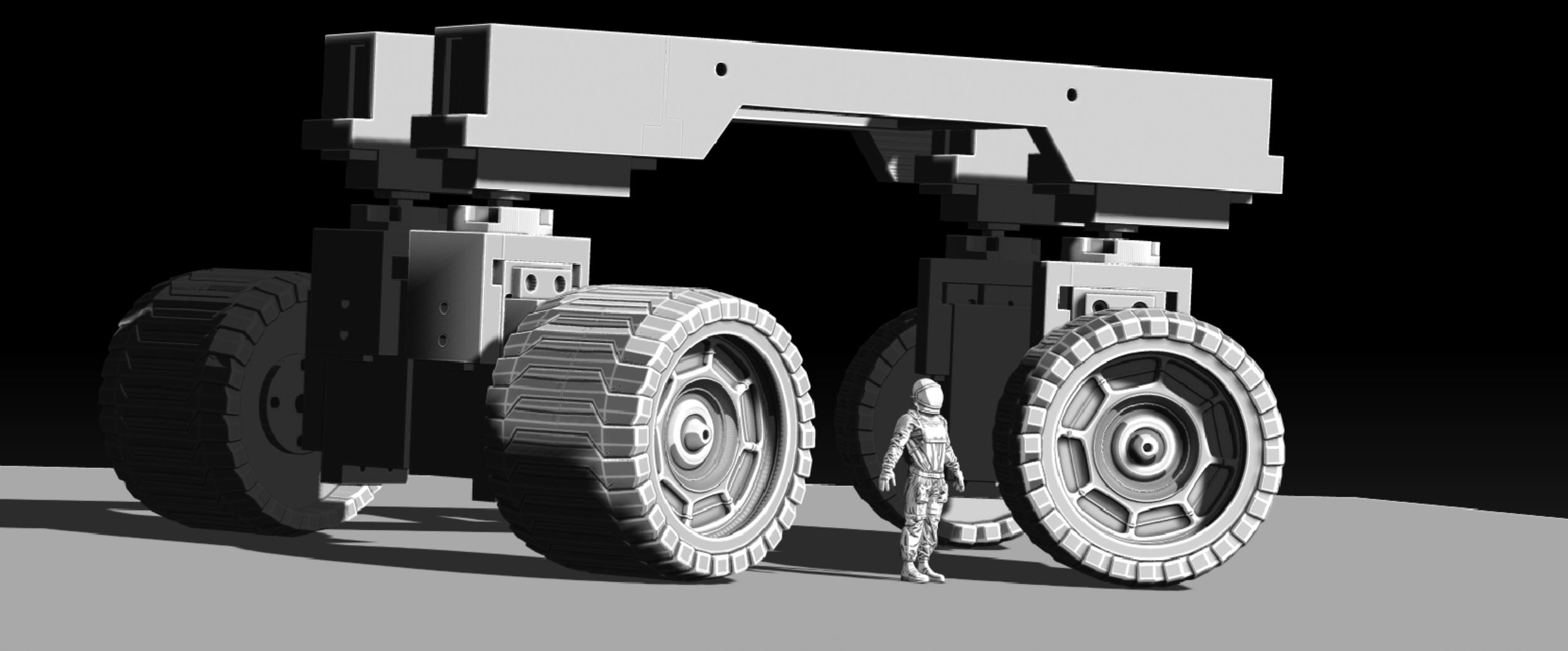
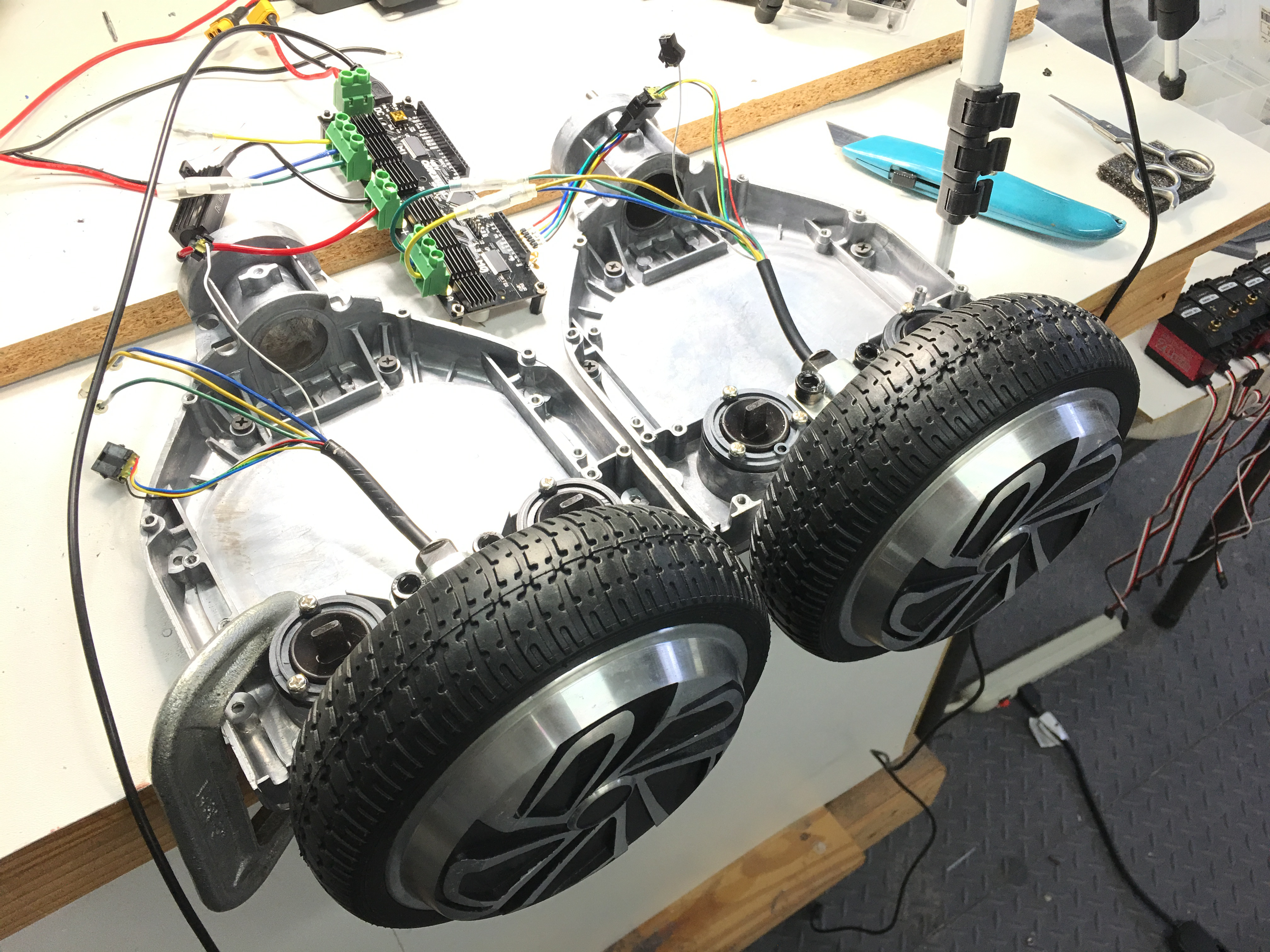
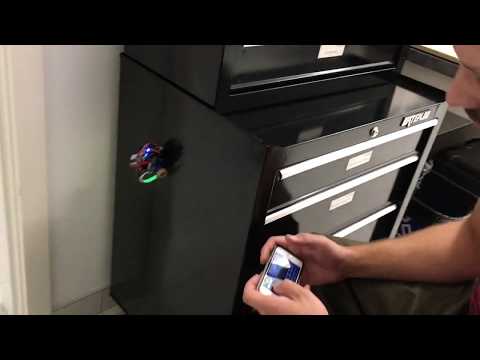
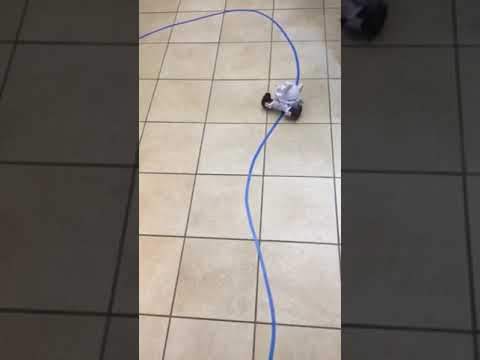
I created an interesting drive and steering system for this one. Its 4 wheel drive, using the ez robot 360 servos. The steering has 4 independent (altho 2 and 2 (L and R) are tied together) steering controls, giving the vehicle tight turns. This demo uses a mobile app to control simple movement. And I have the IO Tiny for now...might double them up.
Only issue i had (not shown here) was trying to use the servo Movement Panel to control speed. Each 360 motor (even tho they are tied to left and right side) seem to have their own speed forward and reverse. I can't really get them to perform the exact same motion. Maybe this is tied somehow to the pots that are installed on each servo.

Nice!! All done in ZBrush?
Yup all my design work is inside zbrush and any animations are in lightwave and any renders are done in keyshot.
thats a great design.like it alot.
Super awesome! Amin is going to make the robot profile page have a bunch of new options including the ability to select images.. stay tuned! This will help so your main robot image isn't a picture of a carpet lol
However, for the time being you can set the image thumbnail of your youtube video, and that's what we select. So just go to youtube and edit the video and change the thumbnail image.
Hehehe i kinda like the carpet.. JK. I'll change up the image in Youtube!
The carpet does have a martian appeal! When you change a thumbnail in youtube, it can take a day sometimes cause it's slooooooooooow
Ahh ok wondered why i was not changing right away.