









All Community Content


Drive Real Robots, Anywhere
Remotely operate robots around the world or add live telepresence to your own build — straight from your browser.
Discover Exosphere
I Make Robots Crew Socks

Hugging Face
Connects your robot camera to Hugging Face AI models for vision chat, object tracking,...

Autonomous AI
Autonomous AI robot agent with vision, speech, movement, animations, memory, and self-directed task...

Advanced Speech Reco…
Azure Cognitive Speech recognition for ARC with custom API credentials, scripting, language control,...

Estimate pose odometry from movement distance for robots without encoders, calibrated by speed. Suited for DIY navigation; pose drifts with lidar.
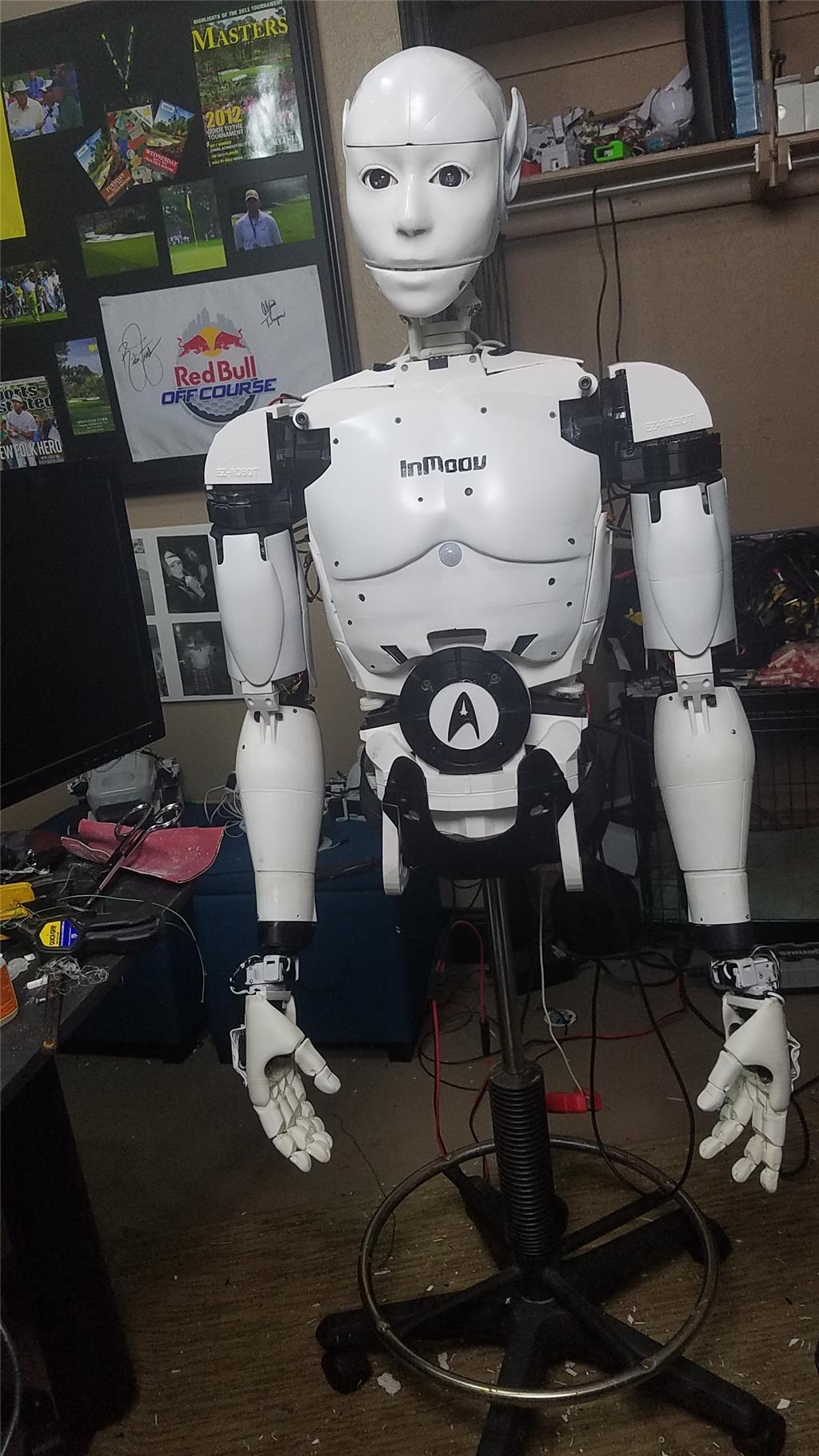
InMoov 'Spock' rebuild using LattePanda, dual EZ-B controllers, Omron HVC-P vision, MXL mic, Flexy hands, BEC power distribution and LiFePo4 battery.

Meet JD The Humanoid Robot!
Christopher builds a JD Humanoid; Professor E explores robotics past, present and future; kids Nolan (7) and Cameron (10) showcase robots. 0
0
 718
718

Bing, Cognitive Emotion And Vision Update
FYI, the Bing Speech, Cognitive Emotion and Cognitive Vision plugins no longer save the API Key and End Point with the project. They are...
7
3 k
Demonstration Of Visual Human Detection ?
I am considering getting into EZ Robot and I have been working with Arduino for a few years and considering the next upgrade for robot development. I am mostly interested in detecting the visual presence/location of a person and face detection. Are there any good demonstrations of these capabilities with EZ Robot? Is there any comparison to say,...
3
2 k
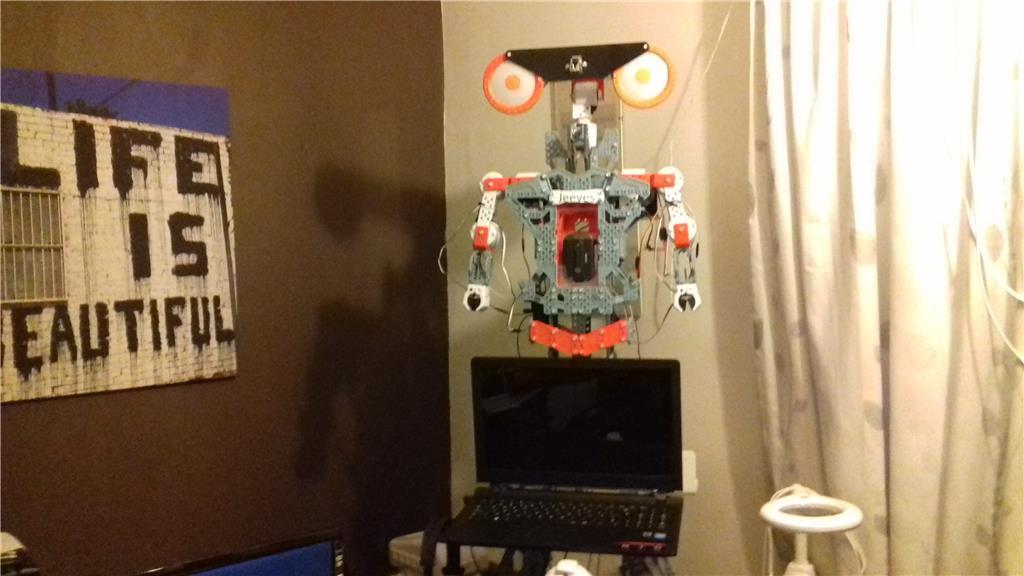
Tezsmith's My Robot Story
Synthiam ARC controls Revolution JD and Meccanoid, integrates computational algorithms, laptop/wifi and custom EZ-controlled workbench for robotics.
21
7 k
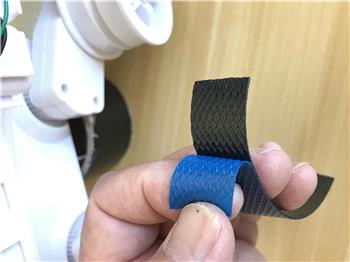
Slipping Roli Tracks
I was able to prevent slippage in the rubber tracks by using outdoor electrical insulation tape. It is much thicker than the black electrical tape. Apply this tape by peeling off...
5
3 k
Mclemens7's This Is Not A New Idea But I W
Build the InMoov robot easily with EZ-Robot's plug-and-play controller after the InMoov board proved too DIY and complex.
0
2 k
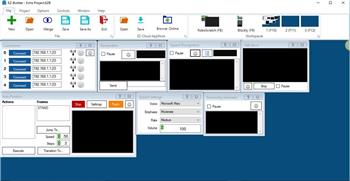
Concerning Pandorabot
Hello everyone I got another question and I have to say for a first timer in doing something with writing codes like this. I think I'm doing pretty good, but I have a question....
10
3 k

JD Humanoid Robot
JD Humanoid kit from EZ-Robot lets you build a WiFi-controlled humanoid robot; unboxing and assembly by Christopher Barnatt.
0
737
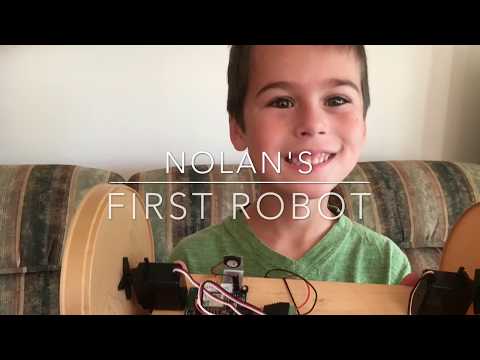
Nolan's Nolan's First Robot
Customize a Gravity robot using cardboard and foam skins, script behaviors with a loTiny EZ Robot controller, continuous servos, battery and simple parts.
8
6 k
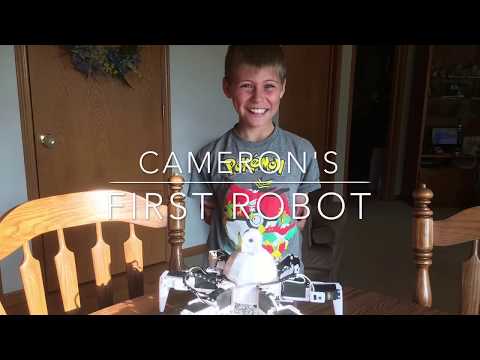
Cambot1's My Name Is Cameron, This Is My First Robot 6
Homemade robot built by a 10-year-old and grandpa, programmed with custom scripts, learning robotics and sharing...
8
5 k
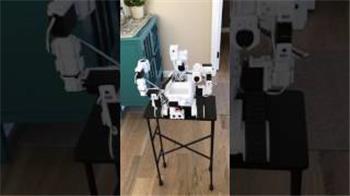
Roli Reimagined
My Roli has been reconfigured with the cup holder in front. The arms can now pick and place objects. I'm having fun!
13
4 k
Bing Azure After The Trial Period Ends Question
Hello all, is anyone using the "pay as you go" using the Bing Speech recognition after the Bing 30 day trail ends? The price I was quoted is $1.40 an hour. I was wondering what type of charges some of the users were being charged as a hobbyist. Thanks.
0
2 k