









All Community Content


Drive Real Robots, Anywhere
Remotely operate robots around the world or add live telepresence to your own build — straight from your browser.
Discover Exosphere
I Make Robots Crew Socks

Advanced Speech Reco…
Azure Cognitive Speech recognition for ARC with custom API credentials, scripting, language control,...

Audio File Out EZB
Stream MP3 or WAV files from your PC to the primary EZ-B speaker for robot audio playback, alerts,...
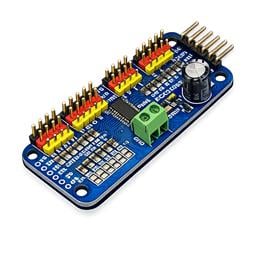
PCA9685 Servo Driver
Drive 16 servos over EZB I2C with a PCA9685 PWM controller, using ARC servo commands and...

Real-time TinyYolo object detection for ARC Camera Device: tracks 20 classes, populates camera variables, triggers tracking scripts, 30+ FPS in HD.

Synthiam ARC toggles camera recording with CameraRecordPauseOn/Off using motion-tracking scripts to auto-start and pause video capture.

Ubtech Alpha 1 Bluetooth v19
Bluetooth control for UBTech Alpha1 servos via ARC: map Vx to servo IDs, enable servos, and integrate with ARC movement & LEDs. 69
69
 96 k
96 k

Thingiverse Out Not Loading .
does anyone have also a problem open thingiverse.com ?
9
2 k
Smoothing Motions
Add Arduino servo position smoothing to Synthiam ARC to reduce jitter and create smoother servo movements using simple filtering code.
12
3 k

Add New AIML Categories With Your Voice
Automatically add AIML categories by voice using a script to create multiple entries and enable them instantly for your chatbot
7
10 k
Could Not Load File Or Assembly Visual Studio 2022
DJ, So following the tutorial went as far as debugging ARC. When I tried to double click on MainForm.cs to add the button got the following error: Could not load file or assembly 'EZ_B, Version=2015.7.28.0, Culture=neutral, PublicKeyToken=c3a3457c97d352d9' or one of its dependencies. The system cannot find the file specified. I search the...
4
3 k
Power On Sequence
My question relates to powering on the robot. I am designing the power supply to my Inmoov robot and I will be using the LattePanda PC along with EZB V4's and IoTiny. My plan was to have my LattePanda auto boot when power is applied to it and start ARC and load a project and Init Script. At the same time the power is turned on to the LattePanda...
5
2 k
Posting Robot Build
I tried to post the start of my Robot build last night under the SHARE A ROBOT PROJECT section with hopes of being able to update it regularly but the website will not take the post. It does not provide any error or feedback of anything missing so I am not sure what the issue is. My question is should this be put under Share a Robot Project or...
3
2 k

Release 2020.02.15.00 (Pro, Runtime & Teams)
Synthiam ARC update adds higher-resolution NMS with SLAM and pathfinding support, scripting fixes, performance and Teams...
11
4 k
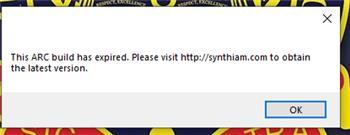
ARC Build Expired
Hi all, We have a lab of laptops which have ARC installed on them to allow our students to program the 6 JD Humanoid robots we have. I am getting this error when launching ARC now, it...
20
2 k
Support For The Oak-D Smart Camera By Luxonis
I am requesting a skill that would support the Oak-D (OpenCV AI Kit) by Luxonis. Having this interface would allow my robot to identify and locate an object such as a bottle, in 3D space, so that the robot could pick it up. Oak-d Information Oak-d More Information From their website: Quote:"DepthAI is a platform built to allow the power of...
2
2 k
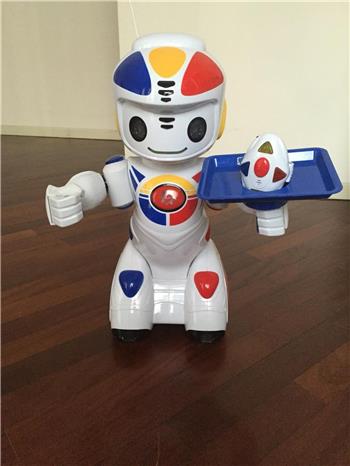
New Project . The Emilio Robot
hi i found this one for a good prize and bouth it . a iotiny and ezb in there . it going to be fun building . lots off light and maybe moving hands .
6
3 k
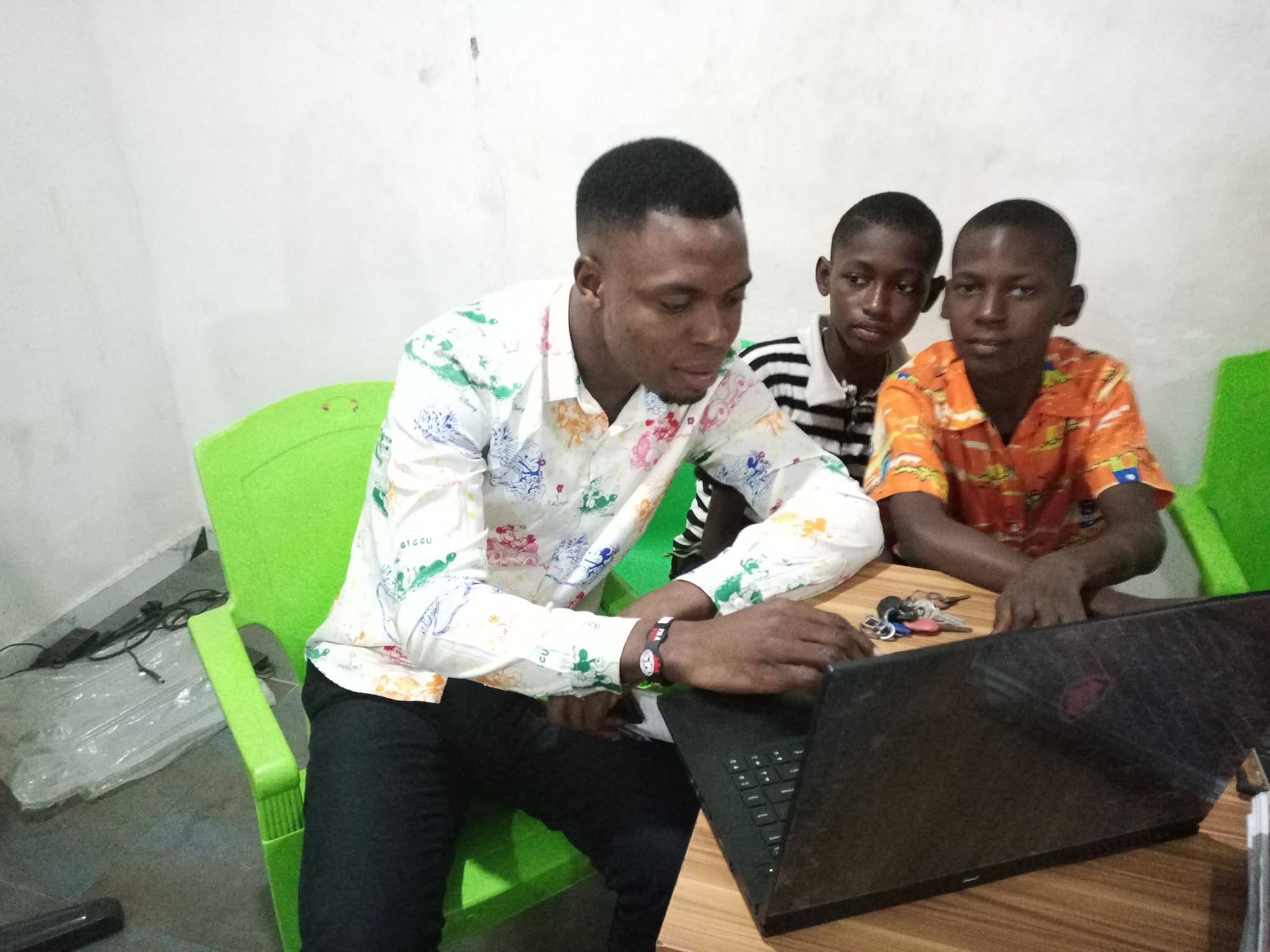
Africa Students Learn Robotics With Synthiam
Equip Kelvin's Ogba Educational Clinic students with robotics tools, from computer vision to autonomous navigation, for hands-on...
2
2 k