







Discover more robots

Leversofpower's Cutting My Teeth. The Floor Crawler
Convert a thrift-store RC car into a fast robot using salvaged motors, an Easy-B controller and H-bridge for a cheap,...
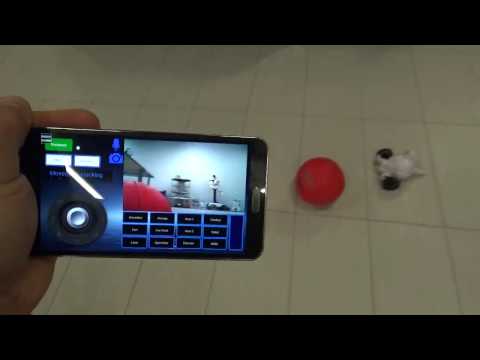
DJ's Adventurebot Chasing Red Ball
Control AdventureBot with Synthiam ARC to track and chase a red ball, creating captivating vision-based robot behavior...

Lumpy's Lumpy's Omnibot(S) - Spy Vs Spy
Omnibot restoration in Spy vs Spy black/white theme with front switches retained, Mr T and Pee-wee audio, wet-sanded...

Sorry to hear you’re selling you equipment.
thx, merne
@ nomad, I think I'm done. T-one has just been sitting there idle. My thrill was the build. @ merne, thanks. sent you an email.
3dguy
you think your gone?maybe its time to build a dog for your inmoove.
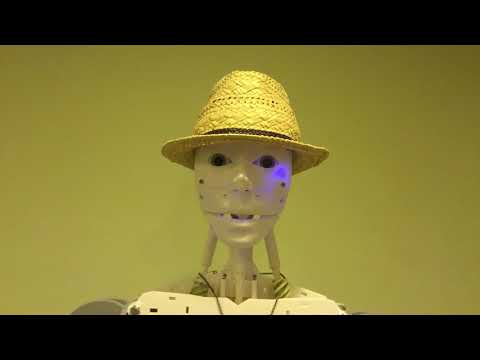
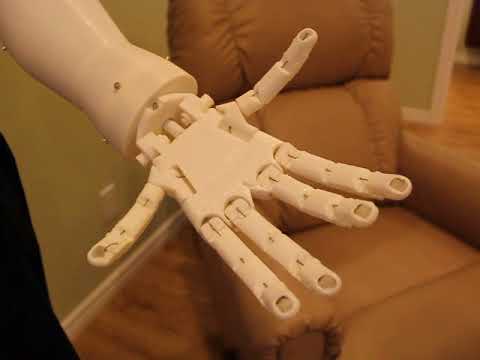
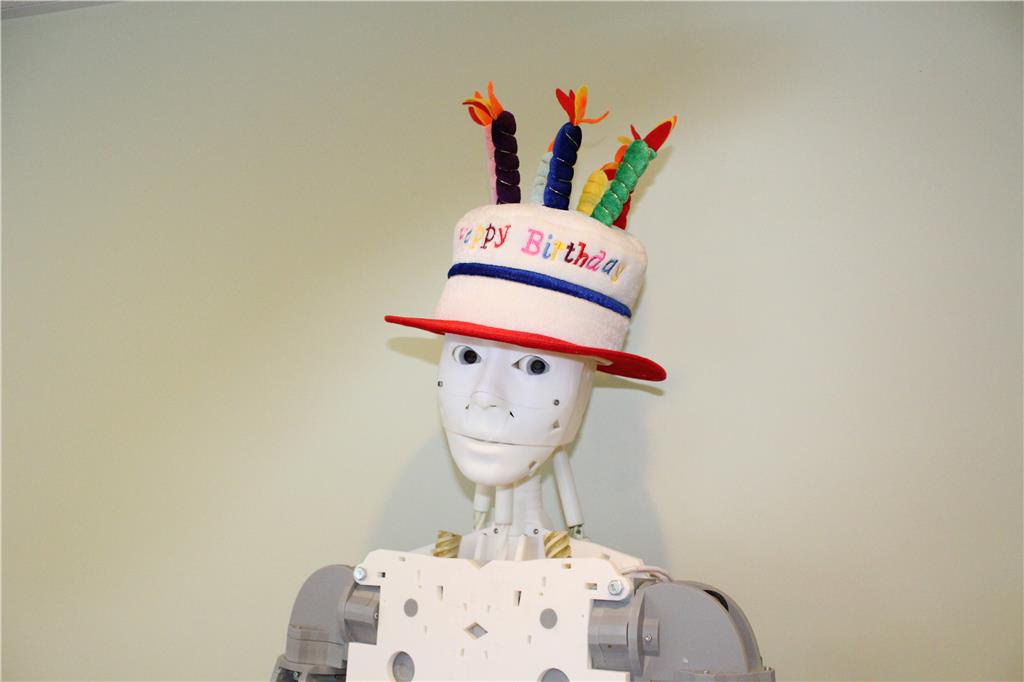
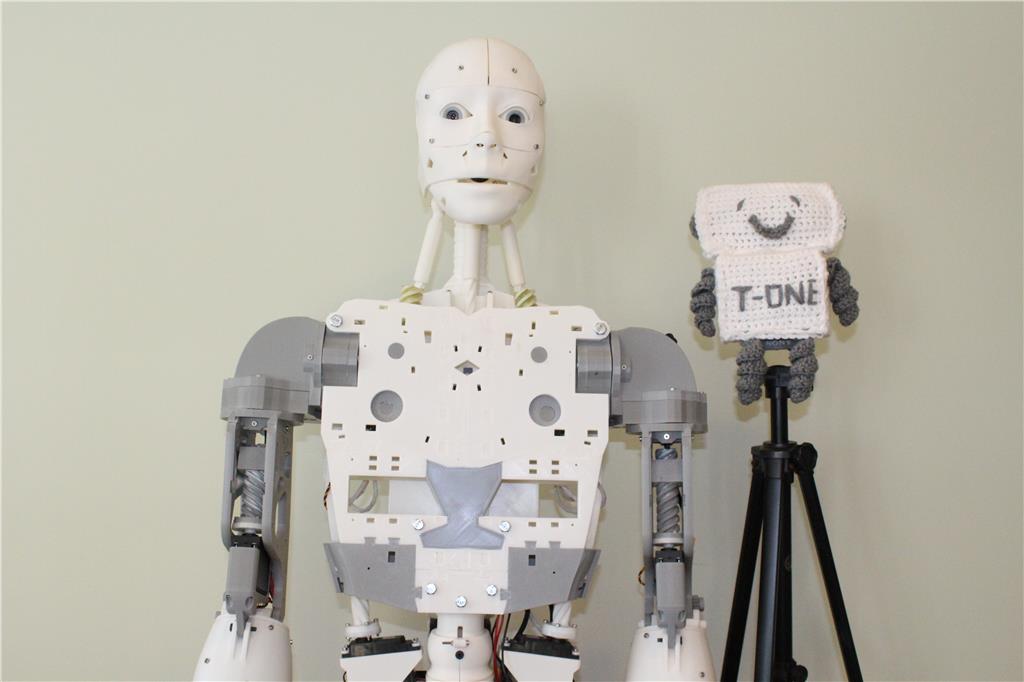
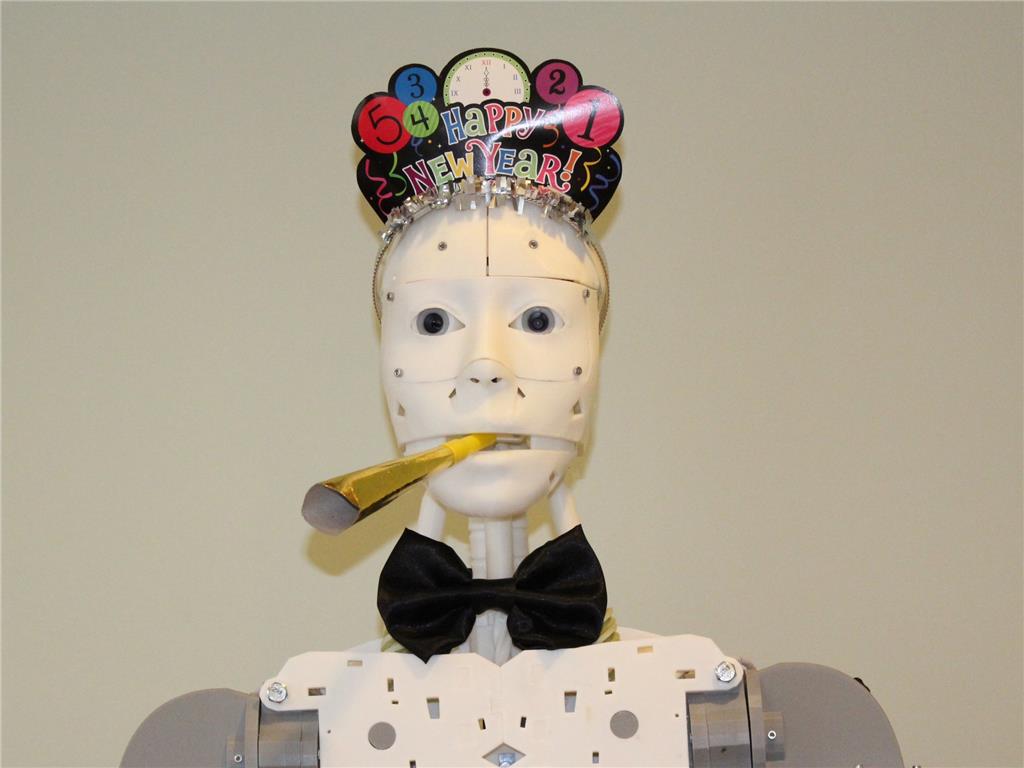
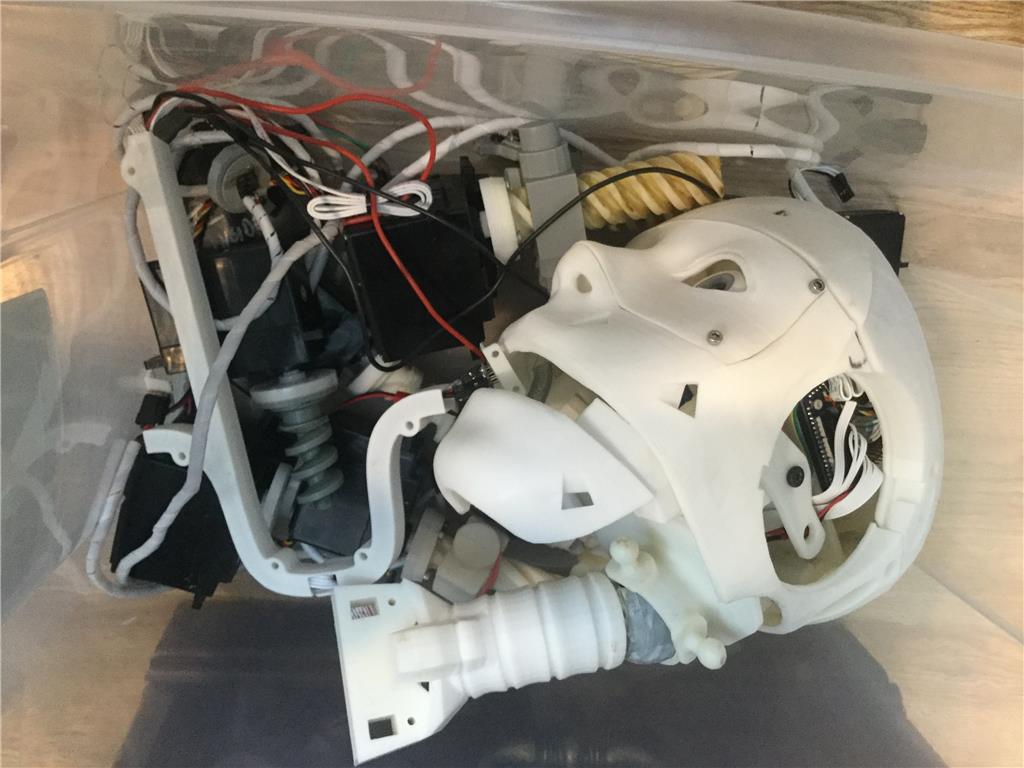
T-One has been dismantled and binned. Goodbye buddy
Hey @3dGuy,
Sorry to see T-one dismantled, it's too bad. I guess we all move onto other projects.
I was wondering if you could keep this thread titled T-One and keep your youTube videos up for the memories?
That is a sad plie of memories - you did very impressive work, maybe you are on to bigger things
Be well and safe
EzAng
I will gladly pay you for all of the parts if you want to sell him.
David McMullen [email protected]
I’m open to all offers. @mcsdaver, I’ll email you.