
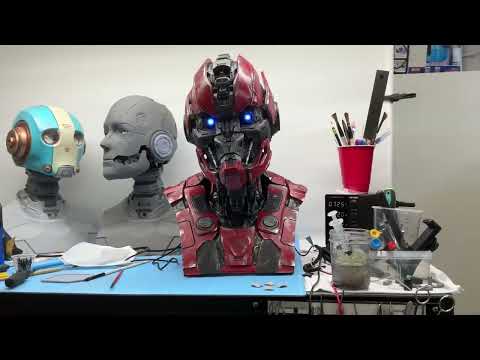
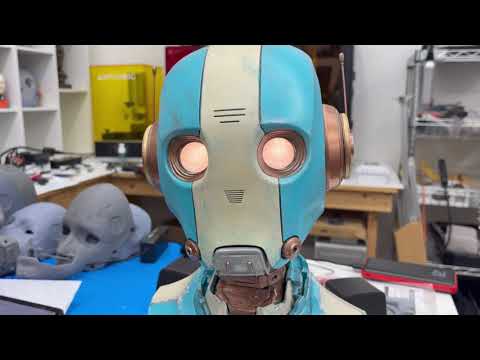
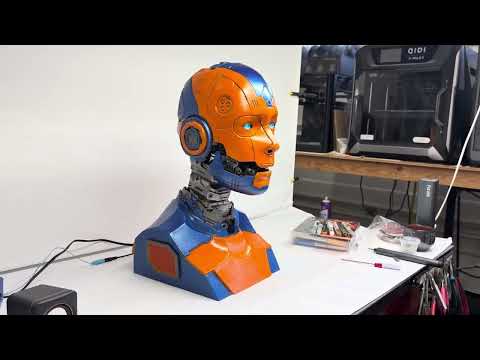
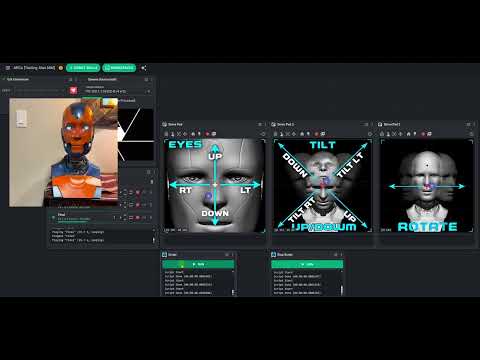

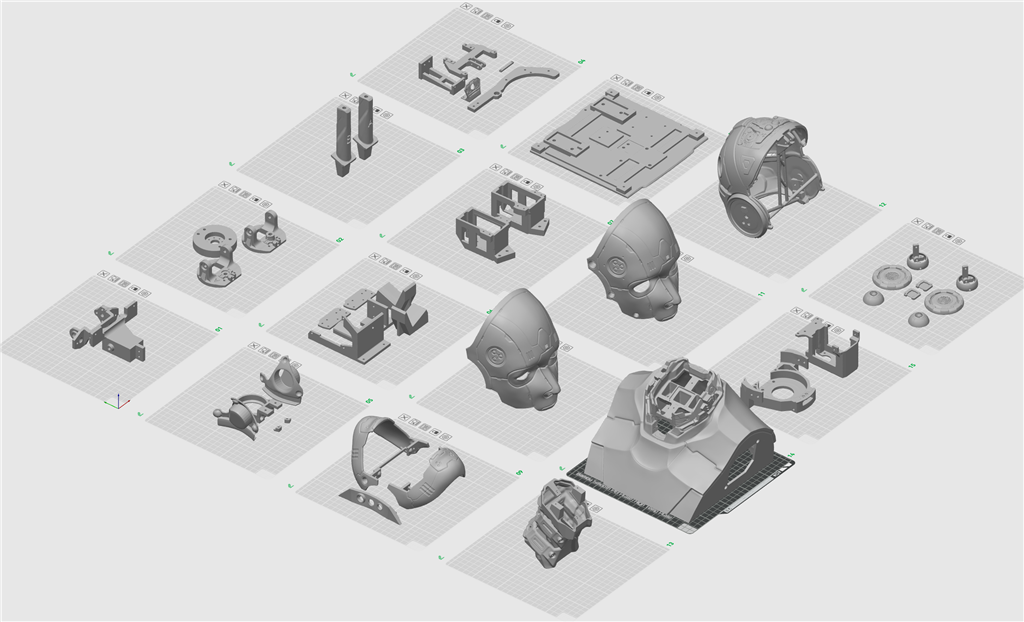
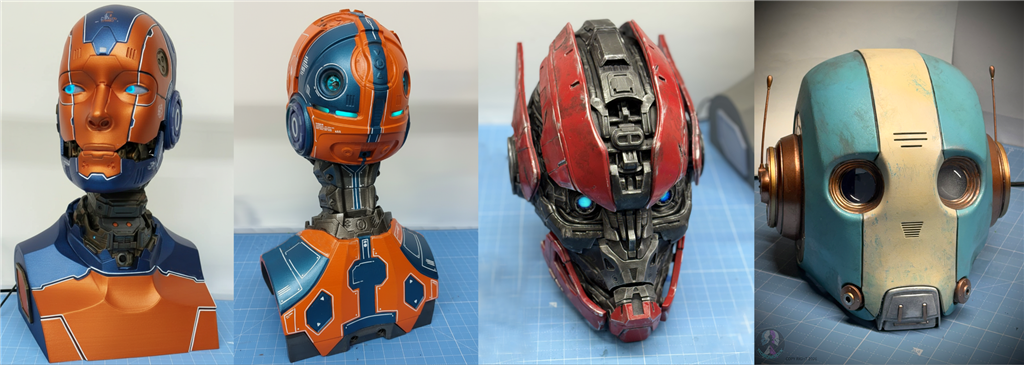
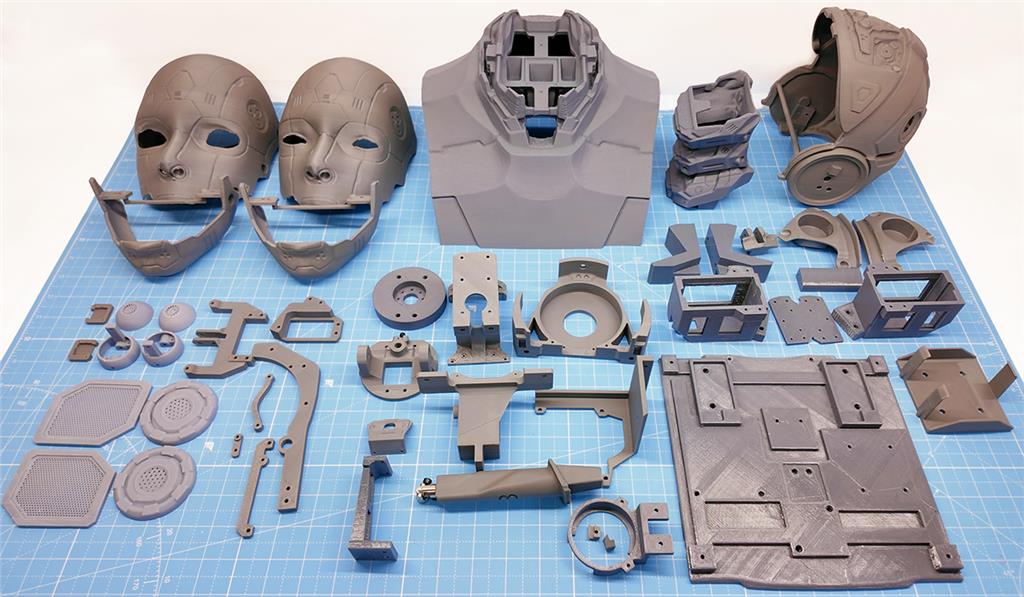
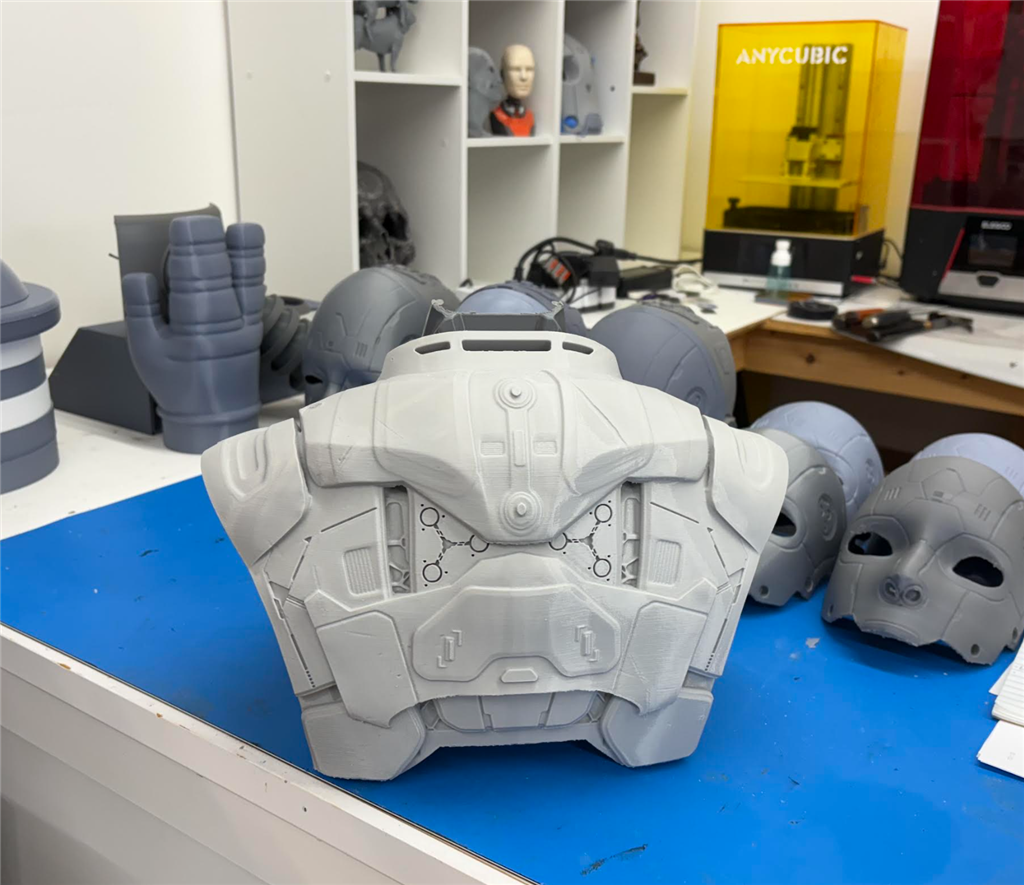
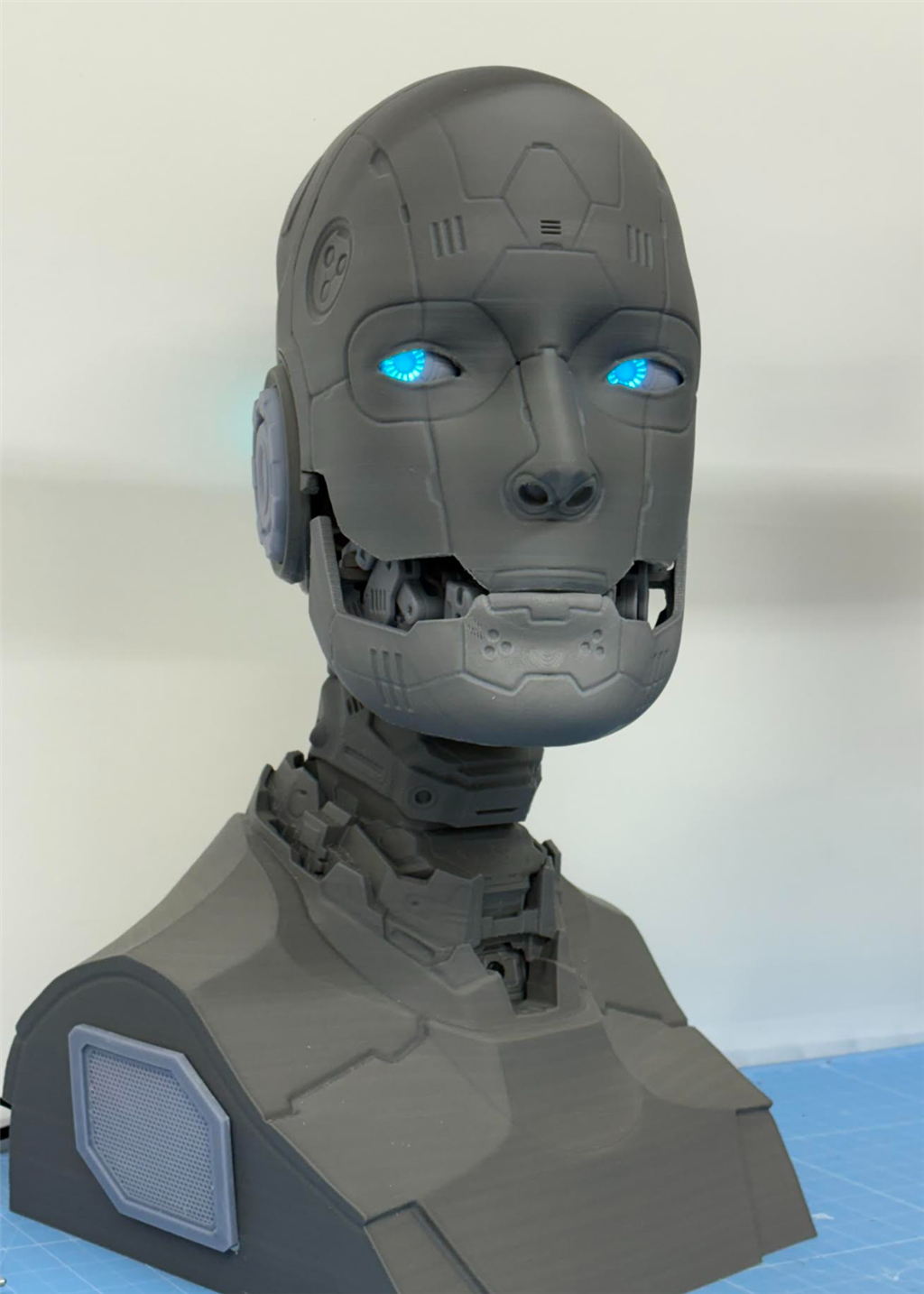
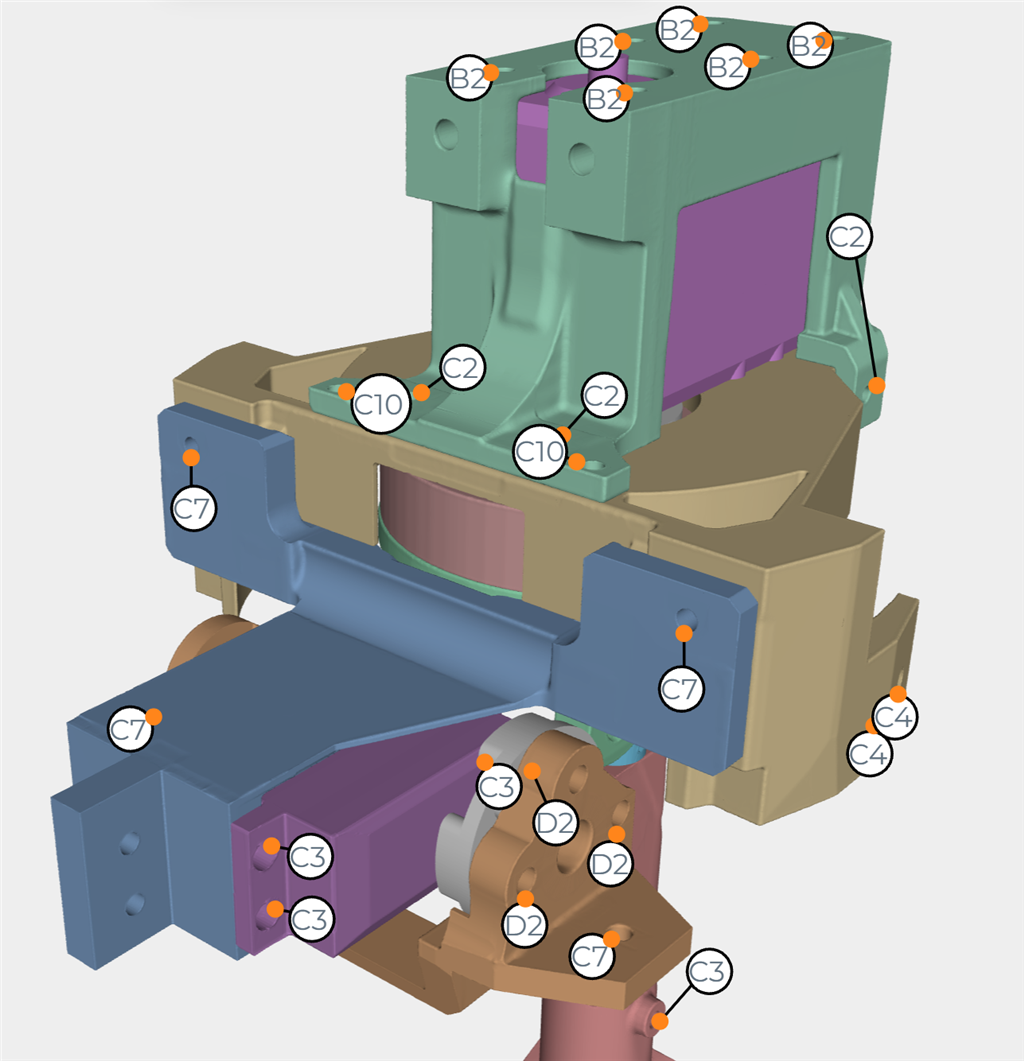
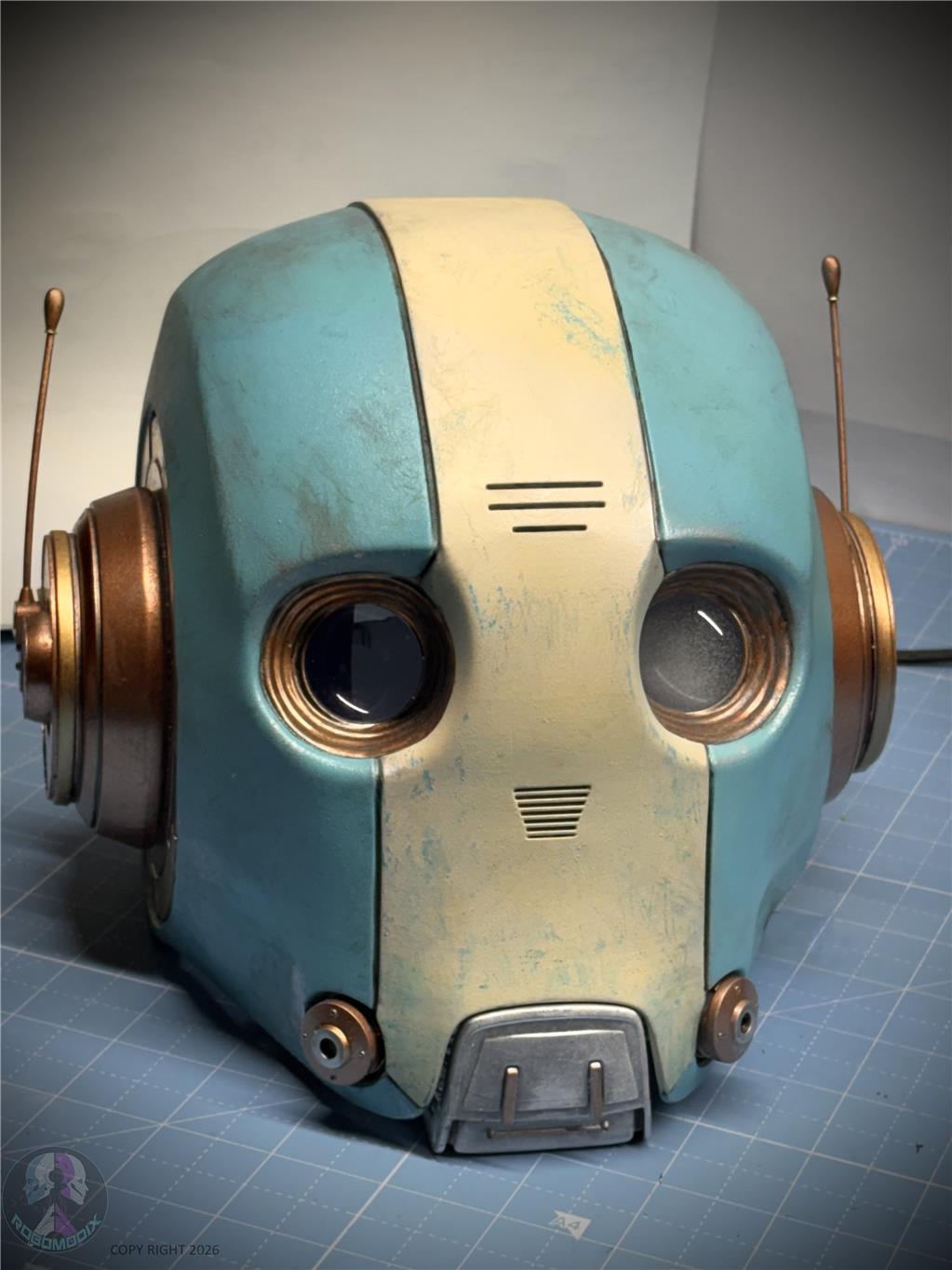
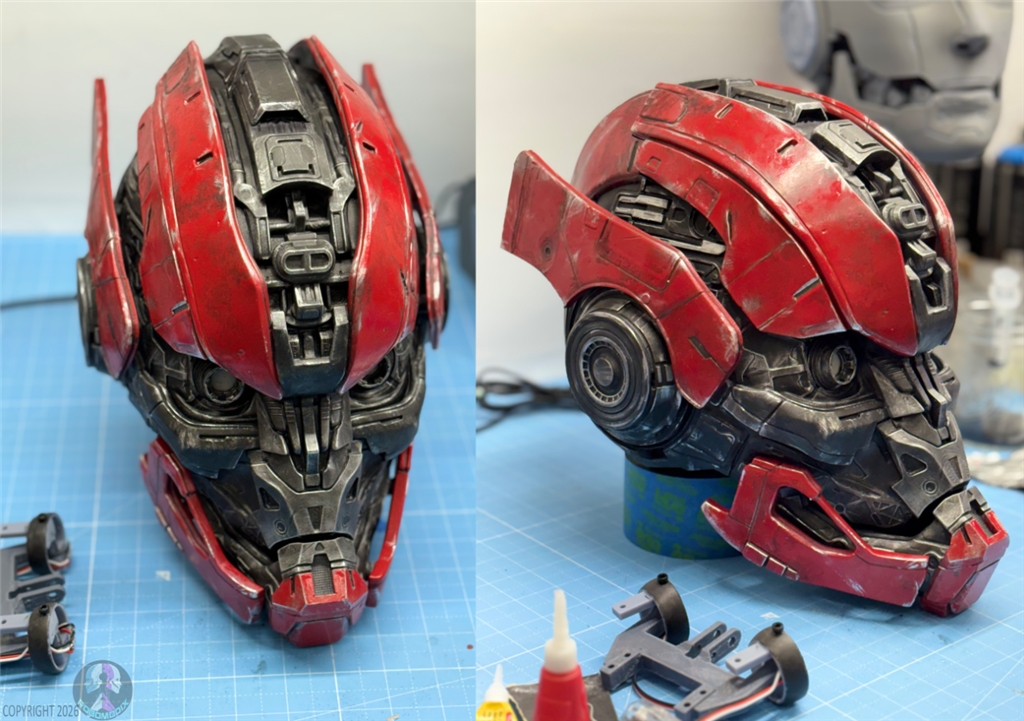
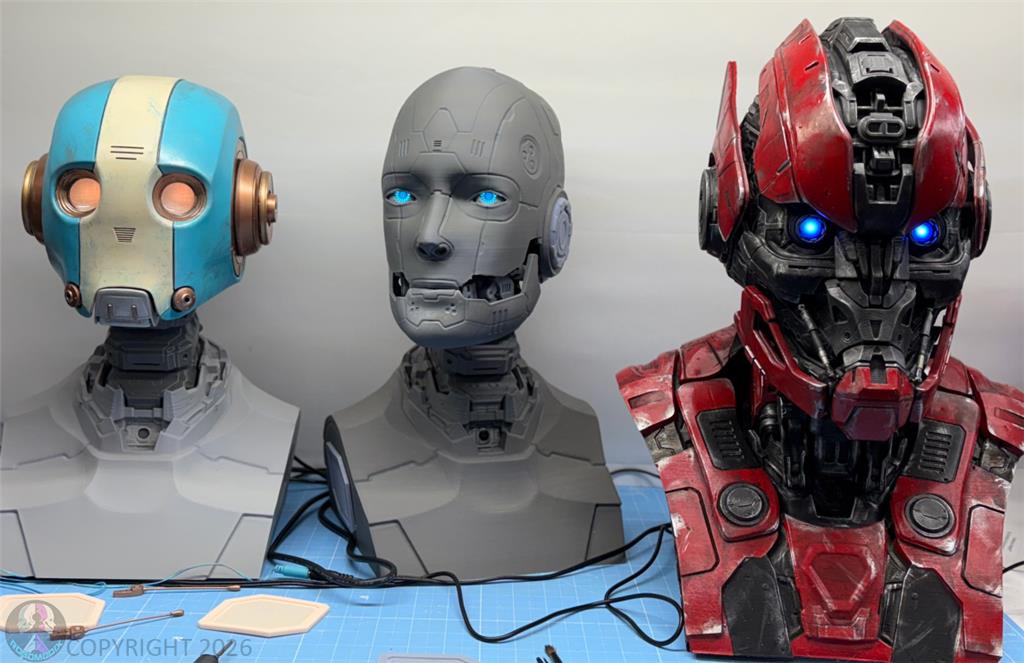
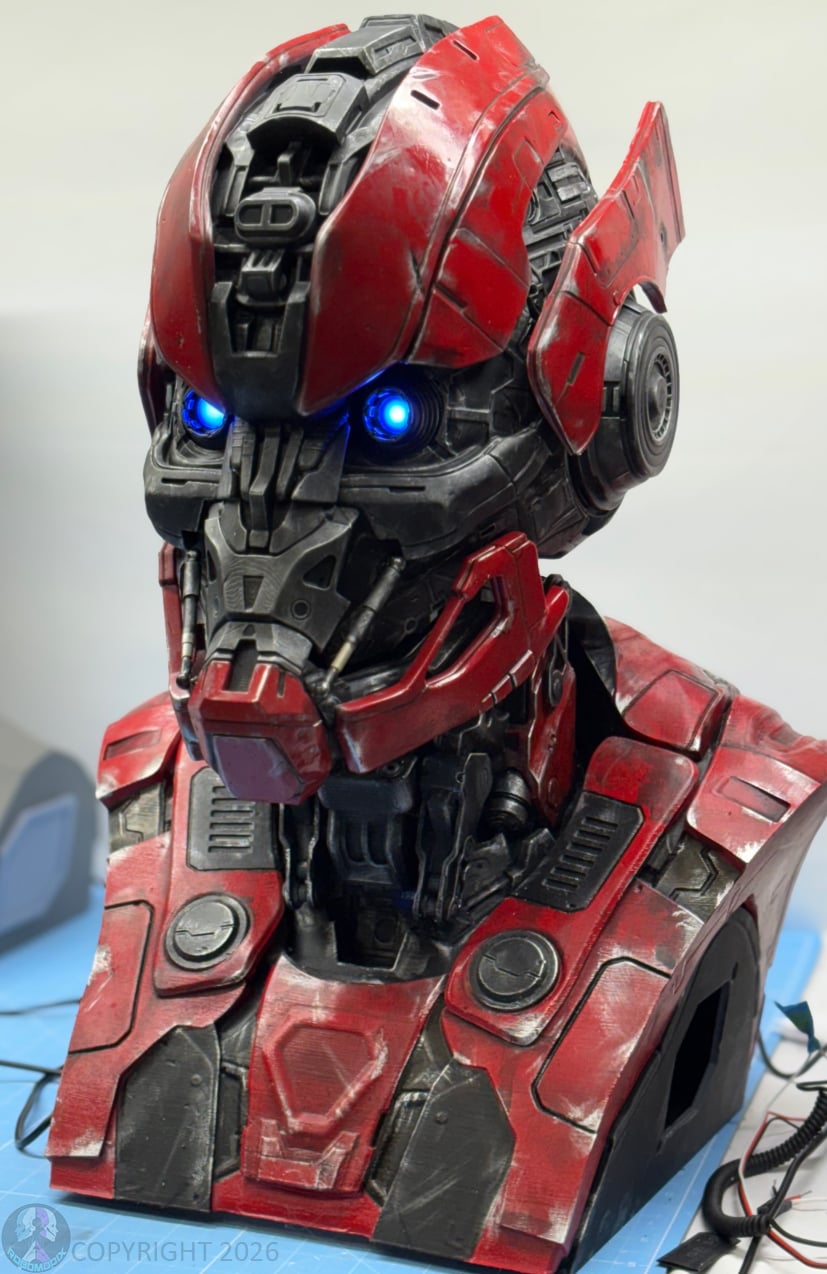
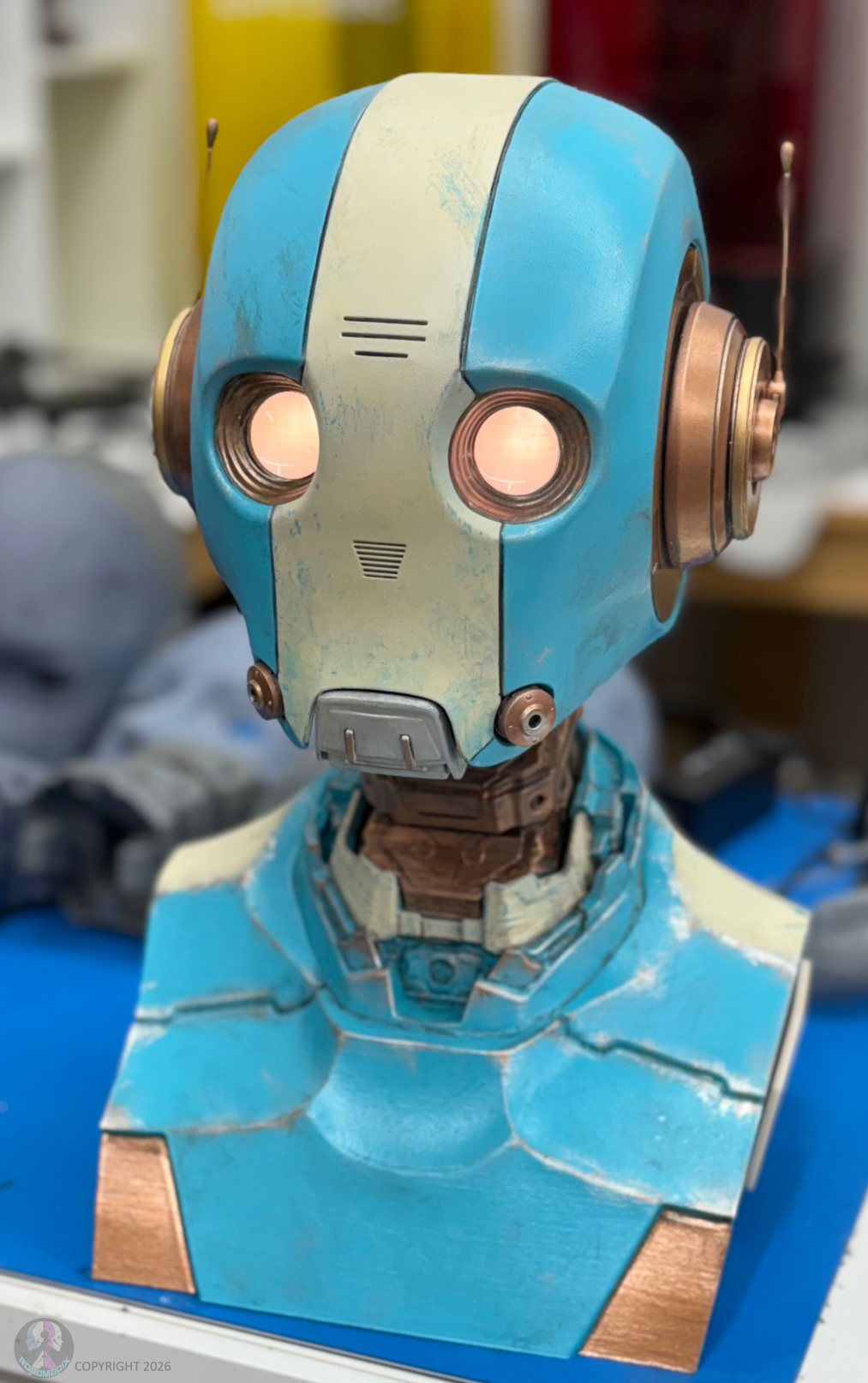
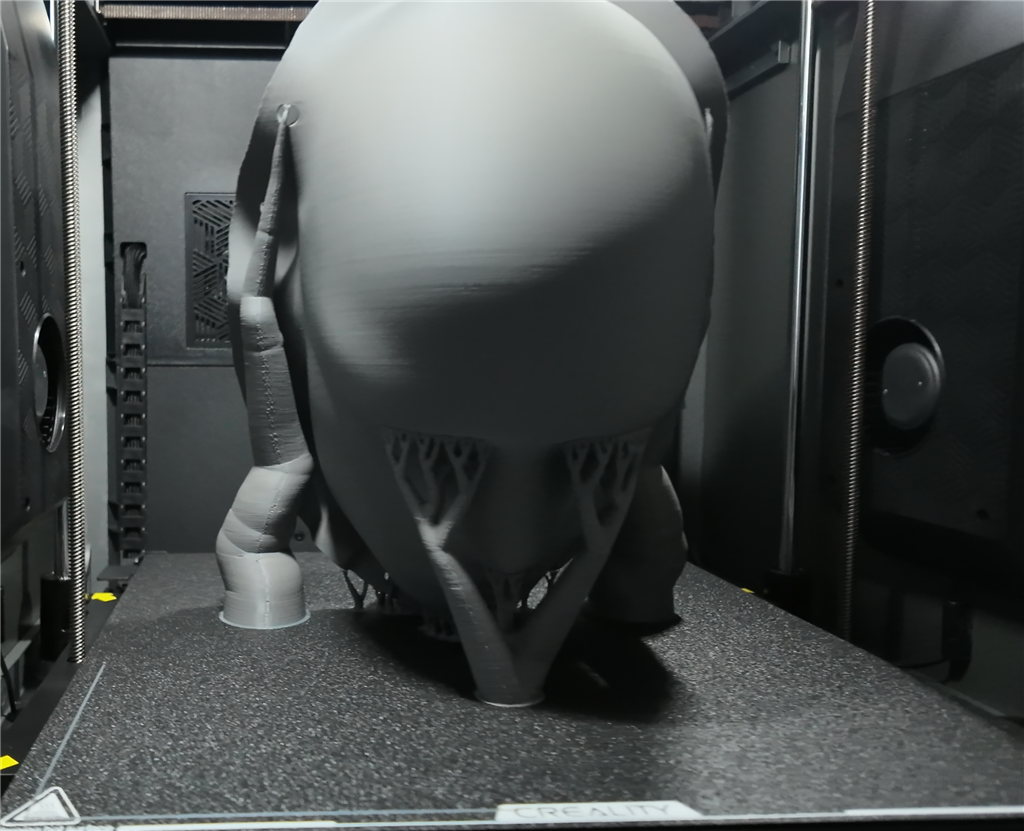
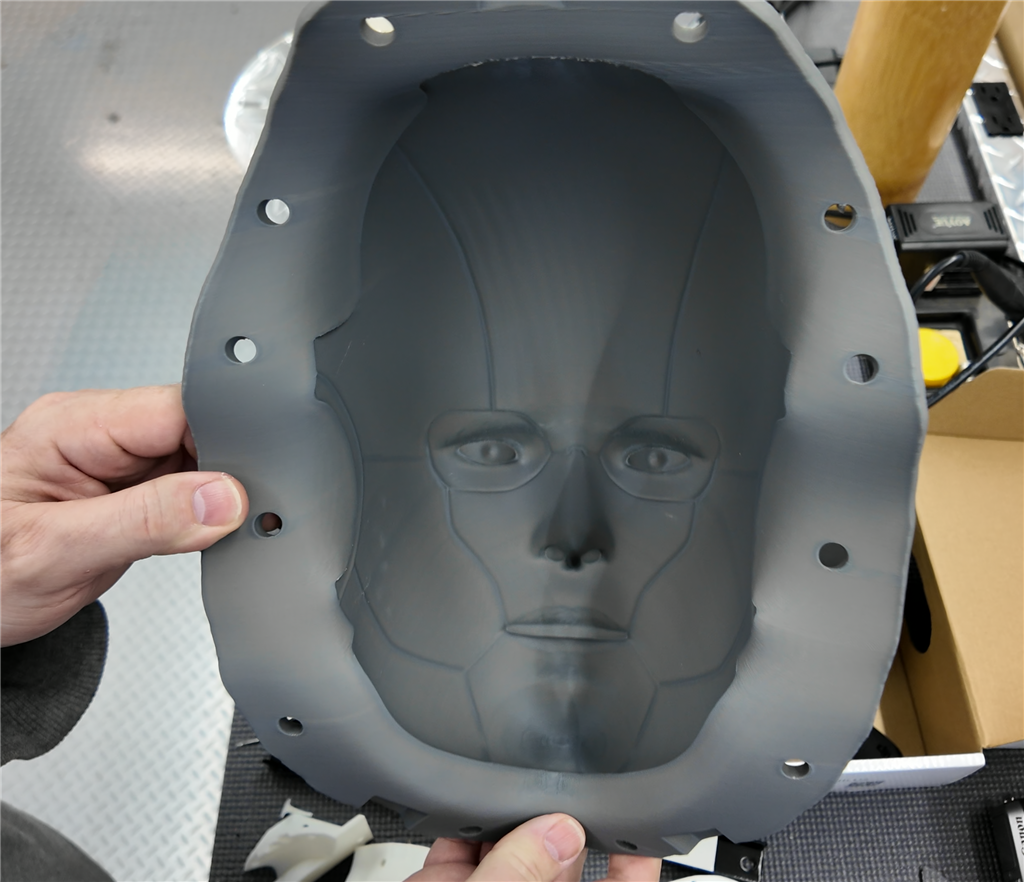
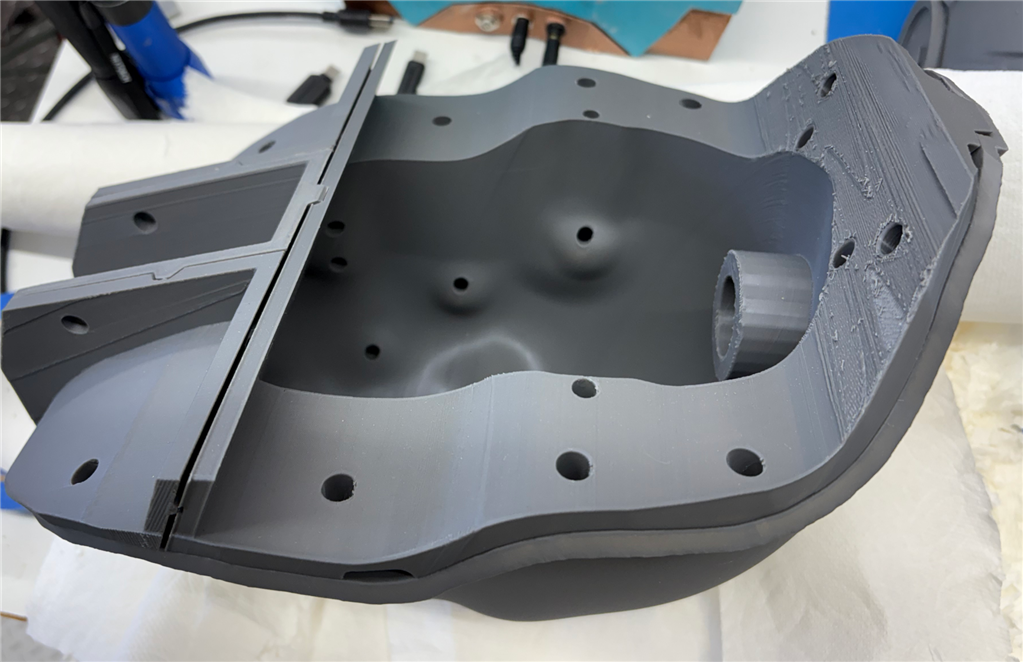
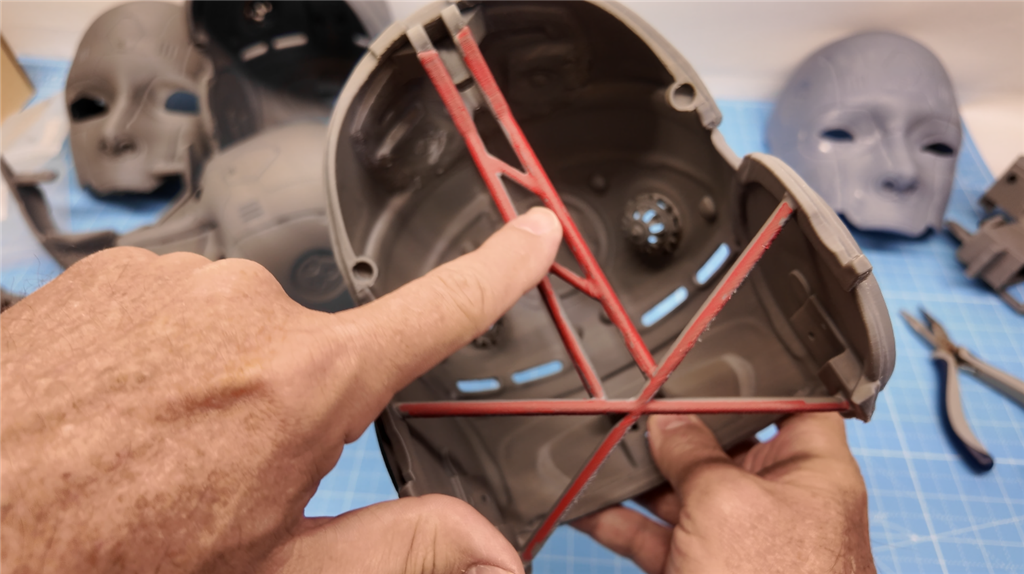
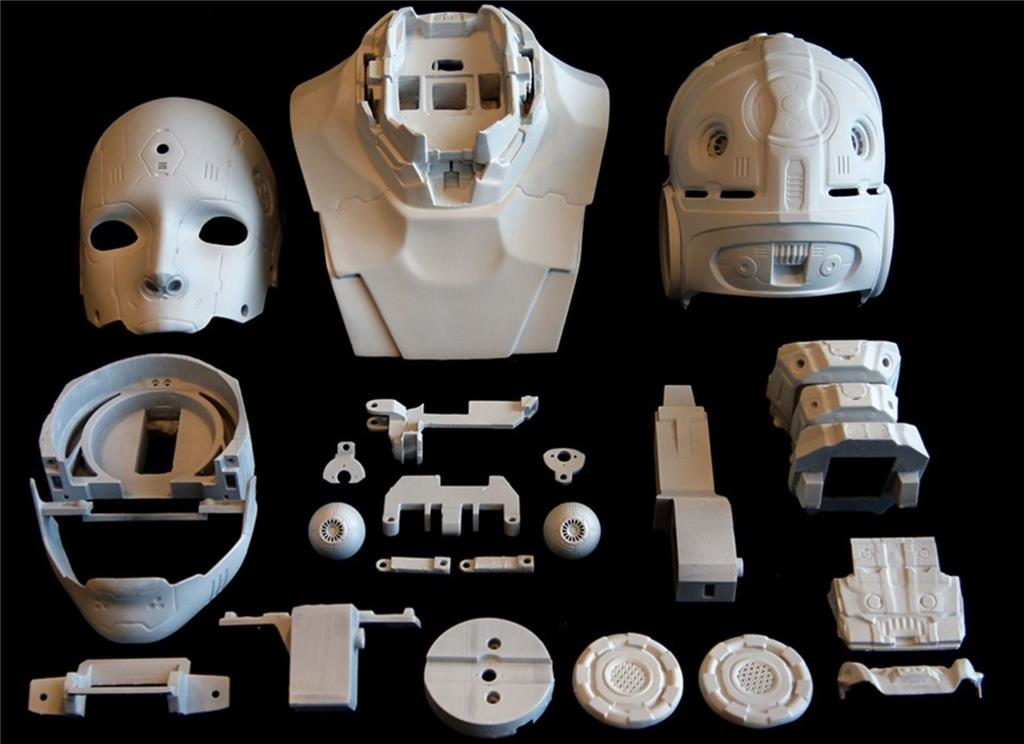
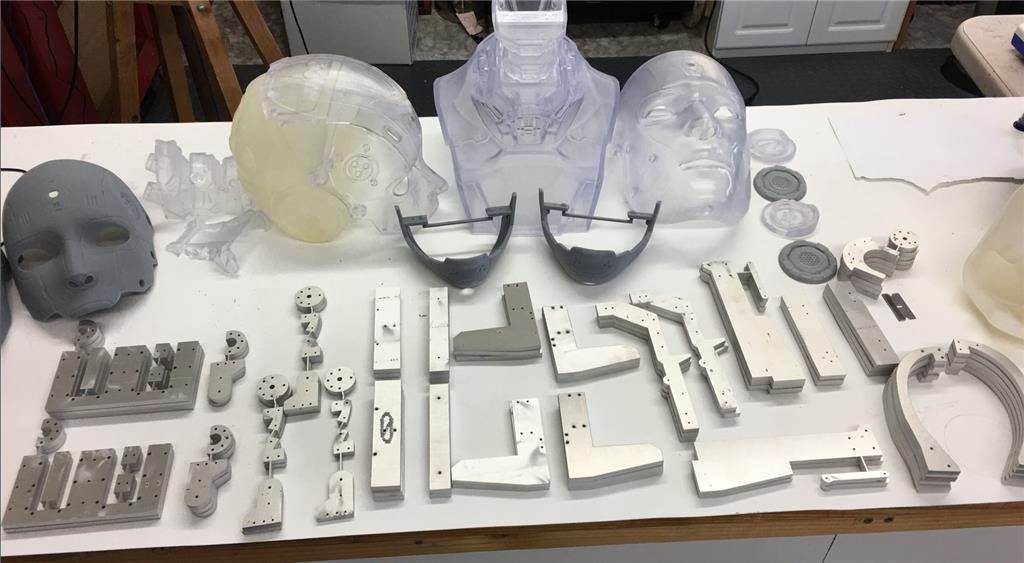
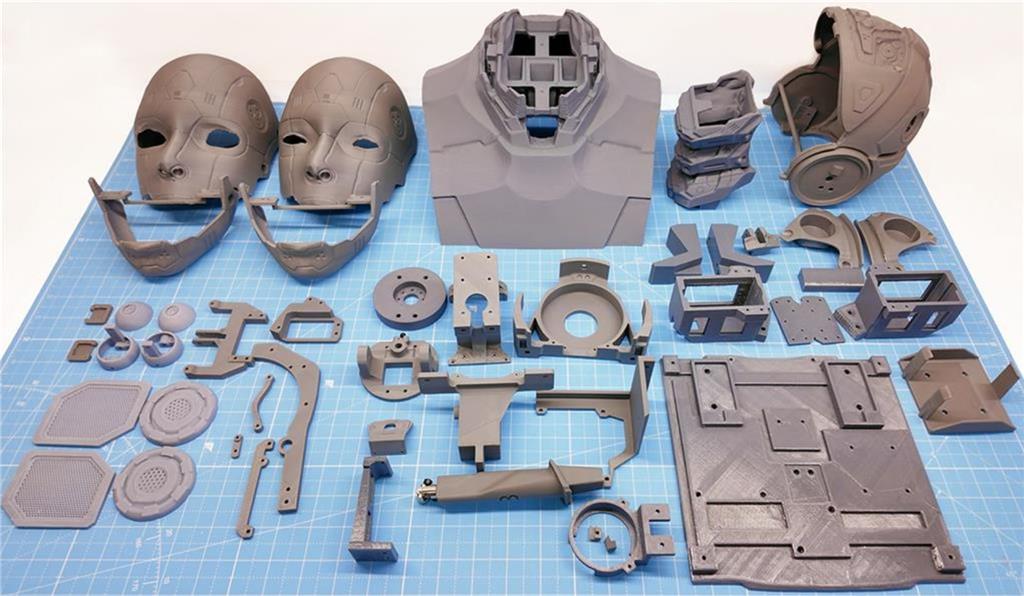
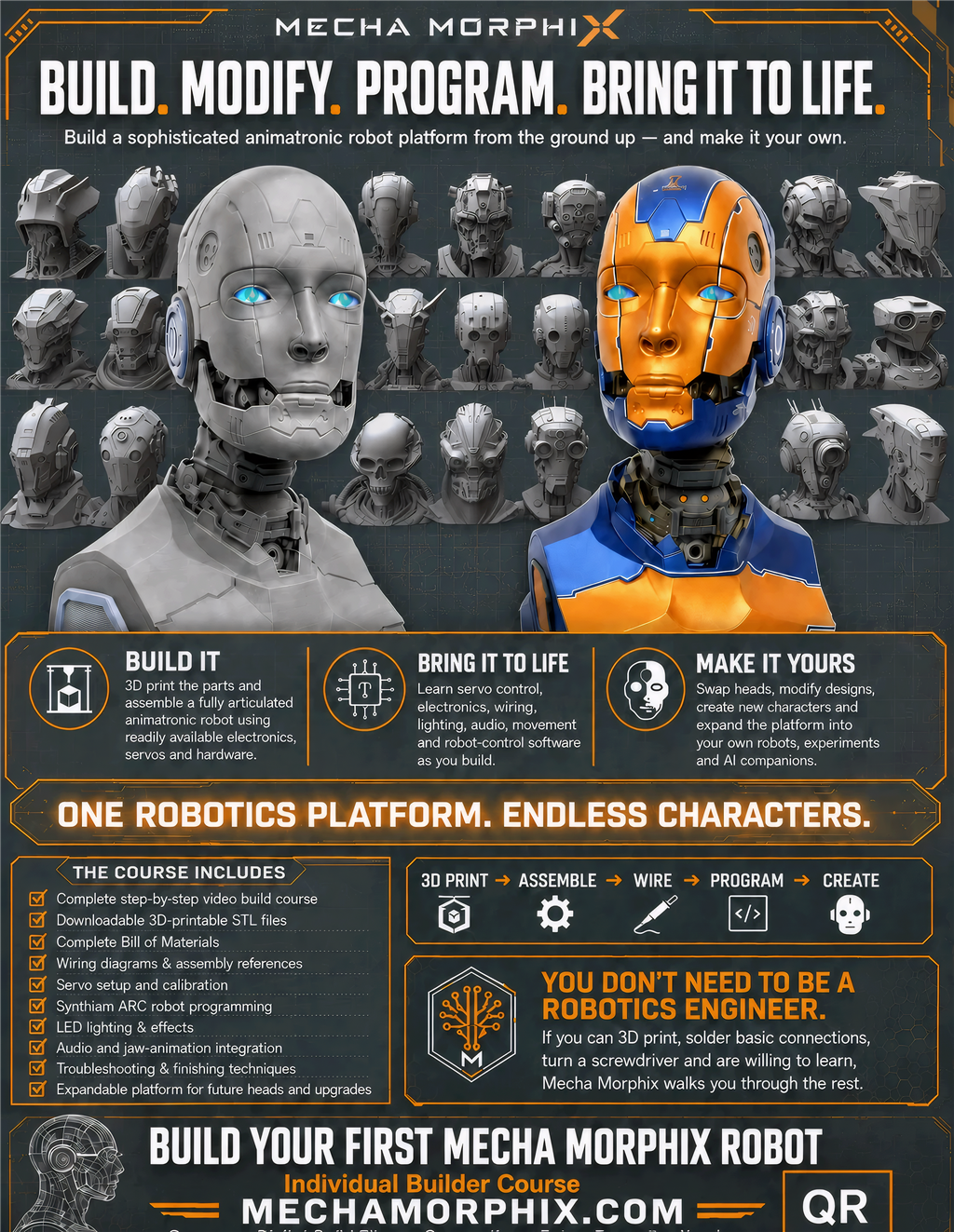
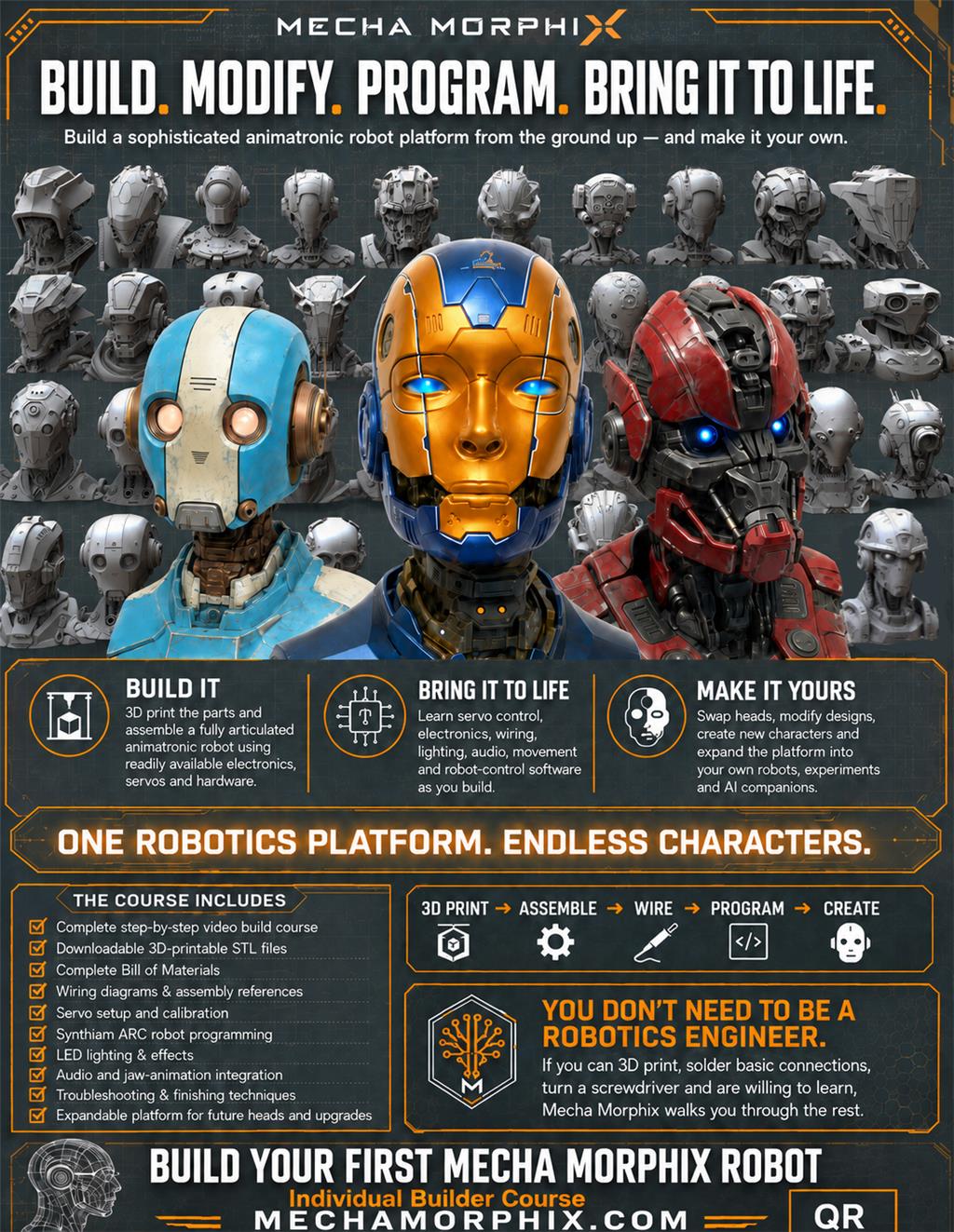
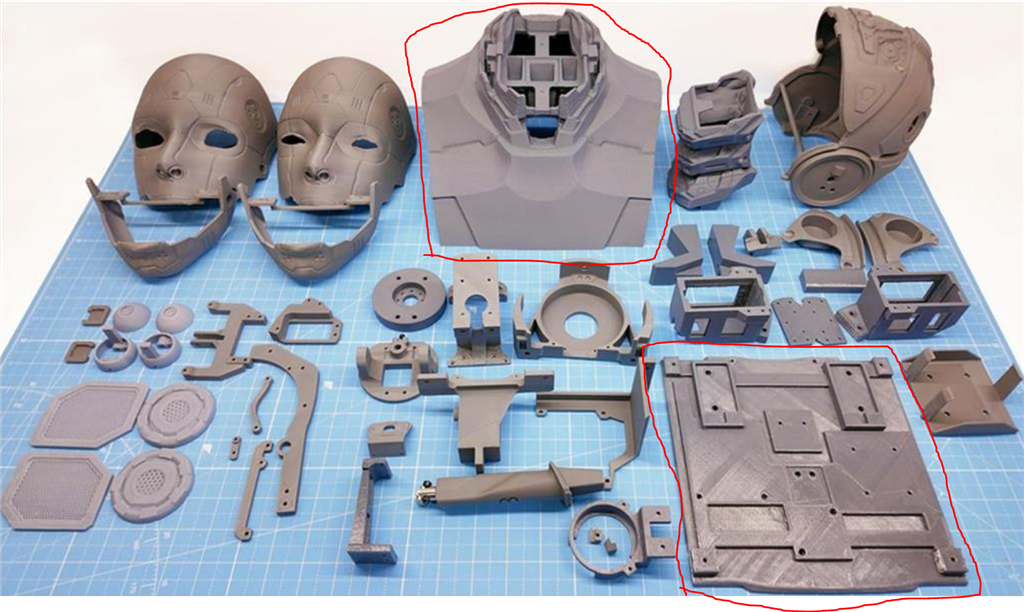
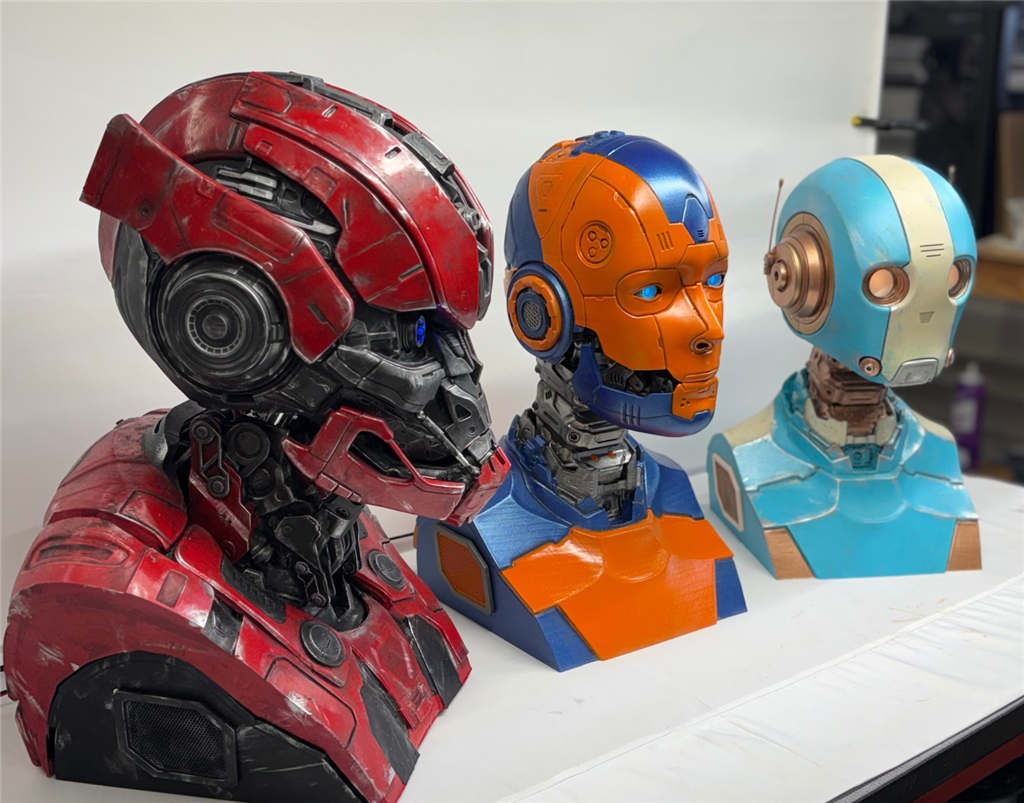
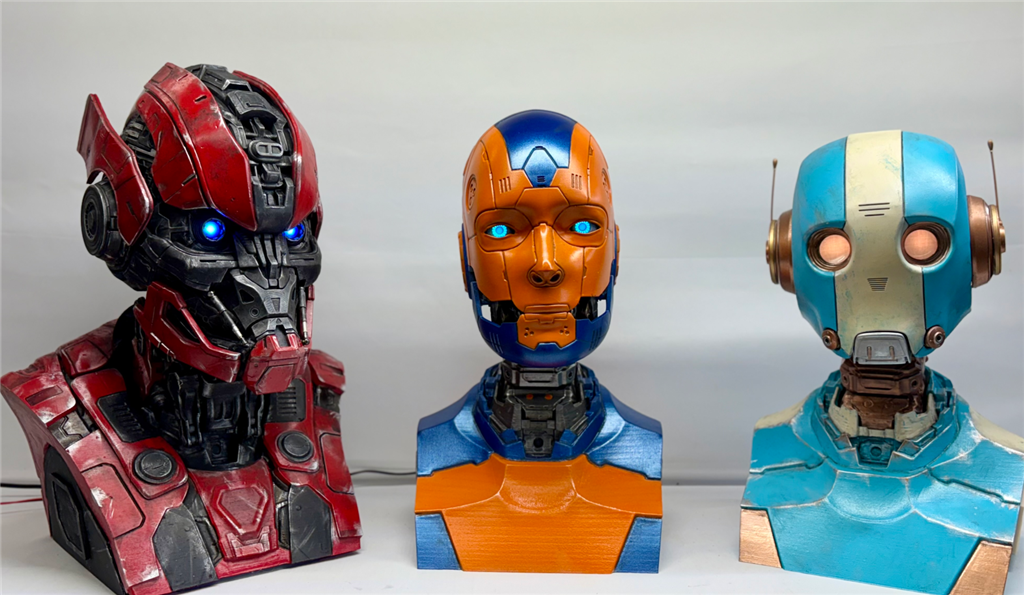
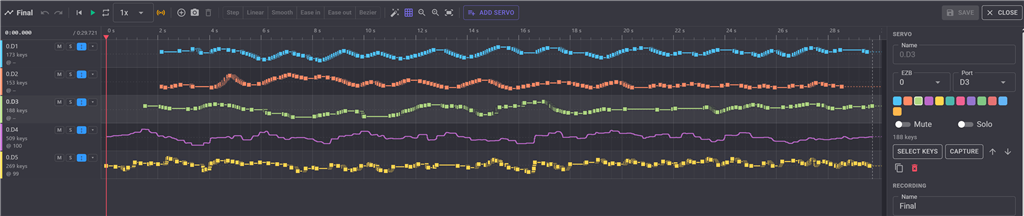
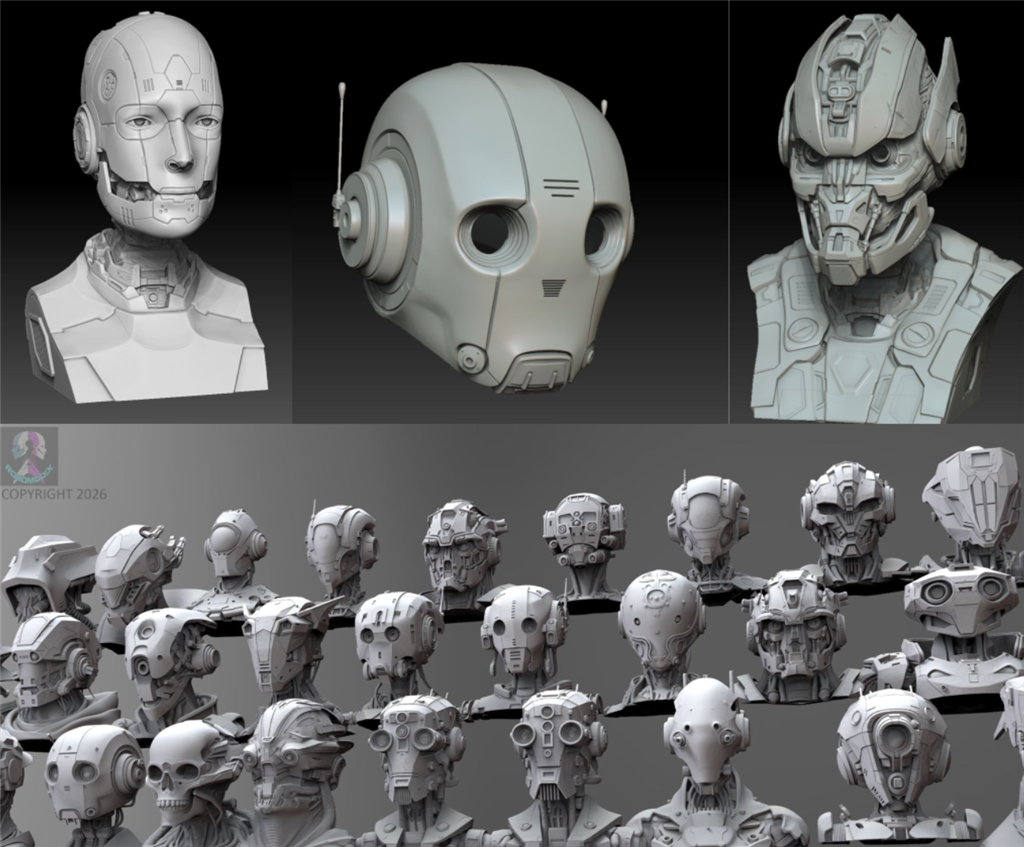
Learn robotics as you build. Course includes hours of detailed video instruction on 3d printing, assembling, wiring and programming your robot head with a detailed BOM for parts and materials. The course will guide you through the completion of the robot head ALAN, but the online store will include many new modular parts like heads, necks and shoulders to modify your robot into new characters. One platform unlimited robots.
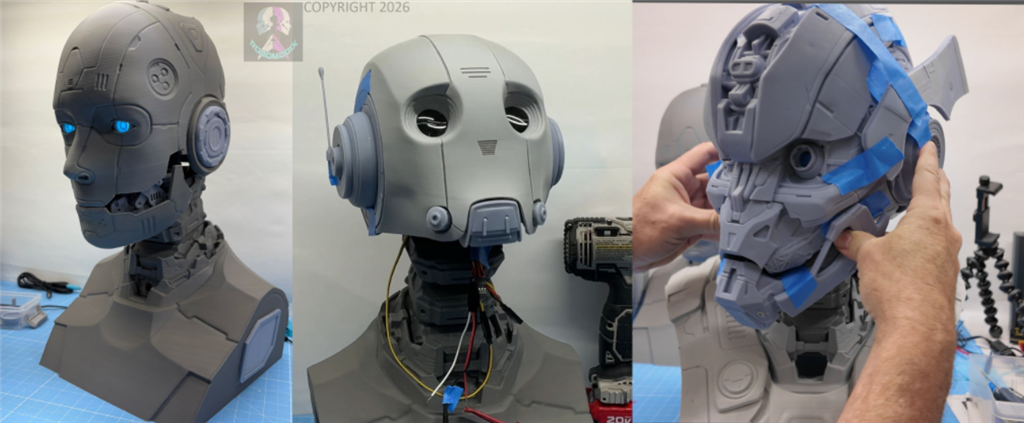
Parts & Materials
You will build using proven controllers like the EZB, IO Tiny, Arduino and ESP 32s as controllers for servo motions LEDs and camera/vision.
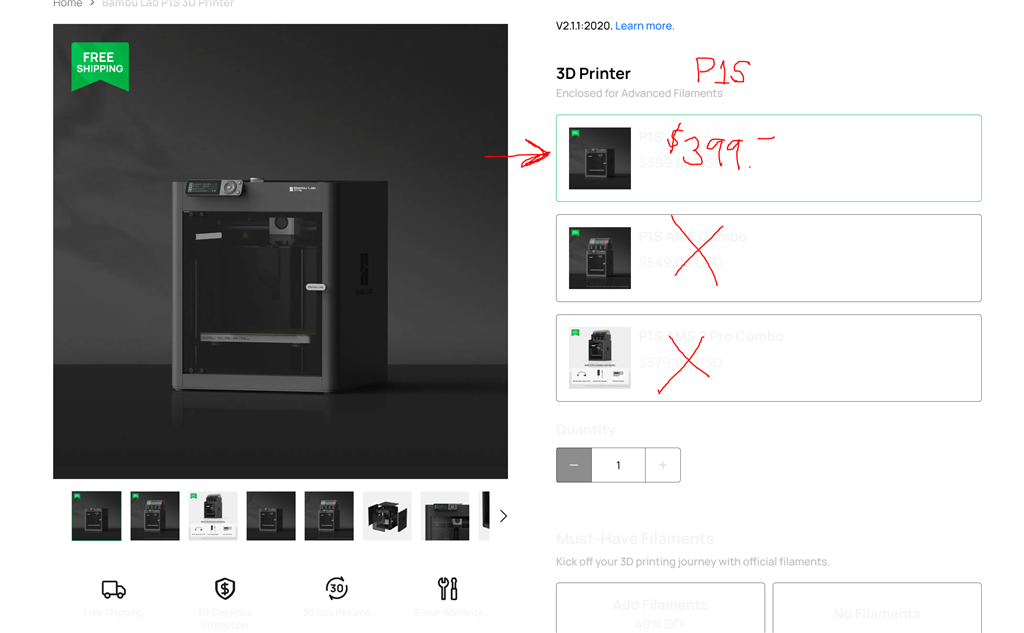
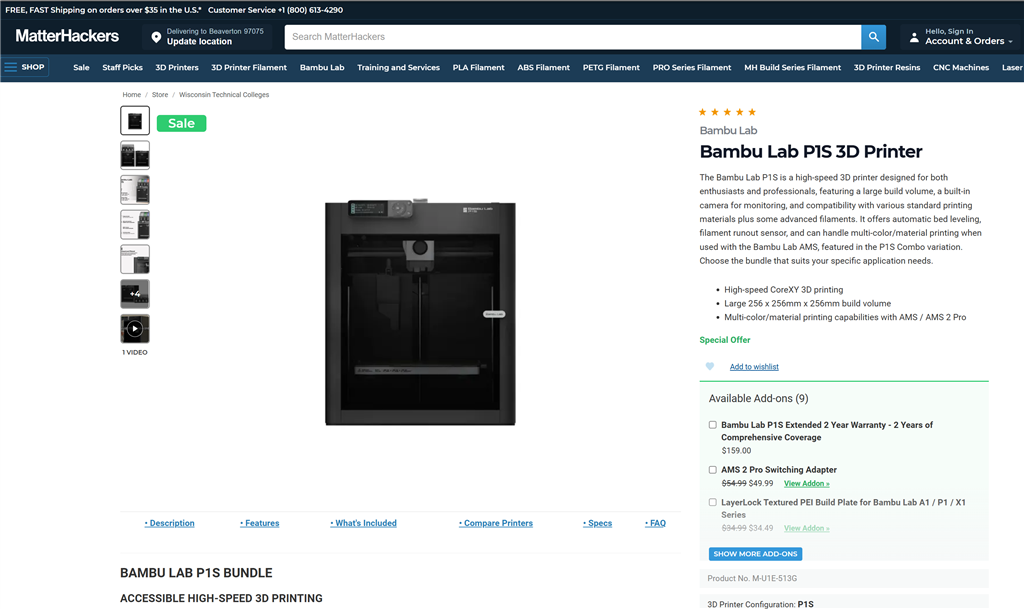
You'll need various tools including a 3D printer to produce the plastic parts, use of soldering iron, heat sinks, standard tools like wrenches etc. If you are a DIY builder you will have alot of the tools and parts needed.





Discover more robots
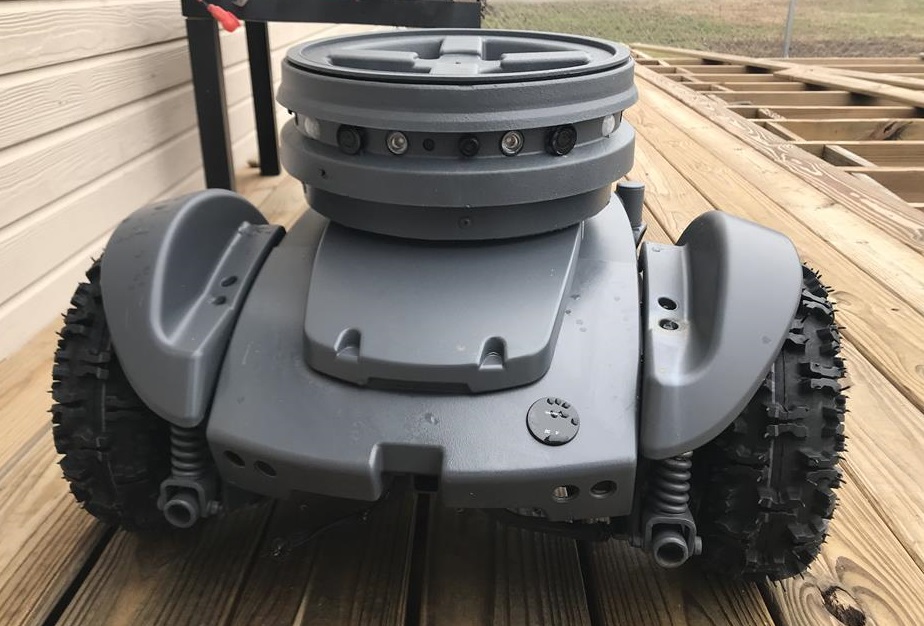
Jstarne1's Security Cam Robot, This Droid Is Watching For...
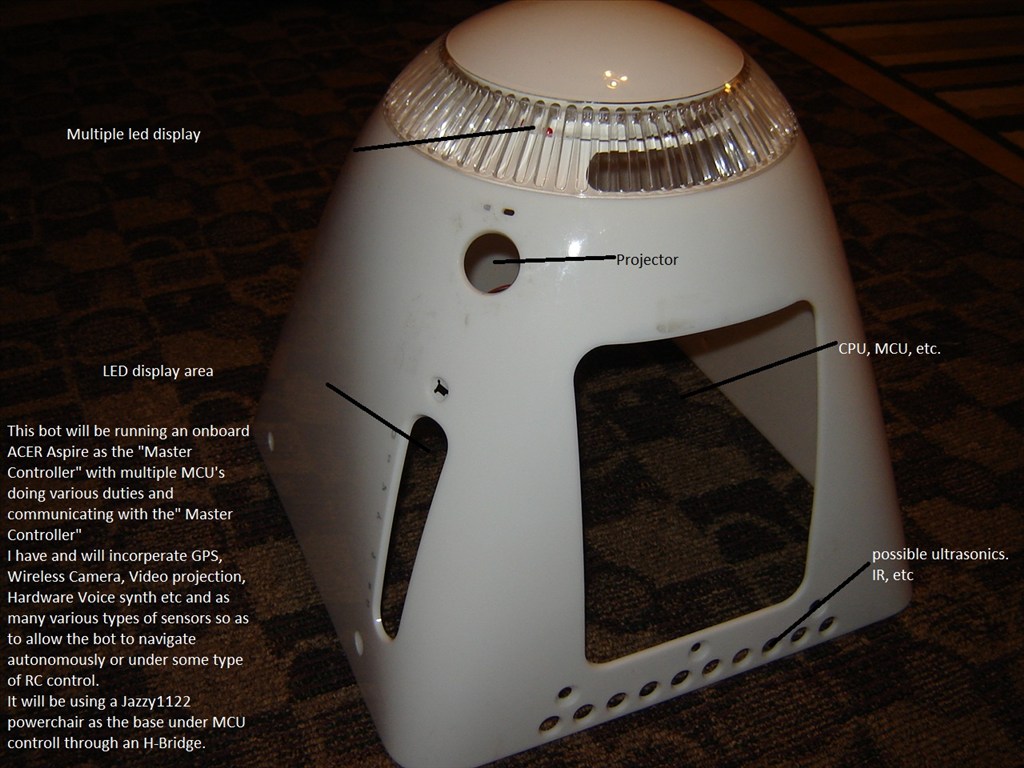
Putt's Bigmack


@Frxtst, to answer your question no piper and whisper and Vosk do not work that way. But my code has both a wake word subsystem and a stop word subsystem where it tell it what stop words I can use. Like Stop, Stop Talking, Abort, and so on.
The Jetson only has 8gig of ram. So you need to keep things lightweight. Piper is fast and lightweight. Whisper is not as lightweight as Vosk but its translation is pretty good using a small model. The Jetson having cuda cores helps a great deal as I load whisper model in the cores along with the LLM. I can tell the robot to tell me a 1000 word Star Wars story and within 2 seconds it starts telling me the story while it is still generating it.
I use openwakeword and created my own wake word models so I can use Johnny or XJ5 to wake him up. I also created a personality mode that I can turn on and the robot starts a conversation if he knows you are in the room based on VAD and vision sensors. Based on no activity which is kind of fun. My wife freaks out when she walks by and he starts talking to her.
I will have to look at what you are using to see if it is a better mouse trap. Some stuff is not supported on the Jetson hardware.
What hardware are you using on the robot?
Use autonomous ai robot skill and point it to a local LLM. That's the easiest and most powerful way - plus it adds the configurability that your users are looking for.
If your idea is to host a model for others to use for free, you can do that as well - but without charging a subscription the costs will add up.
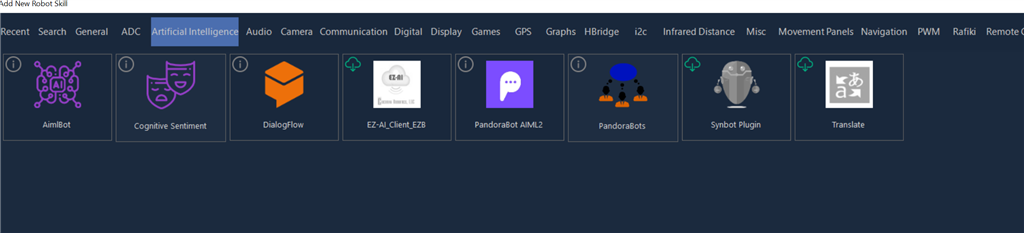
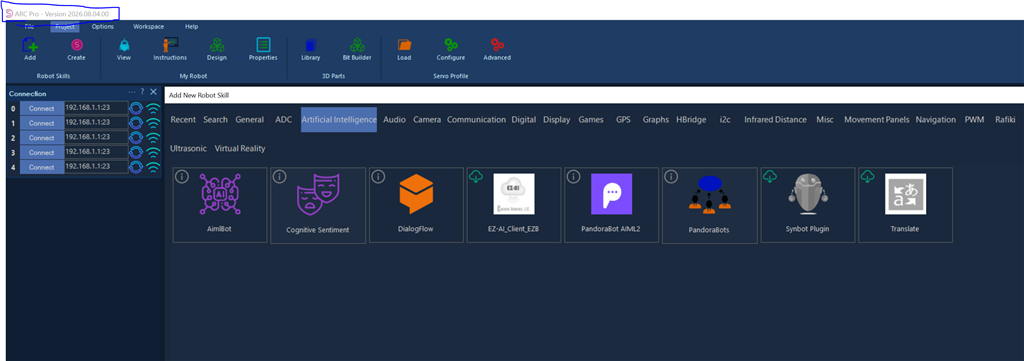
@DJ I do not find this skill in my most current version of ARC.
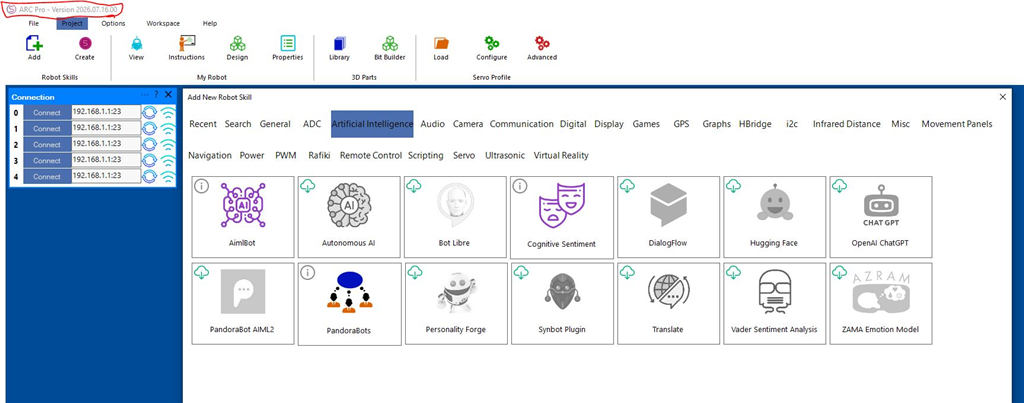
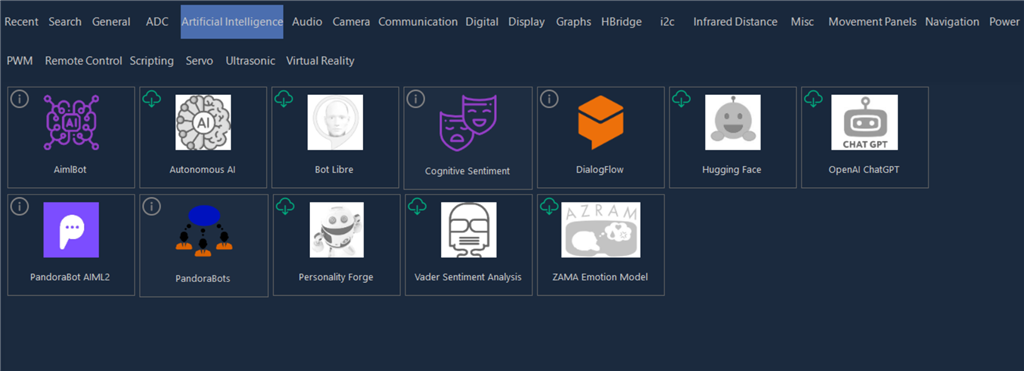
That's weird Will. I have it listed in my Artificial Intelligence tab. I also have about 8 other skills listed in there that you don't have.
Really?! That is weird! Maybe I’ll uninstall and reinstall. Thanks for chiming in Dave.
Newp. Uninstalled-rebooted- reinstalled. Still same thing. No Autonomous AI. This making me upset. What other AI skills do you have @Dave? (8 more?!). Are you on the latest version?
UPDATE.....
OK so i have an older version on laptop and its displaying correctly. So its either a version issue or a scaling issue on my desktop. I thought 4k screens issue had been resolved a while back...thats why i am scratching my head.
Interesting - I’ve seen it happen before. Usually from a corrupt library. There’s a support document that has simple instructions to reset the robot skill library: Syncing and Updating Robot Skills - Robot Skills - Using ARC - Support - Synthiam
But even before doing those steps, there’s a force robot skill update option in the tip menu. It might be under the robot skills tab or help tab. I’m not near a computer right now
@DJ for the win! The file was dated 3/29/20! Deleted and reran and it updated the skills. The list is now complete. Thanks!