
 Resolved by

-635894036983047212.png)
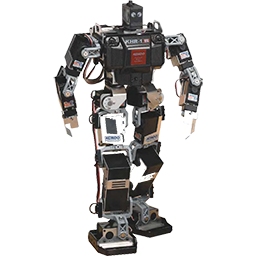
In various instances with my students' JD, when they attempt to use the Basic servo Fine Tune interface, they get the message "There is no Auto Position to use the basic fine tune interface. Use the advanced interface until an AutoPosition has been created. Closing..."
I am trying to create an AutoPosition profile, but have not had any luck. I have used the Advanced servo Fine Tune to create a profile, but I cannot get the one created to be the AutoPosition profile. What is the secret to setting one of the advanced servo profiles to be the AutoPosition profile? The students (and myself) much prefer to use the Basic servo Fine Tune interface because of its ease of use.

Excellent I know updating can be a pain, but it does mean great new teaching tools, such as RoboScratch. Here's the intro tutorial on it: https://synthiam.com/Tutorials/Lesson/73
Isn't robotics fun?
Absolutely!