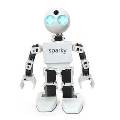
hello i'm buy revolution jd...i don't understand to create a new seguence program and to send a program to robot
manuel
 Ultrasonic Collision Detection
— Stops robot movement (no steering) when an EZB-connected ultrasonic sensor detects an object within a set range; integrates with scripting and paused polling.
Try it →
Ultrasonic Collision Detection
— Stops robot movement (no steering) when an EZB-connected ultrasonic sensor detects an object within a set range; integrates with scripting and paused polling.
Try it →
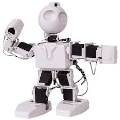
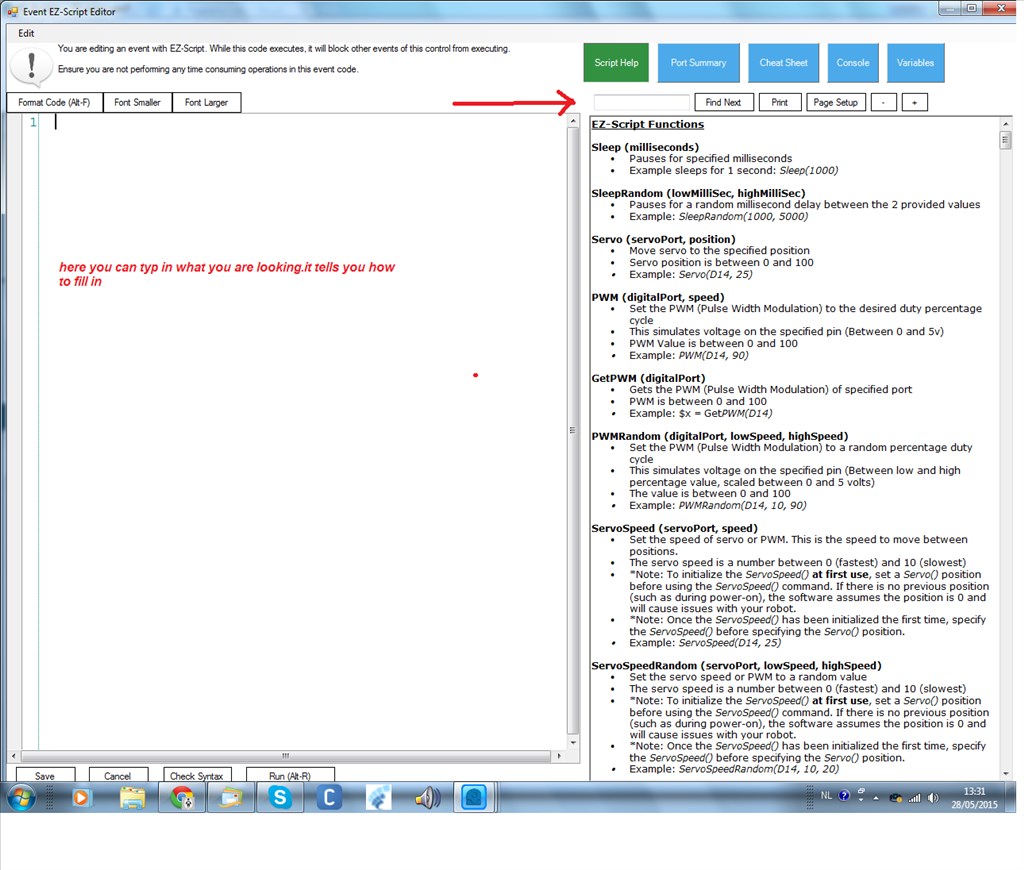
hello i'm buy revolution jd...i don't understand to create a new seguence program and to send a program to robot
manuel

@Sipddy1.
Nomad has given you some good advice, but in case you haven't seen it, I've posted a video below from the ARC Manual that explains the "Auto Positioner" control very well, and goes through how to add frames, actions, and to make a sequence which may hopefully help you further. It also shows you how to add a script to your action/sequence's.