









Hello gang!
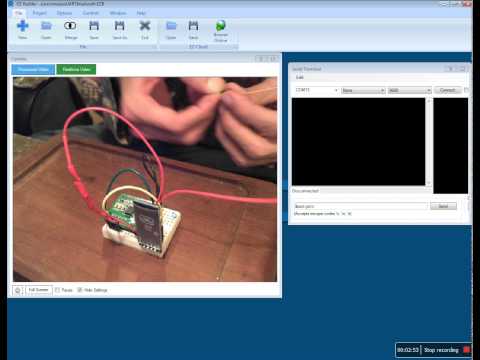
I had an idea this morning and put together this little project. I have a few Sure Compasses around and wanted to see ways to use them.
The video is simple and explains how to use it.
If you have any questions post them here and I will answer them.

Cool! I need to look into that serial terminal....
Nice video!
Luis love seeing your video's. Every time you post I wonder what did he come up with now ... lol. Please keep them coming. We can never have enough things to put on our bots.
Well done! Thanks for the tutorial.
Great demo, now I'm thinking what I can use this for?
Keep them coming!
Thank you all, Glad to know someone is interested in this type of stuff.
I'm working on a shoe string budget and am always looking for ways to hack or re purpose things I find.
I have just hacked a cheep LCD (2 line display) you know the cheep ones that come with Arduino kits and the like, to work with the EZB4, Using 2 pins a ground and an unregulated voltage line.
Soon as I can create schematics for it I will be posting a video.
I tested last night and It works great.
I enjoyed that video Luis.
Something else to consider is if you made say an arduino robot with a Bluetooth radio, your EZb robot could wirelessly command it. Your robot could have a robot.
I forgot to ask, how do you like that compass overall? Does it only return degrees that you would need to convert to directions (N,S,E,W) or can it already return those values as well?