







does any has a foto how to connect the wires from roli on ezbv4. i have a purple color green black blue white grey and power red/black cant find a tutorial with these colors.
Asked
— Edited
5 Participants

faengelm
thanks for the tip.
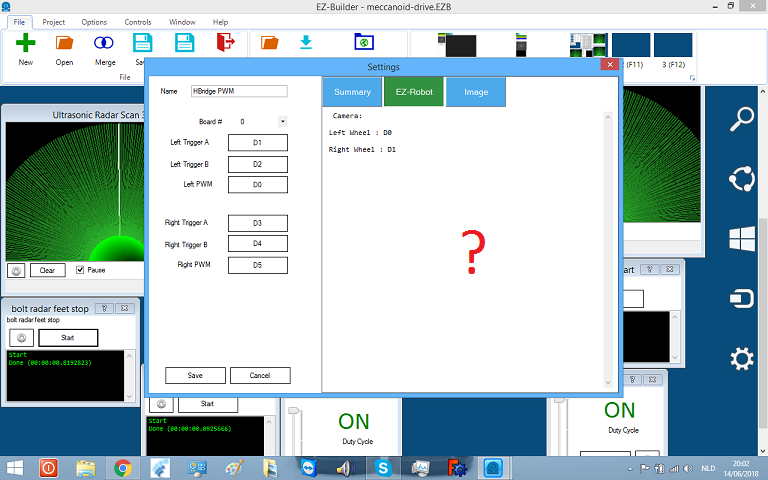
sorry to bring this up again.stil have problems with the H-bridge . mine left go's right and visa versa.only forwart and backwart is good. is this pic correct ?
Hello @Nomad,
Yes, both pictures are correct.
hi jeremie
i connected it same as in pic.same colors.
so is this pic correct?
thank you
Yes, those are the correct ports for Roli.
Use this picture as reference to see if the motors are connected to the correct side of the H-Bridge:
Left motor goes to the left side of the H-Bridge and right motor goes to the right side of the H-bridge.
yes thats the pic am looking for.but problem still same.am using a meccanoid, robot .i put the wheels on the outside of the robot. it gifs more stability.i think thats change the direction of left and right.
Ah yes, that's the reason!
If you flip the orientation of the motor the robot will move in the opposite direction.
okay thanks jeremie.