







does any has a foto how to connect the wires from roli on ezbv4. i have a purple color green black blue white grey and power red/black cant find a tutorial with these colors.
Asked
— Edited
5 Participants
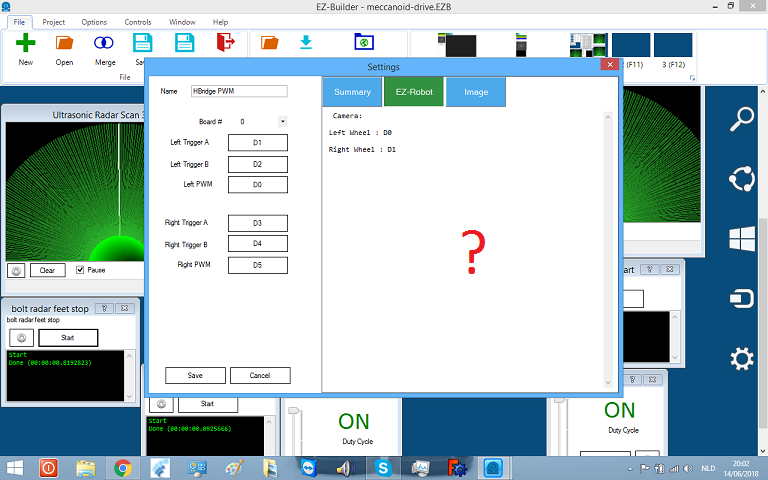

@Nomad you should just be able to reverse the wiring on each side of the H-bridge (ex: A wire to B terminal and B wire to A terminal) and the robot should go back to the correct functionality.
*Edit Just reverse the motor wires, don't reverse the power wires
like this ?
Correct!
great i am redo my meccanoid.so first part is reddy now.
okay i figured out thanks with jeremie.if you turn your meccanoid wheels , outside then use these pics.you have to switchs the wires from left to right, and visa versa.
keep the colors left side red on top black below. right side is black on top red below
Great @Nomad! Glad you figured it out!