


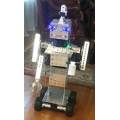

I have an ezb v4 that has been on the shelf for several years. (worked when last used). I was on the shelf too so we are both a little dusty so bare with me. When I set up an I/O port in ARC for a servo there is no signal present on the signal pins. I have a scope on them. If i go to the diagnostics page of the ezb's web server and hit the "center all servos" button the pins come to life. I think its something simple but ...?
Asked
 Resolved by EzAng!
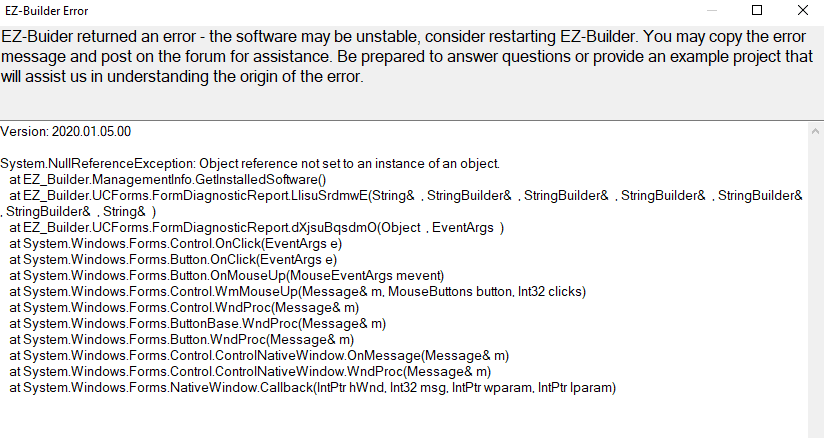
I/O Ports Not Responding To The ARC UI Servo Control
Related Hardware (view all EZB hardware)

EZ-B V4
by EZ-Robot
EZ-B v4 with Synthiam ARCx controls servos, sensors, camera and audio over Wi-Fi or USB serial, no firmware needed.
Wi-Fi / USB
Servos
24
Camera
Audio
UART
3
I2C
ADC
8
Digital
24
Related Robot Skill (view all robot skills)

Horizontal Servo
by Synthiam
Mouse-drag horizontal servo control with configurable min/max limits, center/release functions, multi-servo mirroring and direction invert.

At work we always blame the the firewall group...now who do i blame? Thanks again to both you and DJ
You are welcome
One last thing: remember, when ever you re-boot your computer, the fire-wall - anti virus will "reload again" - you will need to shut it off again
be well!
EzAng