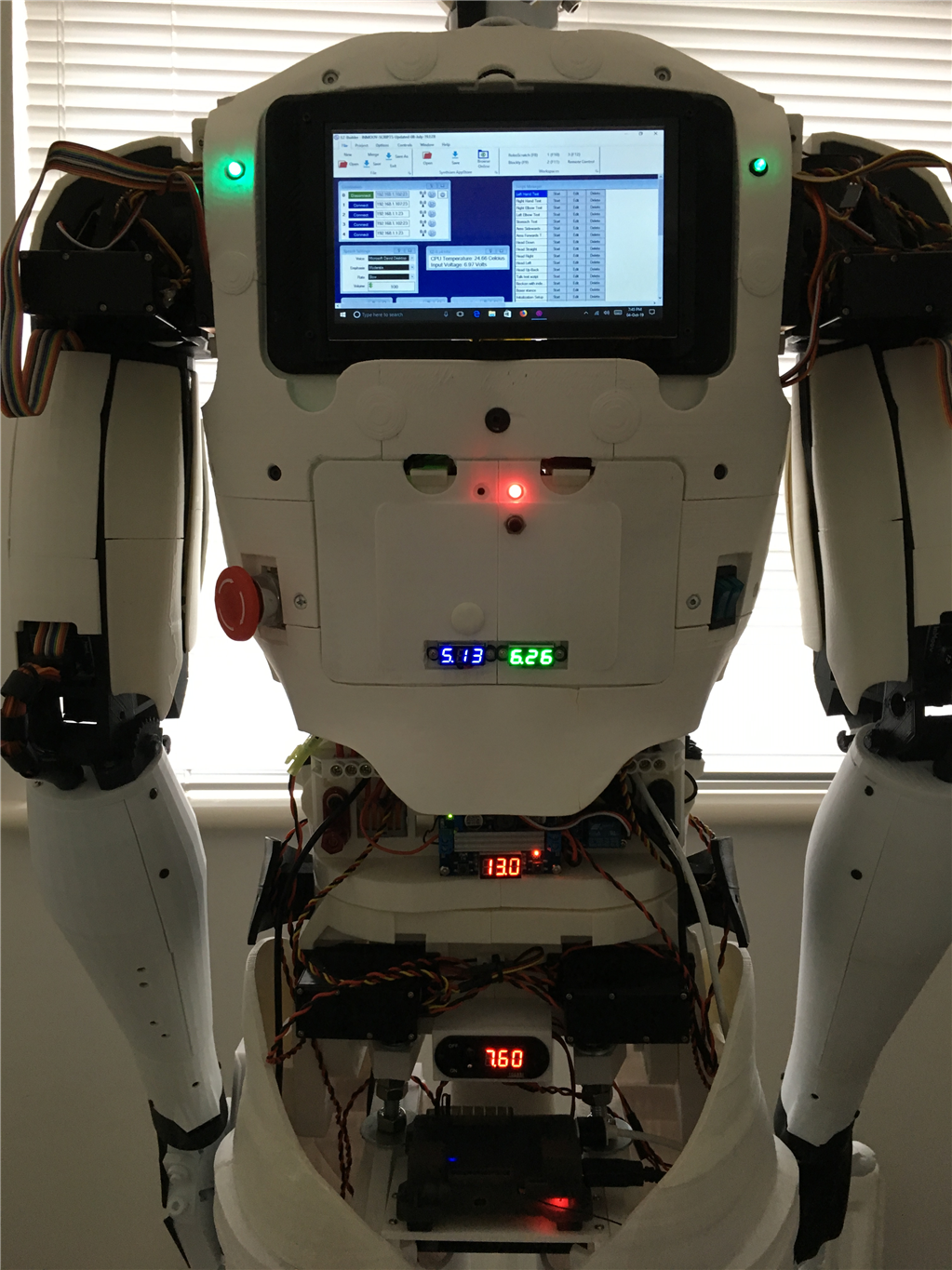
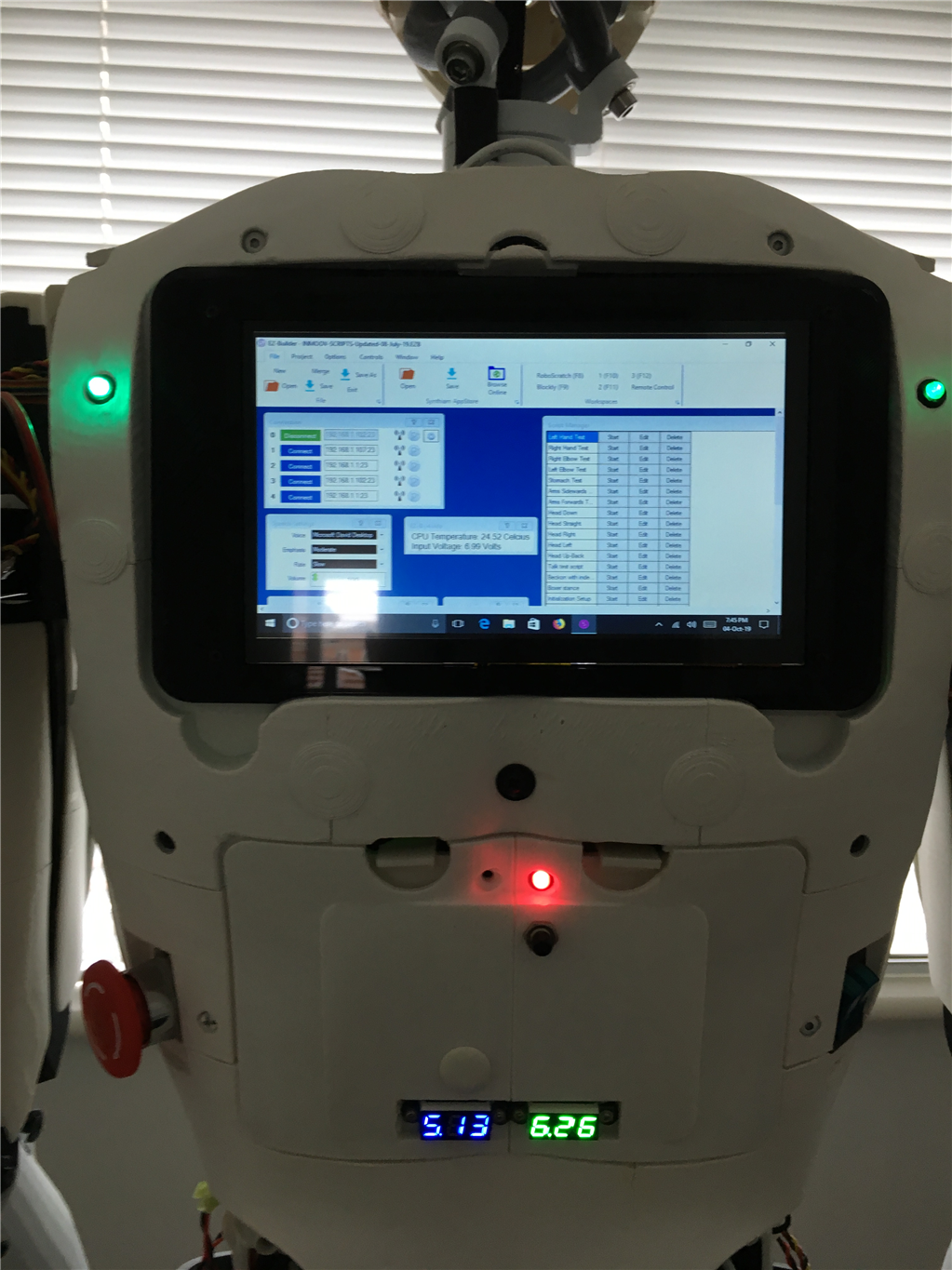
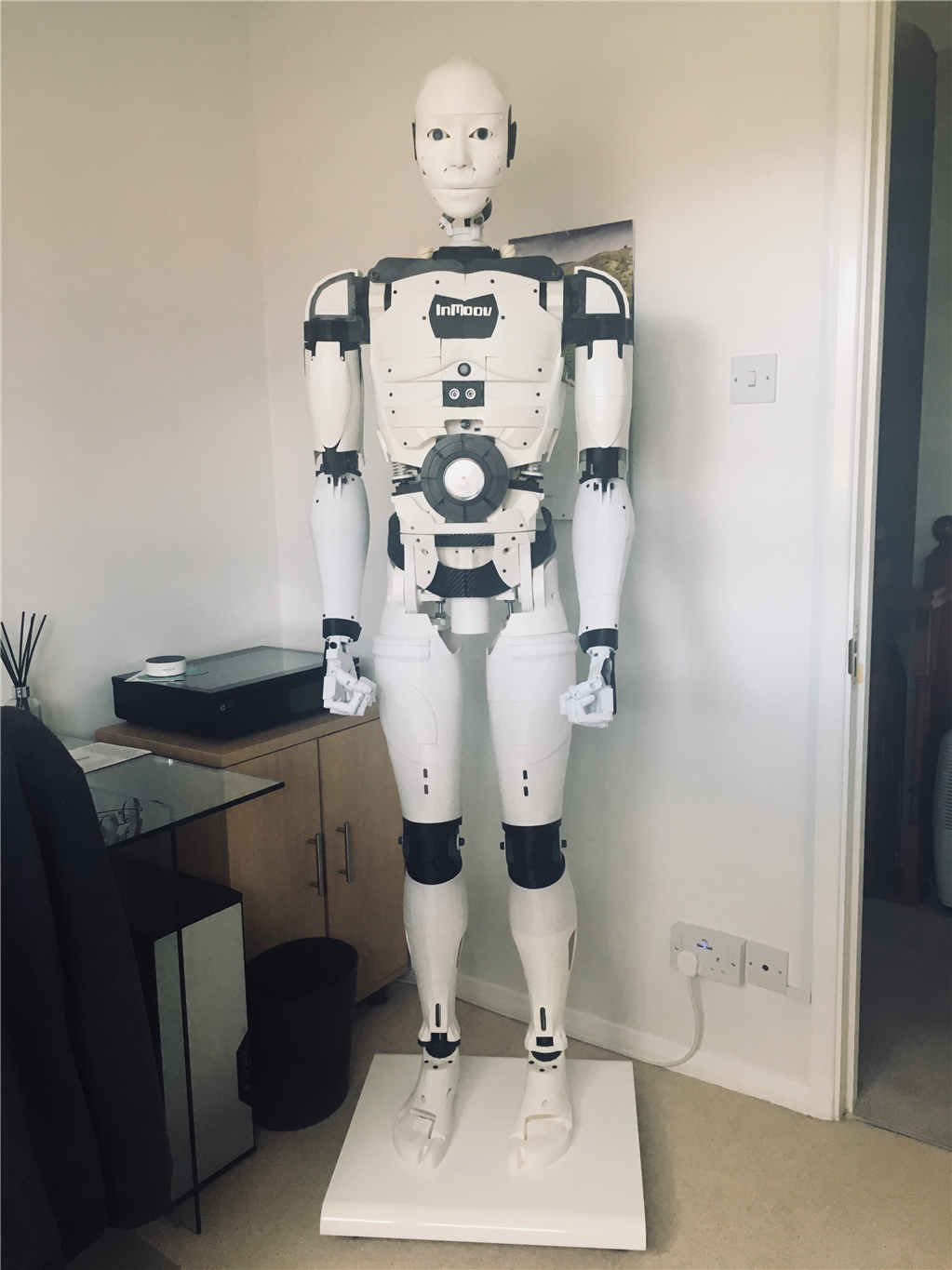
I eventually got around to installed a 7" screen and a lattepanda V1.1 on my InMoov to make it independent of having a external Windows PC or Laptop to run a project.
I put the ARC and project files into the startup program of Windows, so that on power up of the Lattepanda it boot up straight into the project, although a bit slow in actually loading ARC and my project from power on, it works extremely well.
The 7" screen is better than I expected to run Projects in ARC and navigating around windows if needed, I use a stylus pen on the touch screen display which makes it a lot more effective, but i wished now i purchased the 10" touch screen display rather than the 7" version
By cem
— Last update
Discover more robots
Brw's New Robot And A Bluetooth Question
Troubleshoot Bluetooth pairing to a v3 board on Windows 7/8.1 or tablet, plus calibrate servos to 90 degrees for your...
Smarty's Synthiam - My Robi 2.0
Robi 2.0 with EZ-B 4.0: 21 servos, 22ft cables, 6 sensors, camera, LED boards, stereo speaker; 17.8 in tall, 5.0 lb, 6...
DJ's I Taught Jd To Serve Snacks
Download the Synthiam robot app to help JD serve peanut butter M&Ms at Google's BotLuck event.

It’s a GeeekPi 7 Inch 1024x600 Capacitive Touch Screen LCD Display .
Looks great, excellent job, Did you connect the Display direct to EZ-B, or did you use wifi connect? I have built a Inmoov robot from the hips up and show it around Retirement and nursing homes. Some that do not have wifi or internet. I need to have my PC connected direct to EZ_B in the robot, I do not want lose camera function. The show and tell is a great hit, the residents have a great time, asking the robot questions the robot answering back with canned answers and watching its movements, I also show my 3D printer working , so they can see how it prints. I live in a retirement myself and know how much we all need to keep up with the world. Sorry I get carried away. So! How did you connect you Display to your robot.
@Ronbklyn
The display is connected to the Lattepanda via the HDMI cable.
How do you connect Lattepanda to EZ-B? Is vai wifi or hard wired using a USB serial connection?
@Ronbklyn
I connect the Lattepanda to the EZ-B’s via Wi-fi.
From your previous message about showing your InMoov around nursing retire homes, and discussing 3D printing, I think that is fantastic you do this, and a wonderful idea, I must admit I’m surprised they are so interested in it.
Are there any videos of the robot moving, walking?
Why not add a small router on InMoov so you can create your own network on the robot.
@ EZang60
Get a InMoov to walk is on a completely different level, and as far as I know nobody has actually achieved that yet!
I do have some videos of top half moving, although my laptop crashed about 9 mths ago and didn’t have it backed up, and lost some of my longer videos which I had taken time to construct and put together. I need to spend time redoing them again, but can send you what I got if your interested?