
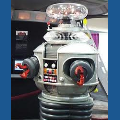
You may or may not have seen the documentation of my omnibot build (B.o.b. - Bret's Omnibot), but here he is completed. Bob's Mods: Camera, head turning, right shoulder articulated, left shoulder, elbow, wrist, and claw articulated, sonar, lighting, EL wire accents. I am just working on him here with my joystick gamepad, playing with different functions. But Bob is ready to go - and thanks for the salt little guy.
without further adieu - Bob:
By bret.tallent
— Last update
Discover more robots
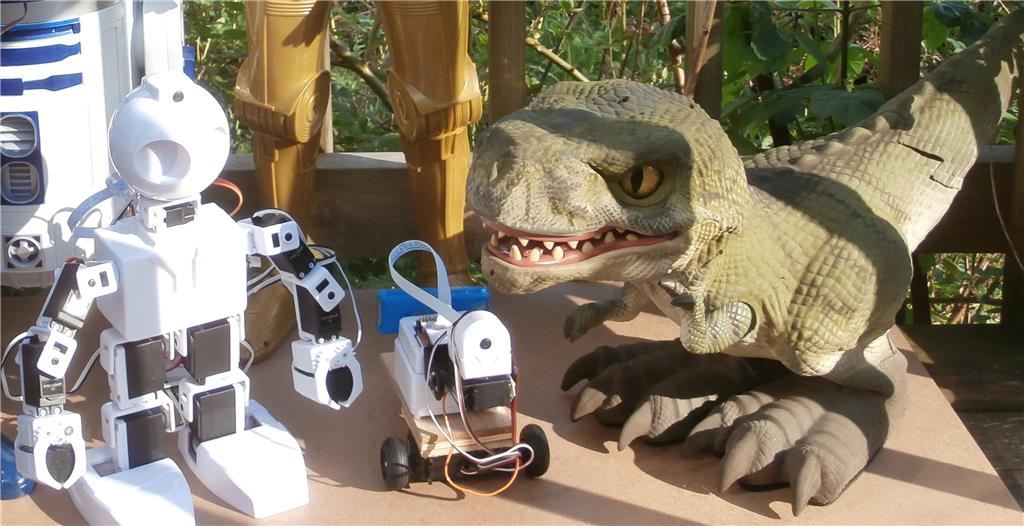
David's Ai Dino Robot
Upgrade a toy walking dinosaur with an EZ-B brain to create a smart robotic pet, unlocking expanded behaviors and...
DJ's Ips (Indoor Positioning System)
Positioning system for ez-robots after years of work and many trials, now heading to manufacturing for scheduled summer...
Bumsteadsean's Synthiam Spray Steam Mop
Convert a Shark Steam Spray Mop into an EZ-Robot Steam Spray Mop-DIY robotics upgrade inspired by Team DJ

I used and LED chaser circuit and randomly placed the LEDs. Then I tied that to an EZ-B digital pin to turn it off and on. You need to use a TIP120 transistor to do this. I posted instructions on someone else's link but can't find it now.
@bret This one? Link to thread
Thanks! That's the one!
Thanks for the response. I'll have to give it a try. Makes for a veryyyyyyyyyyyy cool display!!!!!!
Thanks
Super cool robot. Looks great black with all the lights flashing. I need to get more EZ Bs to make more of my robots smarter.