Tutorial


Published
— Updated
Step 2 of 27
Step 1
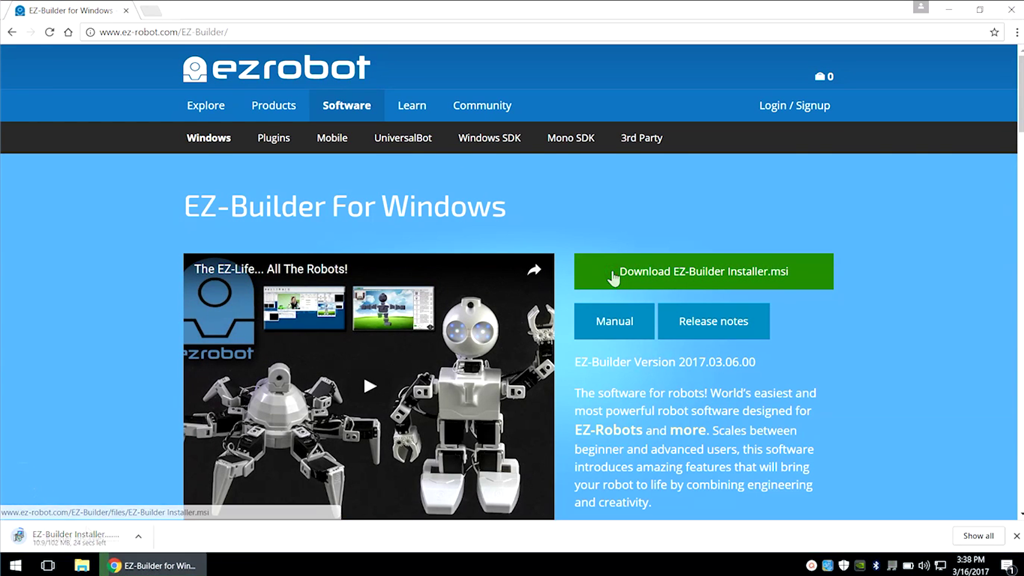
Download EZ-Builder from ez-robot.com.
 Sound Movement
— Stereo mic sound localization triggers left/right scripts to control robot movement, enabling directional responses (turn/move) to audio.
Try it →
Sound Movement
— Stereo mic sound localization triggers left/right scripts to control robot movement, enabling directional responses (turn/move) to audio.
Try it →
Download EZ-Builder from ez-robot.com.
