


EZ-B V3 Configuration icon EZ-B V3 Configuration Manage EZ-B hardware settings: edit Bluetooth name and apply updates to restore altered configurations. Try it →
Tutorial
Published — Updated

The Robot Program Episode 011: Building Adventurebot

Step 15 of 27
Step 14

Clip’n’Play a Continuous Rotation Servo to the left Extension Cube with the white bracket toward the inside.
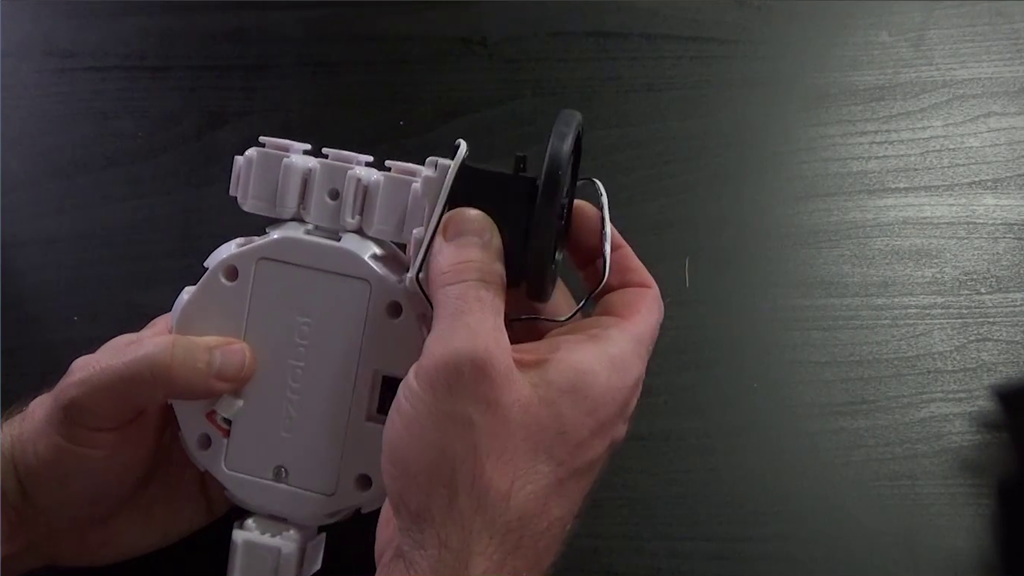

User-inserted image


ARC Pro

Upgrade to ARC Pro

Become a Synthiam ARC Pro subscriber to unleash the power of easy and powerful robot programming