Tutorial


Published
— Updated
Step 16 of 27
Step 15
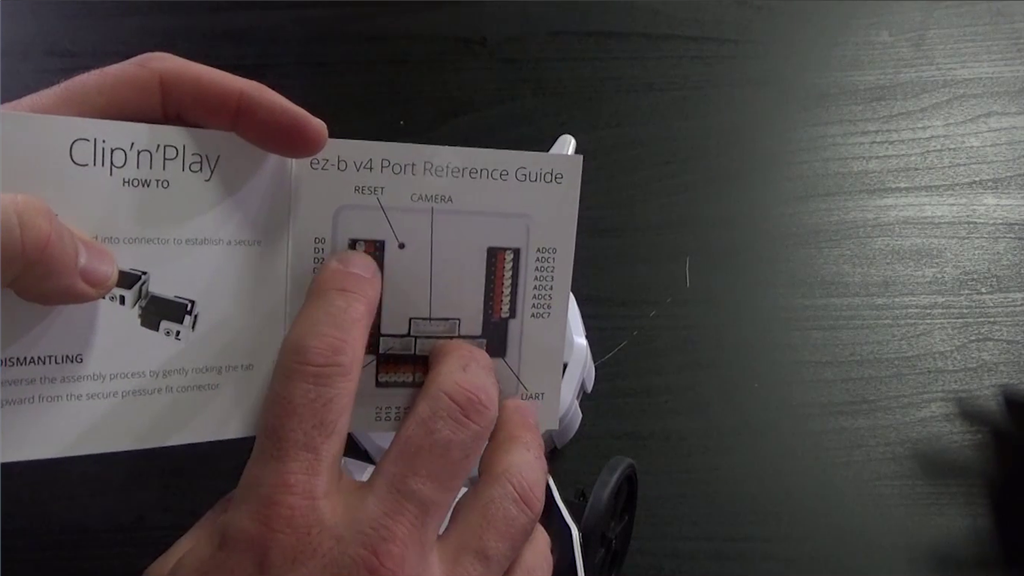
Connect the servo to D0.
 TCP Clients
— Monitor incoming TCP Server connections when TCP Server is enabled under Connection > Config; view and track live connections.
Try it →
TCP Clients
— Monitor incoming TCP Server connections when TCP Server is enabled under Connection > Config; view and track live connections.
Try it →
Connect the servo to D0.
