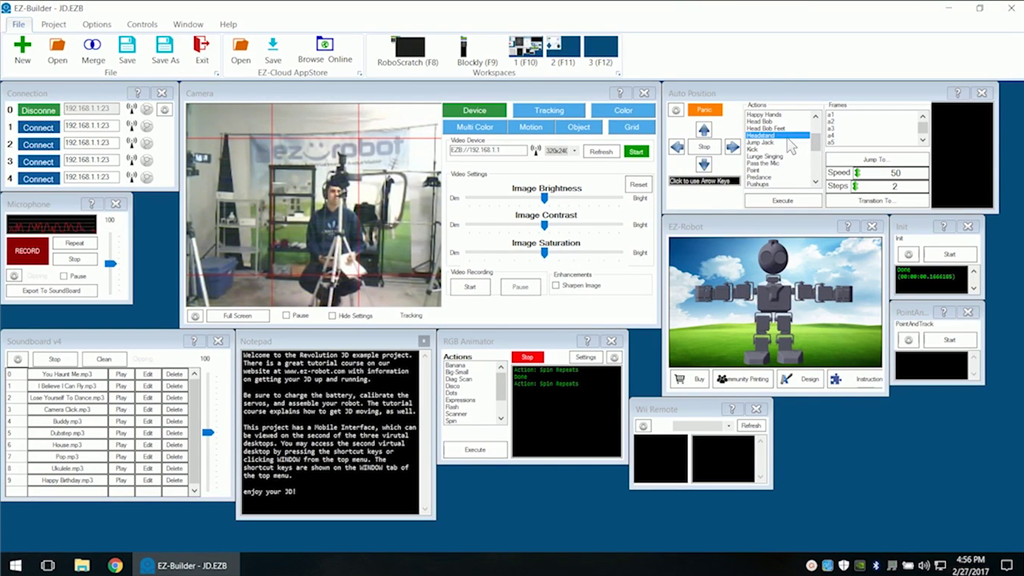


Comm Expansion Configuration icon Comm Expansion Configuration Configure EZ-B v4/2 Comm Expansion: switch between UART transparent proxy and USB direct PC link (avoids WiFi); EZ-B needs separate power. Try it →

ARC Pro

Upgrade to ARC Pro

With ARC Pro, your robot is not just a machine; it's your creative partner in the journey of technological exploration.