Tutorial


Published
— Updated
Step 11 of 21
Step 10
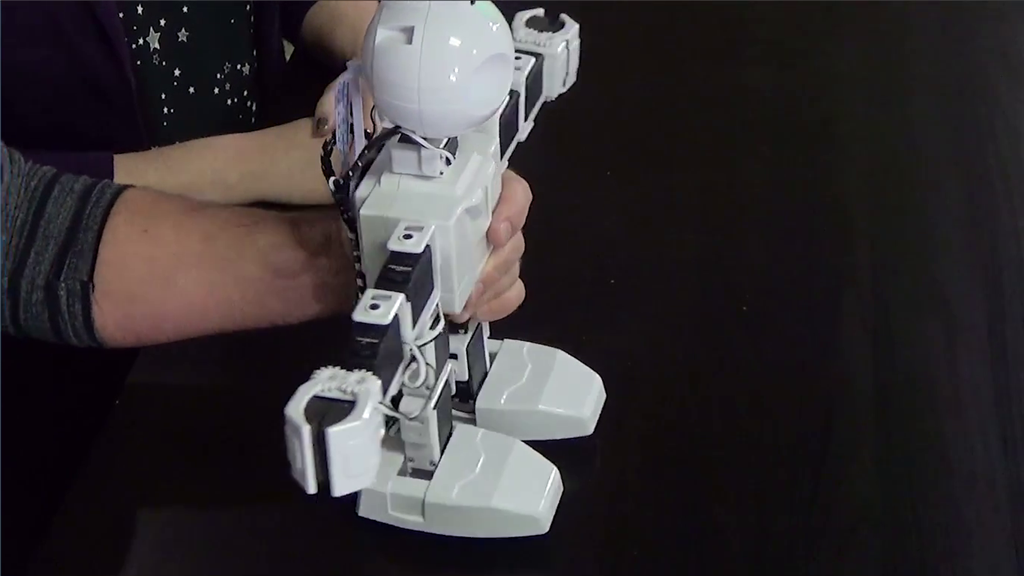
Once the servos are aligned, there should not be any grinding or vibrating noises.