
Tutorial

R2-V2
Canada
Published
— Updated
3 Participants



Lattepanda Beginners Guide
Step 1 of 6
In this Tutorial we will go over the LattePanda micro controller and its integration with the Synthiam Platform
Related Hardware
(view all EZB hardware)
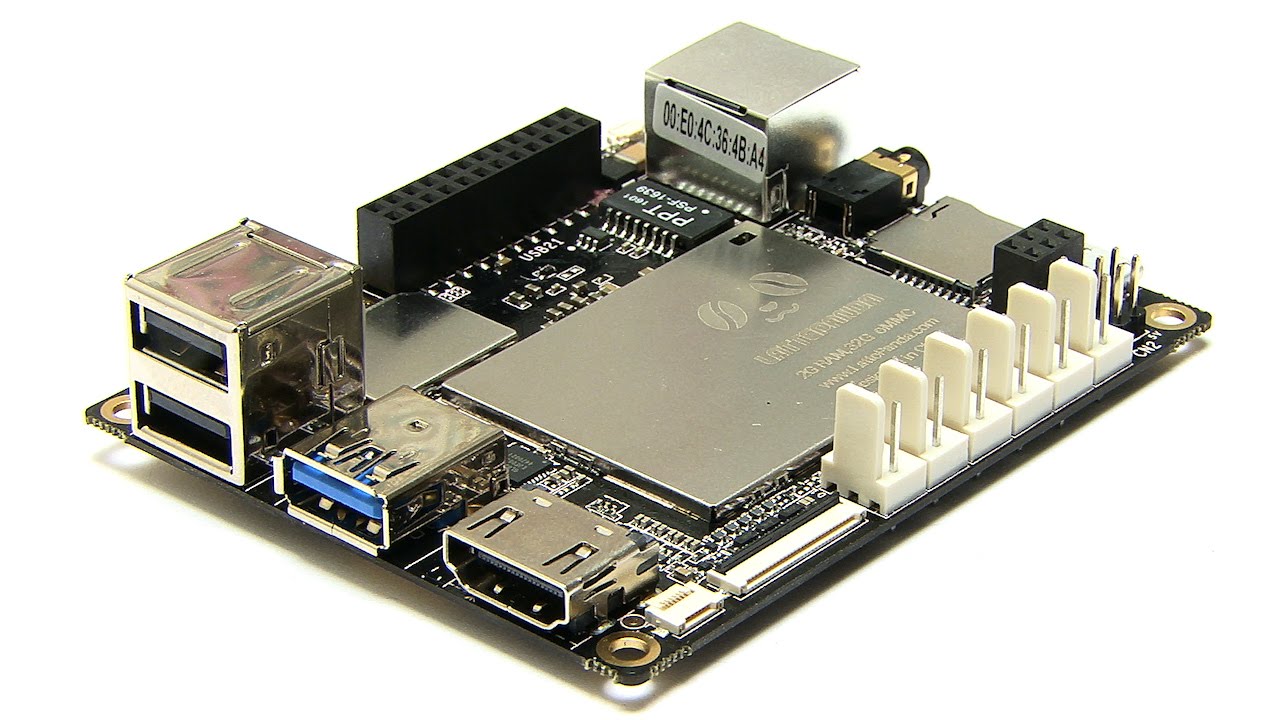
Lattepanda
by DF Robot
LattePanda with Synthiam ARCx runs headless, loads EZB firmware on the built-in Arduino, and controls robots from any browser
Wi-Fi / USB
Servos
12
Camera
Audio
UART
1
I2C
ADC
5
Digital
12

Make sure arduino ide is closed before connecting to the internal lattepanda arduino with ARC
So this ide is something I have not checked or familiar with. Will have a look at the meaning in panda troubleshoot forum.Thanks again DJ! Ah Ok,LOL did not understand the Lingo,I get you now,seems many people have my problem,there are sollutions I can try.