

typischerbaer
Unknown Country
Asked
— Edited
Can Not Build Robot
Hello,
I am trying to start building a robot, but the instruction view says "Completed" in the top left corner, and I am unable to proceed. I have not set up anything yet and am just exploring the platform. What can I do to resolve this issue? Has anyone else experienced the same problem?
Thank you!
Related Hardware (view all EZB hardware)

EZ-B V4
by EZ-Robot
EZ-B v4/2 robot controller: dual Cortex ARM, Wi-Fi, audio/video, 24 servo/digital ports, I2C/UART, camera and Synthiam ARC control for custom robots
Wi-Fi / USB
Servos
24
Camera
Audio
UART
3
I2C
ADC
8
Digital
24
Related Robot Skills (view all robot skills)

Tutorial
by mikebmac
Tutorial slide plugin for ARC: create, format and embed text and images per .ezb project; navigate/update slides via ControlCommand; auto-resize images
Requires ARC
v9

EZ-B Settings
by EZ-Robot
Configures and pushes WiFi SSID, password, system name and channel to EZ-Robot EZ-B v4 from ARC; saves settings with project for quick redeploy.
Requires ARC
v6

Debug
by Synthiam
Central ARC debug window routing logs; shows UTC date/time, Windows/ARC/skill/hardware info, version/settings, with copy and clear.

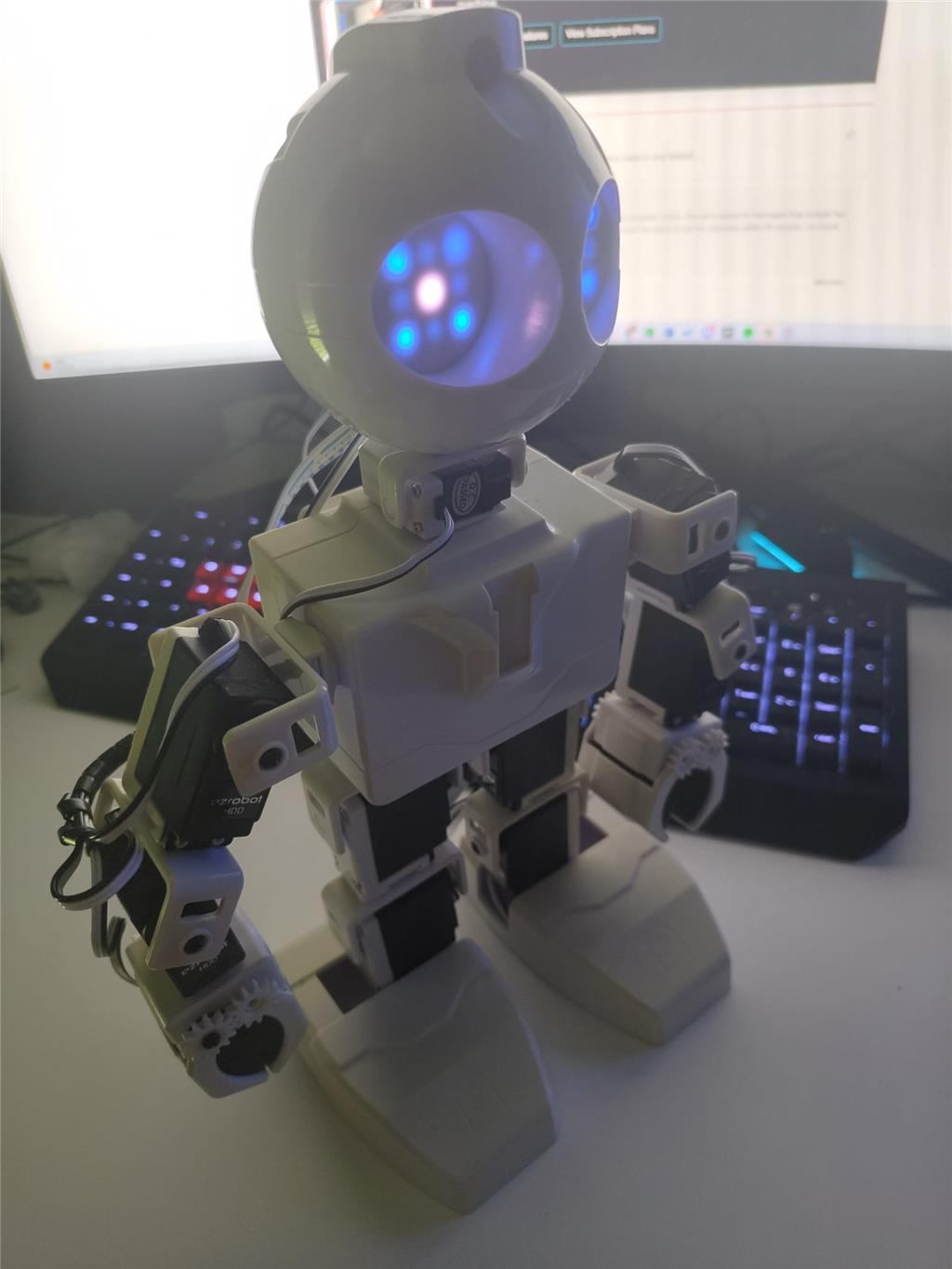
what robot are you using ? any pictures or short video is very helpfull .
It is actually prebuild from my professor and now I use it on my computer. But if the robot is connected or not does not change anything. So I think it should be no problem. The library is also up to date
what happens when you close the instruction page and reopen it ?
It stays like that. Did that multiple times, created a new project restarted my computer. Maybe reinstalling but dont know if that changes anything
you can try to remove ARC complete from your pc . delete browser hystory and redownload ARC .
This sadly did not work. Still says the same
Did it again. Now it works. Thanks for your help!
what excacly did you do again?