
smiller29
USA
Asked
 Resolved by DJ Sures!
Benefit Of Onboard Computer
Hello to all the members of the community here.
I am starting to build an InMoov robot project using ezb controllers and want to understand what if any is the benefit of adding a onboard computer to the project is? Also what computer configuration would be best to use?
Currently I am going to be using a IoTiny in the head and two ezb4’s in the chest.
Related Hardware (view all EZB hardware)

EZ-B V4
by EZ-Robot
EZ-B v4/2 robot controller: dual Cortex ARM, Wi-Fi, audio/video, 24 servo/digital ports, I2C/UART, camera and Synthiam ARC control for custom robots
Wi-Fi / USB
Servos
24
Camera
Audio
UART
3
I2C
ADC
8
Digital
24

I would love to be able to talk to you about ARC programming for a few mins on the phone to try and get a better understanding how thing are designed to work with each other. Let me know if that is something that maybe we can do.
Sorry that’s not something I can offer. Have you had a look at any tutorials or the support section?
Yes I have and they left me with questions. I can post them here on the site but I was looking for a simpler method... As a former CEO and also a head of a R&D in software development company myself I understand why we can't get on the phone.
Id love to build robots with people. It’s why I started this it’s just not sustainable. My time on here is a luxury but it also helps keep my finger on the pulse.
Hi DJ.
Above you have that you have mounted a usb camera in the chest of your Inmoov. Do you have a pic of where and how you mounted it?
The eyes that i am using i have modified and as such i can't put a camera in them. So the chest was my next thought.
Cheers.
Sadly I don’t have a pic but it isn’t cleanly mounted. It’s pretty much a retro fit due to time constraints and far too many projects. I won’t be in calgary for quite a while to show anything like that. And I’m not quite sure if it’s even still there because it’s been a while since I’ve used the inmoov.
id recommend a retro fit in the chest plate. Use a camera with the highest field of view. There’s some good affordable ones on Amazon.
@djjon1976 the creator of this thread has done that very thing, @smiller29 has done it here:
https://synthiam.com/Community/General/MRB1-My-Robot-Buddy-V1-Project-21054
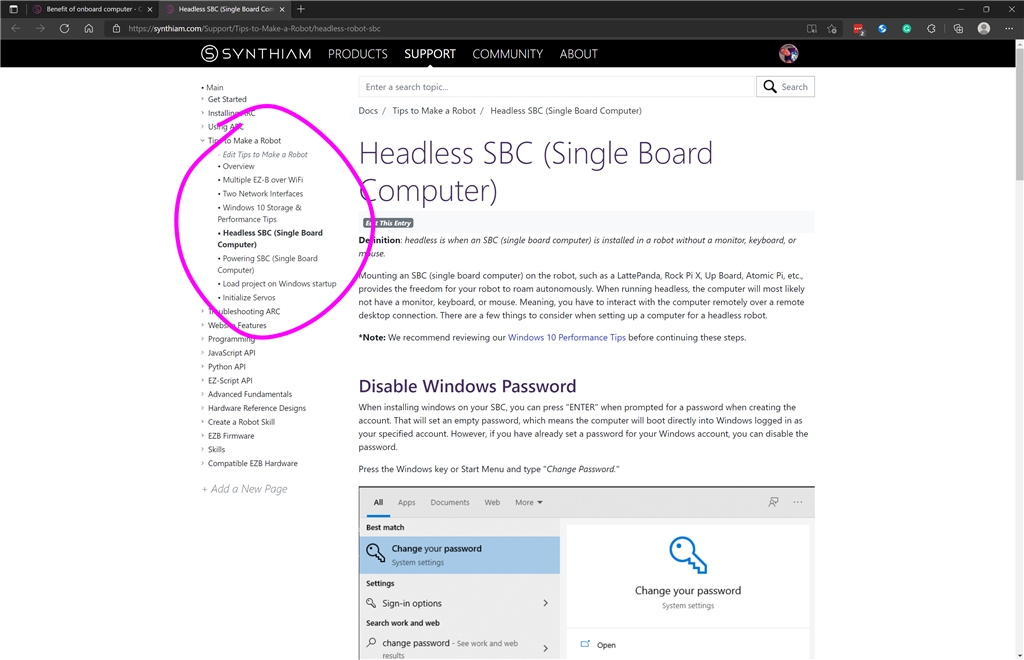
THe biggest benefit of adding a onboard computer to the project is that your computer will be set up and working right away. You can use Microsoft's Remote Desktop Connection to make changes if needed.