


I cant seem to grasp the concept of making this work. I have gone through the instructions many times now and still cant get it to work. Anyone willing to do a joinme? Thanks Chris

kamaroman68
USA
Asked
— Edited
4 Participants
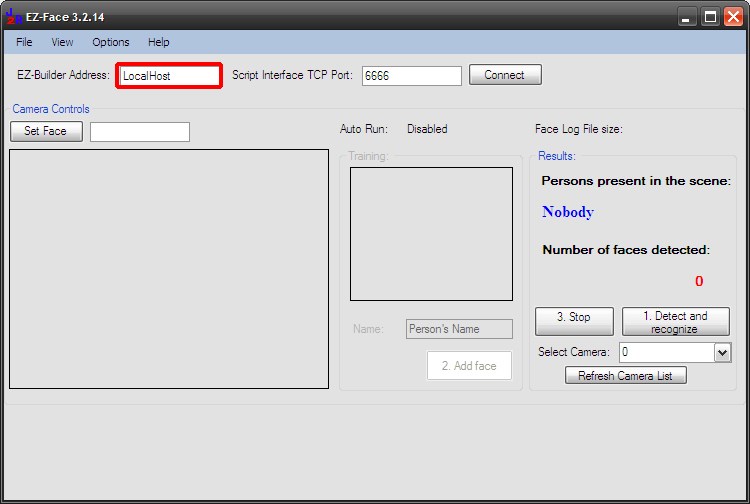

Extract to C:\
You should end up with this
All of the folders in the last screenshot have files in too, I don't have time to take screenshots of the entire directory structure. If you extract like the first photo you should have all required files in the right place.
When you try to run the program, can you post a screen shot of what you are seeing?
Okay so sorry Im still not getting something, went back extracted all files to "c" as in Richs example. When I launch EZ FAce it does not bring up the screens that Rich has showed at the beginning of this post. Im guessing EZ Face app? It opens ARC with a start button to connect. I do have all the files as in Richs last post. I must be launching the wrong program? Chriz
I don't know what I just did but I think I got it. Thanks gguys Chris
Yup got it guys big THANKS to all! Chris