Variable Watch— Live view of script variables, types, sizes and values for debugging; auto-refresh, hex view, pause/clear; may affect program performance.Try it →
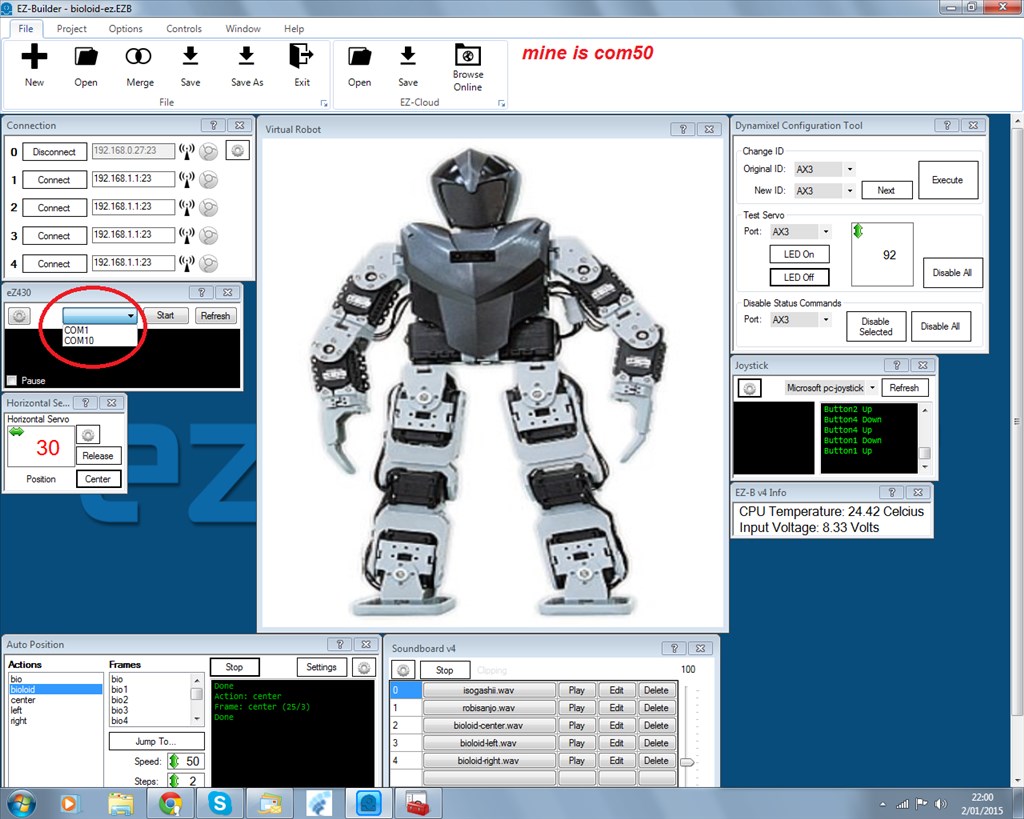
@dj Sures thanks, That's what I've been working on.. when I saw this post I was like wait? I'm doing all this rewiring into the EZb4 for no reason.. but all is cool.. I agree with @richard r he's using the Chronos, not sure what Rototis has to do with it.. the Virtual Robot pic confused me.. lol
thank you for this compliment.this is just a test robot.
am hunting now for the MYO.FOUND ONE AND BOUTH IT.
and next week all parts KD are here.
also new wires for my robi are found.
but when the chrono did work it made my day.




 Variable Watch
— Live view of script variables, types, sizes and values for debugging; auto-refresh, hex view, pause/clear; may affect program performance.
Try it →
Variable Watch
— Live view of script variables, types, sizes and values for debugging; auto-refresh, hex view, pause/clear; may affect program performance.
Try it →

@dj Sures thanks, That's what I've been working on.. when I saw this post I was like wait? I'm doing all this rewiring into the EZb4 for no reason.. but all is cool.. I agree with @richard r he's using the Chronos, not sure what Rototis has to do with it.. the Virtual Robot pic confused me.. lol
rr
whit servo from ez and ezbv4
here is the video
it works great
Nice work! You're becoming pretty awesome with ezrobot!
dj
thank you for this compliment.this is just a test robot. am hunting now for the MYO.FOUND ONE AND BOUTH IT. and next week all parts KD are here. also new wires for my robi are found. but when the chrono did work it made my day.
am still starring forwarts haha
Patrick, How cool is that! Great work. Thanks for posting. Steve S
@nomad... Not bad... and you did it on your own....
Nice Job!.