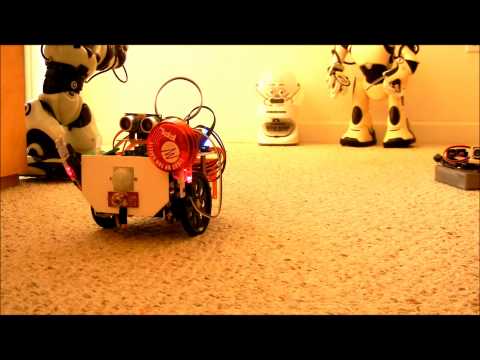
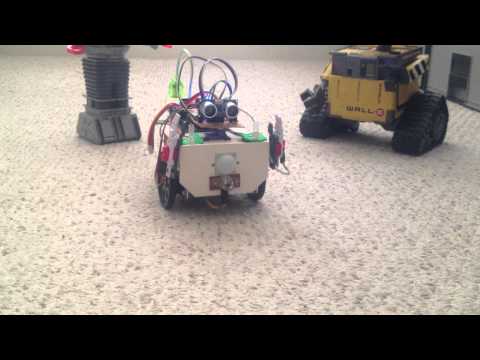
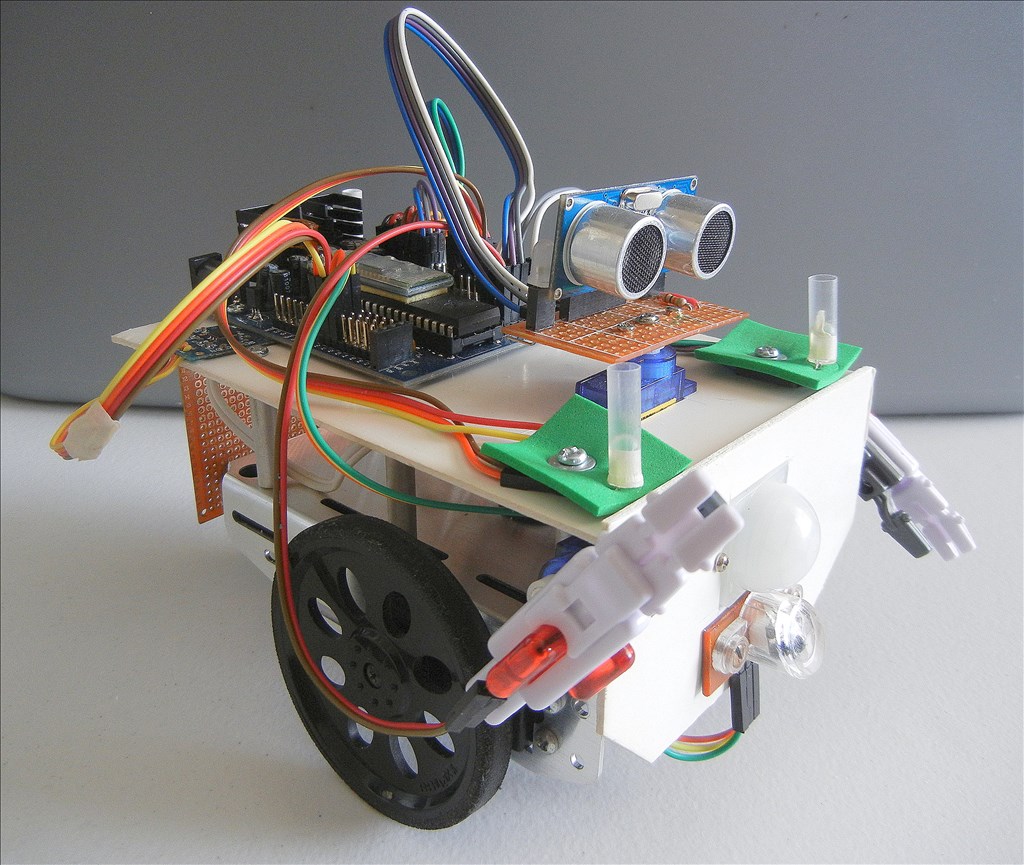
I enjoy experimenting with the different controls available with easy builder, and exploring all the different options available, using the script language. With this in mind I decided to build a small, simple robot based on my old Boe-Bot chassis. I have tried to incorporate all the different sensors and LEDs I had hanging around so that my experimenting could be broader based.
At the present time, I have added these devices to experiment with 3 servo motors 2 modified servos 1 PIR Infrared Two axis accelerometer Sonar detector Photo resistor Two RGB LEDs Two standard LEDs Bicolor LED
I have made the front and back panels removable in case I have some new ideas. Video coming soon.
By pashley
— Last update

Discover more robots
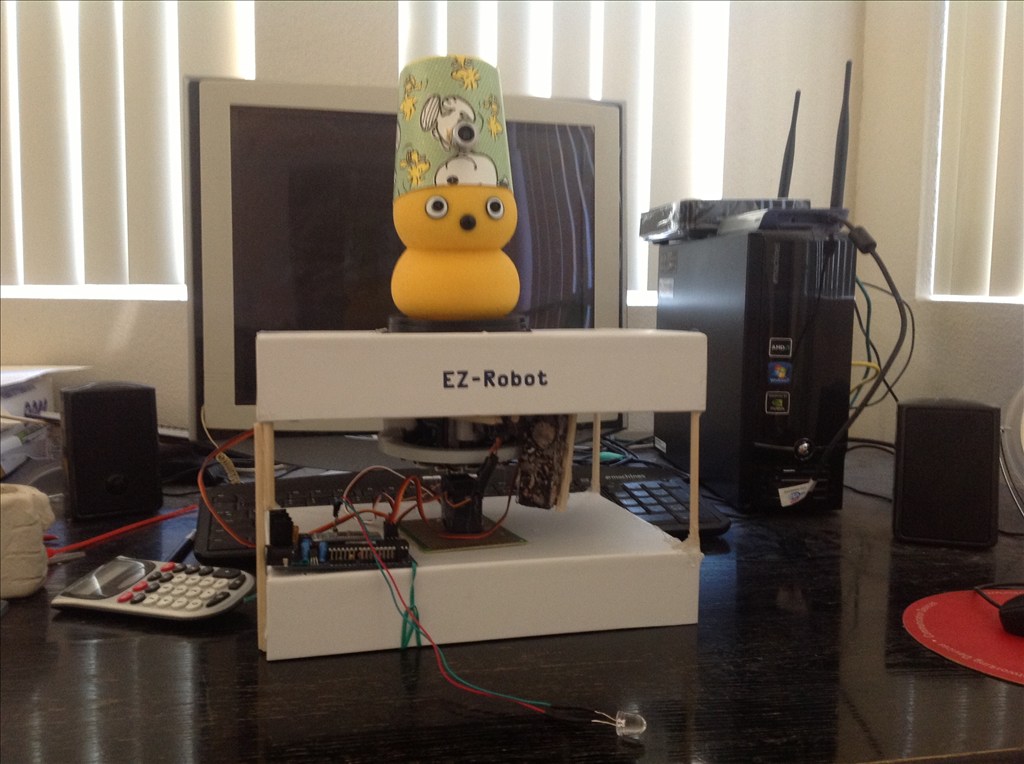
Techcrab101's My Robot Keepon
Keepon robotic friend customized from a dancing Keepon toy with a fez-mounted camera, voice interaction and reactive...
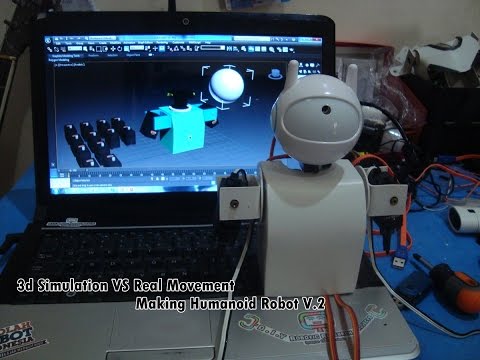
Ericez's New Synthiam Humanoid On Development
Humanoid robot planned with 21 servos for increased mobility; upper body underway, feet need 10 servos-awaiting parts to...
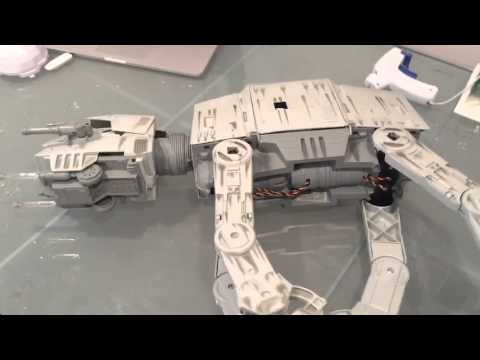
DJ's Imperial AT-AT Walker Robot - The Force Is With Me!
Build an Imperial AT-AT walker robot; adding knee servos tomorrow to teach it to walk as a return to robotics.

New EZ Bo video. This time Bo awakes from a short nap and shows us all his "stuff",.
Where did you get the voice?
MovieMaker
EZ Bo's voice is the standard, "Microsoft David", that comes with Windows 8. It is accessible using the Speech Synthesis Settings control, along with a couple other voices.
I would like to see an option to change the voices using scripting, similar to SpeakVolume, so that I could have two or more different talking robots in the same script. Something like a SpeakVoice(value) command would be nice.
I wanted to ask where you got the arms.
;)
MovieMaker,
Bo's arms are parts from my box of robot toys, gathered from lawn sales over the last few years.