


I have a question about the Mavlink Autopilot robot skill in ARC (ARCx). This skill is new, and when I added it it did not populate the hardware product list for selecting a Pixhawk autopilot. Is there a place in this robot skill where you can input base-station RTK feedback for GPS corrections?
Specifically:
- I know there are two different kinds of RTK feedback (one is stationary - I’m not sure of the exact name of the other).
- There is also a base station that can send corrections over a radio link. Is there a field or configuration area in the Mavlink Autopilot robot skill to provide that information?
For context, my goal is to have ARC control my Mavlink autopilot (Pixhawk) and work seamlessly alongside QGroundControl. I’m using the Mavlink Autopilot robot skill in an ARC project - I haven’t specified how the Pixhawk is connected yet (direct USB/serial to the PC or via an EZB). If it matters, please let me know what connection details would be helpful to provide.
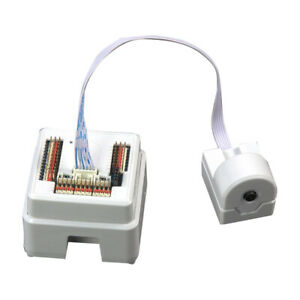

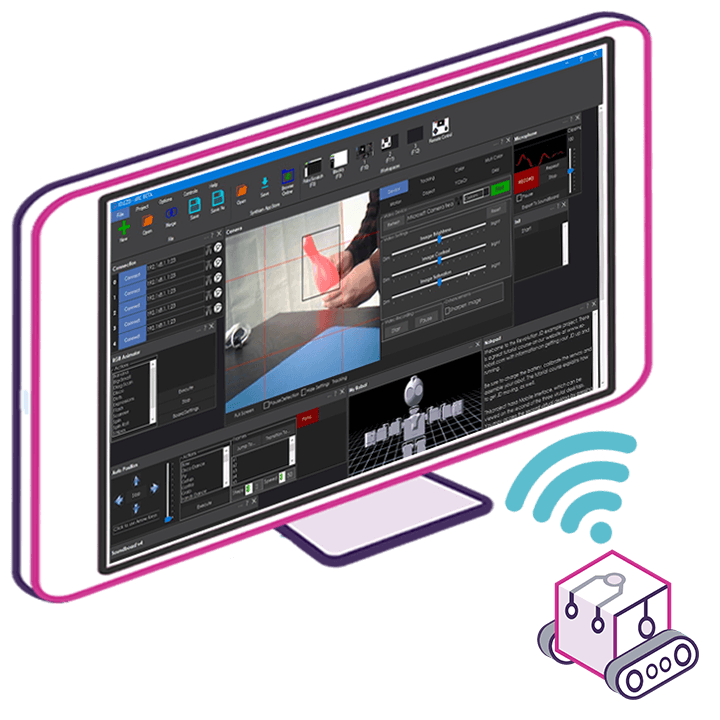
Will I be able to use EZ-B v4 with this Mavlink Autopilot system? I am already familiar with them and they give many inputs and output as well as many other nice features.
Yes - you can absolutely use an EZ-B v4 alongside the Mavlink Autopilot robot skill in ARCx.
How they work together
The Mavlink Autopilot skill is the movement panel for the vehicle, while the EZ-B v4 can handle everything else ARC is great at:
So a very common setup is:
RTK corrections
The RTK part is handled in the Rtk Gps robot skill, not inside Mavlink Autopilot itself.
ARCx’s RTK support includes:
If your goal is GPS correction for the Pixhawk, the usual approach is:
RTK terminology you mentioned:
About the Pixhawk hardware list
If the Mavlink Autopilot skill didn’t populate a hardware product list, that’s not unusual if the connection isn’t configured yet or if it’s expecting the MAVLink device details rather than a "product list" like an EZ-B skill would.
The important part is usually:
Best-practice setup
If you want ARCx + Pixhawk + QGroundControl + EZ-B v4, the cleanest architecture is:
That’s the proven way to do it instead of trying to force everything through one skill.
Helpful reference
What I need from you
To give you the right setup steps, what are you trying to accomplish overall?
For example:
If you share your exact connection path, I can tell you the recommended ARCx wiring/configuration layout.
You do not need to use the RTK GPS robot skill since you already have the software on the robot. Your question merges two robot skills but they're seperate things and entirely unrelated.
Mavlink Autopilot is what you want to use, answered by me in your other thread.
You do not need any gps robot skills. The only robot skill you need is the MavLink Autopilot. It uses all of the sensors and computing of the existing firmware of your lawncare product. If you are to ask another question, specifically ask about Mavlink and do not mention the RTK GPS robot skill because you have no reason to use both together.
I recommend printing the Mavlink Autopilot manual and giving it a read.
Ok understand, I think that I used wrong words to describe the base station. The base station is using RTK for corrections. This is all somewhat new to me the different types of software and sensors for locations. Finally got rover moving this morning with waypoints so it's a little encouraging. There are so many variables that have to be perfect to make it work. Will take a little while to digest all of this new information.