
ARC 2026.03.23.00 (Pro, Runtime And Free)
Change Release Notes
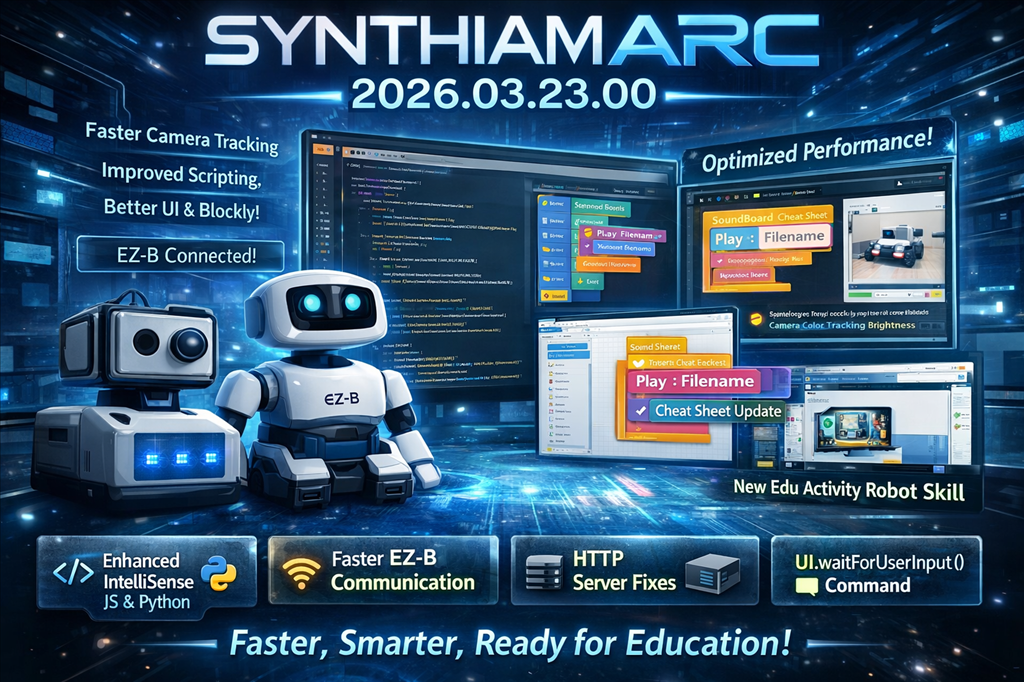
This release is packed with performance boosts, smarter behavior, cleaner visuals, and a big step forward for education features. Under the hood, a lot has been reworked to make ARC faster, more stable, and more enjoyable to use across the board.
Core Improvements
EZ-B Communication Evolution
- Moved the EZ-B listener server out of the Connection robot skill and into a centralized ARC service
- This new shared service is now used by multiple robot skills, including the Camera device
- Improves scalability and reduces duplicated logic across skills
Faster, Safer Communication
- Improved Serial and Network EZ-B communication drivers
- Fixed a potential race condition
- Overall performance improvements for more reliable connections
HTTP Server Stability
- Fixed encoding issues in both
HttpServerandHttpServer Custom - Resolved a thread state bug that could cause instability
Performance & Rendering
Theme Renderer Upgrade
- Fixed a small GDI object memory leak
- Improved font clarity
- Better layer rendering for a cleaner UI experience
Video Pipeline Optimization
- Replaced legacy
memcpyusage with optimized memory copy buffers - Improved performance for video streaming and processing
Camera System Enhancements
- Removed a potential race condition in the camera driver
- Improved overall performance
- New
UCCameraCanvas:- Maintains a local copy of bitmap memory
- Prevents UI from referencing freed memory
- Added safety checks to ensure memory is valid before UI updates
- Camera objects are now disposed when stopped to assist garbage collection
Tracking Engine Boost
Significant optimizations across all camera tracking types:
- Object
- Color
- Custom Color
- Haar
- Custom YCbCr
- Face
- Glyph
- Motion
Expect faster and more responsive tracking across the board.
Scripting & Engine Improvements
Smarter Script Synchronization
- Optimized cancellation tokens in the scripting engine
- Blocking scripts now synchronize correctly with caller scripts
Waitcontrol commands now properly respect cancellation tokens
Cleaner API
- Removed
IsConnectedfrom Audio classes in JavaScript and Python - Use
EZB.IsConnected()instead
Speech Recognition Fixes
- Fixed an issue in Bing Speech Recognition where audio headers may not be fully written before transcription
- Resolved a rare threading issue under specific conditions
User Interface Improvements
Window Behavior Fix
- Auto-position options window no longer restores window state when:
- Dragging the title bar
- Double-clicking the title bar
- Prevents accidental resizing when using touchscreen servo controls
Numeric Selector Control
- Added option to enable/disable right-click manual entry
- Ideal for touchscreen devices to prevent accidental keyboard popups
IntelliSense Improvements
- JavaScript and Python editors now suppress IntelliSense popups when typing inside quotes
- Less intrusive and more context-aware suggestions
Blockly Enhancements
Visual Improvements
- Toolbox category colors now match their corresponding blocks
- Updated block colors for better distinction and readability
Organization
- Movement servo blocks moved into a dedicated Servo category
New Capability
- Added
UI.waitForUserInput():- Available in JavaScript, Python, and Blockly
- Suspends script execution and prompts user for input
- Includes timeout support
- Found under the Text category in Blockly
Engine Updates
- Updated to Blockly v12.4.1
- Multiple fixes and stability improvements (ongoing testing continues)
Embedded Browser Enhancements
- Now supports loading local files for:
- Sound effects
- Graphics used in Blockly
Camera & Audio Fixes
SoundBoard Improvements
- Updated SoundBoard v4 and SoundBoard PC control commands:
- Now support a
Playparameter with aFilenameparameter - Replaces the older
Track_#approach Track_#remains backward compatible- Cheat sheets updated to reflect new syntax
- Now support a
- Fixed string sanitization issues in SoundBoard
Audio Compatibility
- Removed UTF-8 and high ASCII characters from audio filenames in:
- SoundBoard PC
- SoundBoard EZ-B
- Prevents compatibility issues across systems
Connection Experience
- Connection robot skill now displays the EZ-B advertised name
- Supports devices like:
- EZ-B v4
- ESP32
- IoTiny
- Makes it easier to identify robots by friendly name instead of IP address
Camera Device Enhancements
- Added new ControlCommand to adjust brightness for color tracking
- Provides finer control over tracking performance in varying lighting conditions
Education Features
Edu Activity Editor (First Release)
- Initial release of the Edu Activity Robot Skill
- Lays the foundation for creating structured educational content for ARC
Summary
This release focuses heavily on performance, stability, and usability:
- Faster camera and tracking systems
- More reliable communication and scripting
- Cleaner UI behavior and rendering
- Improved SoundBoard flexibility
- New control capabilities for camera tracking
- Major groundwork for education features
Everything feels tighter, smoother, and more predictable-exactly what you want when building and controlling robots.
More updates are coming as the education system and Blockly enhancements continue to evolve.
ARC Downloads
ARC
FREE- 1 third-party plugin skill per project
- Trial cloud services
- Personal, DIY & education use
- Updated every 6–12 months
 Download
ARC
PRO- Use on 2+ PCs simultaneously
- Unlimited robot skills
- Cloud backup & revision history
- Weekly features & bug fixes
- Business use permitted
ARC
RUNTIME- Load & run any ARC project
- Read-only mode
- Unlimited robot skills
- Includes early access fixes & features
- Minimum requirements: Windows 10 or higher, 2 GB RAM, 500 MB free disk space.
- Recommended: Windows 10 or higher, 8 GB RAM, 1 GB free disk space.
- Prices are in USD.
- More about each edition: Download & install guide.
- Latest changes: Release notes.
Compare Editions
| Feature |
ARC
FREE
|
ARC
PRO
|
|---|---|---|
| Get ARC Free | View Plans | |
| Usage | Personal · DIY · Education | Personal · DIY · Education · Business |
| Early access to new features & fixes | — | ✓ |
| Simultaneous microcontroller connections * | 1 | 255 |
| Robot skills * | 20 | Unlimited |
| Skill Store plugins * | 1 | Unlimited |
| Cognitive services usage ** | 10 / day | 6,000 / day |
| Auto-positions gait actions * | 40 | Unlimited |
| Speech recognition phrases * | 10 | Unlimited |
| Camera devices * | 1 | Unlimited |
| Vision resolution | max 320×240 | Unlimited |
| Interface builder * | 2 | Unlimited |
| Cloud project size | — | 128 MB |
| Cloud project revision history | — | ✓ |
| Create Exosphere requests | — | 50 / month |
| Exosphere API access | — | Contact Us |
| Volume license discounts | — | Contact Us |
| Get ARC Free | View Plans |
* Per robot project
** 1,000 per cognitive type: vision recognition, speech recognition, face detection, sentiment, text recognition, emotion detection, azure text to speech

Upgrade to ARC Pro
Unleash your robot's full potential with the cutting-edge features and intuitive programming offered by Synthiam ARC Pro.
So much to explore...great release! +++ on connection!
Yeah, and super stable. It's running really great and faster. My CPU using the camera is dramatically reduced in this build. I dig it.