
thecrustychicken
USA
Asked
Sabertooth Movement Panel Question
Greetings everyone..
I have the sabertooth 2x60 motor controller hooked up and accepting commands in simple serial mode to my v4 EZB. Problem is the controls on the sabertooth Movement are backwards. I can't seem to find the adjustments to move the servo numbers around. I remember having them in the older versions of the software, anyone know where they are in the 2020.06.02.00 version.
Thanks for any help, can't seem to find them in the Sabertooth Movement panel?
Related Hardware (view all EZB hardware)

EZ-B V4
by EZ-Robot
EZ-B v4/2 robot controller: dual Cortex ARM, Wi-Fi, audio/video, 24 servo/digital ports, I2C/UART, camera and Synthiam ARC control for custom robots
Wi-Fi / USB
Servos
24
Camera
Audio
UART
3
I2C
ADC
8
Digital
24

Swap (reverse) the wires from your motor and the sabertooth.
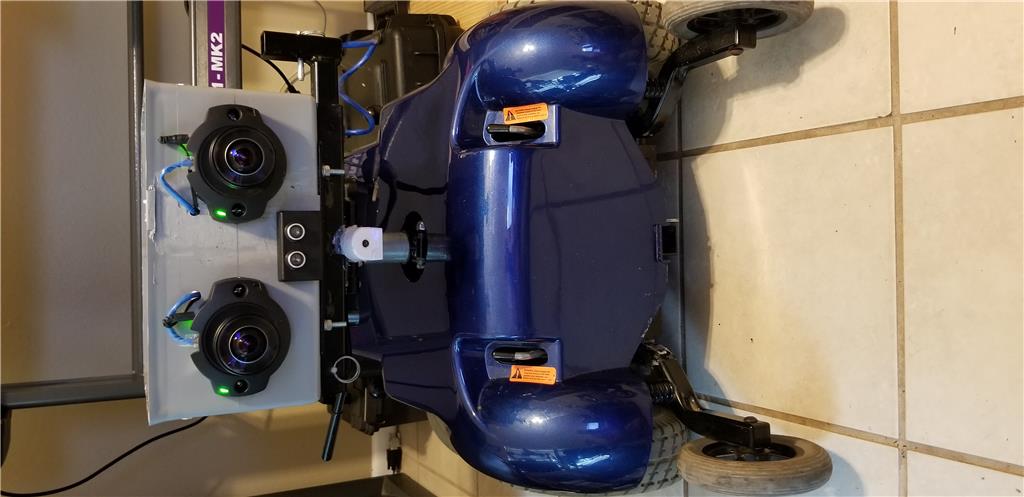
Exactly, the light came on and that's what I ended up doing... Getting the old chair bot up and running again.. Just added some ultrasonic sensors... I'm back to tinkering with my v4 brain now...
Thanks again!
Justin
I get a Sabertooth Movement Panel - This control has not been implemented in mobile yet message when trying to use the Joystick in mobile with this movement panel. I'm in serial mode. Is there a way to move it on mobile?