


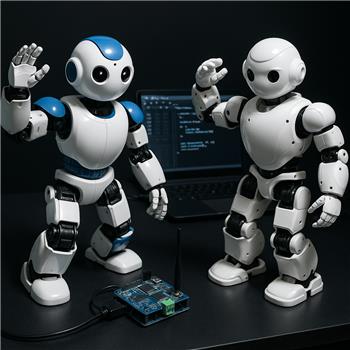
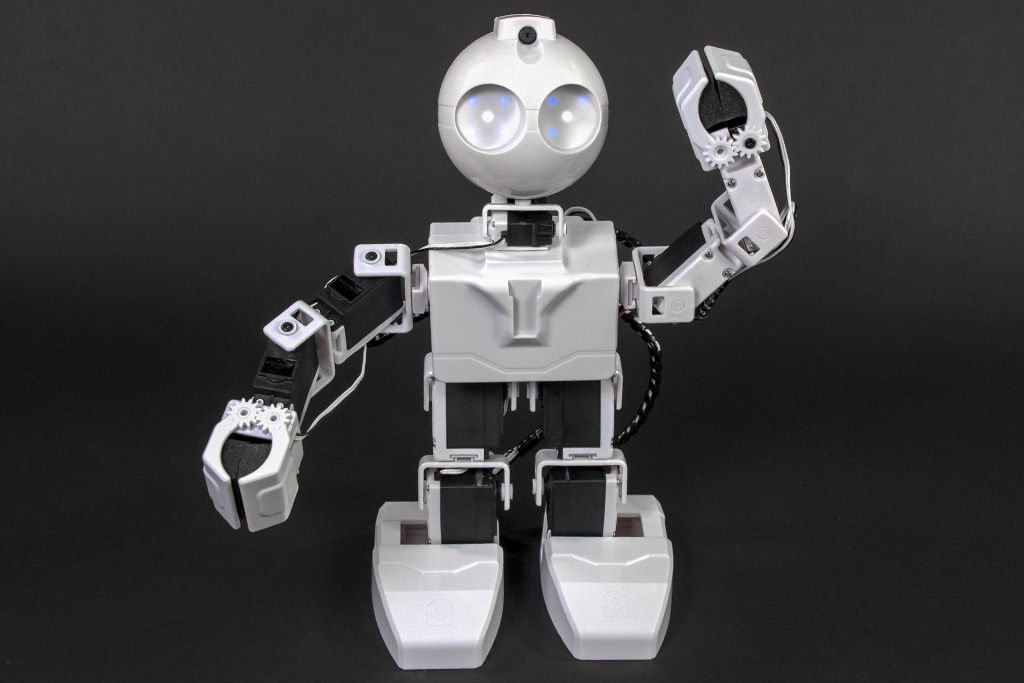
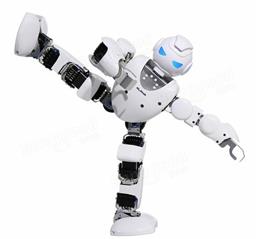
I’ve got a JD Humanoid running on ARC over WiFi (EZB v4) and I’m trying to have a UBTech Alpha1 mirror JD’s dance routine. I added the UBTech Alpha 1 Bluetooth movement panel, paired the Alpha over Bluetooth, selected the COM port, hit Connect and Init, and it shows connected. If I poke the virtual servos directly, the Alpha moves fine. For example, this JavaScript works instantly:
Servo.setPosition("V1", 90)
Servo.setPosition("V2", 60)
The JD routine is built in the Auto Position skill with frames referencing JD’s D-ports (e.g., D0-D15). My plan was to edit each frame and add matching Vx entries so the UBTech skill would forward those to the Alpha (I enabled the corresponding Virtual servo checkboxes in the UBTech Alpha 1 Bluetooth config). Expected: when I play the JD action, both JD and Alpha move in sync. Actual: JD moves perfectly, but the Alpha doesn’t respond during Auto Position playback. If I then run a separate script to set Vx, the Alpha jumps to the expected pose, so the Bluetooth link and Vx mapping seem fine.
I tried: reordering Init/Connect timing, adding small delays before playback, lowering Auto Position step speeds, and even using the Auto Position Action Script to explicitly call Servo.setPosition("Vx", value) which does work, but defeats the frame-based workflow.
Does the Auto Position skill support writing to Vx virtual servos provided by another skill like UBTech Alpha 1 Bluetooth, and if so, what’s the correct way to get Vx to update during frame playback so my Alpha mirrors JD without extra scripting?

Yes - Auto Position can drive virtual servos, but the key detail is how the frames were built and whether the virtual servos were actually part of the Auto Position skill’s servo configuration.
What you’re describing usually happens when:
DportsVportsVports were not added/configured inside Auto Position itselfWhat to know
Servo.setPosition("V1", 90)works because you are directly commanding the virtual servo.But Auto Position does not automatically mirror other skills’ servo mappings just because a frame contains corresponding positions elsewhere. Each skill manages its own configured servo list. So if Auto Position frames were created with only
D0-D15, it won’t magically also updateV1-V16unless those virtual servos are included in Auto Position’s setup.The correct approach
Option 1: Add the
Vxservos to Auto PositionIf you want the Alpha1 to mirror JD through frame playback, add the virtual servos to the Auto Position skill itself:
V1,V2, etc.) to the skill’s servo listVxpositions are stored in the framesThen when Auto Position plays an action, it should command both the physical servos and virtual servos together.
Option 2: Use a script to mirror frame changes
If you need tighter control, use the Auto Position Action Script or frame scripts to copy JD positions to Alpha positions. That’s the method you already found working.
That’s often the most reliable approach when the two robots do not share identical servo layouts or when one robot is driven by a separate Movement Panel skill.
Important note
If Auto Position is already configured with only JD ports, adding
Vxlater may require:VxvaluesRecommended check
Can you confirm:
D0-D15andV1-V16?Dports?If it’s only the
Dports, that explains why the Alpha doesn’t move during playback.Relevant docs
If you want, I can help you set up a clean mirroring pattern so JD frames automatically drive both robots in ARC without hand-editing every frame. This is also something the ARC AI Assistant can help rewrite right inside the script editor: https://synthiam.com/Products/AI-Assistant