

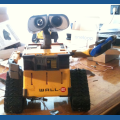

How much!
Youtube video of the mini ezb up now!
On a tablet cant add link. Sorry
 Conversational Menu
— Voice menu tree to navigate options and run scripts on ARC robots. Multi-level, customizable prompts, speech I/O, timeout and repeat/back.
Try it →
Conversational Menu
— Voice menu tree to navigate options and run scripts on ARC robots. Multi-level, customizable prompts, speech I/O, timeout and repeat/back.
Try it →

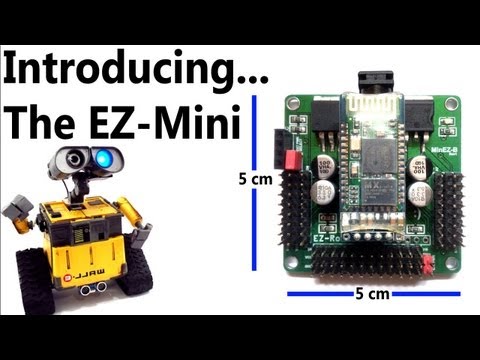
How much!
Youtube video of the mini ezb up now!
On a tablet cant add link. Sorry

So. No heat sink. How does that work?
Perfect :-D, It would fit better in my new robot head. When will it be available? And if you have two EZ-B could one of them act as a "slave" card?