
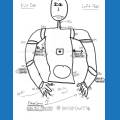

when the robot is doing head stands or push ups it seems to fall flat on his face when on a wood floor and this causes the head to slowly come off, and it eventually falls off and must be put back on quickly so it can't fly around

foxtrot25m
Canada
Asked
— Edited
 Resolved by Rich!
3 Participants

no it comes up as i said and i load the servo config file every day when i open the program and load the project, and most of it saves but there are slight adjustments needed, so its not going back to where it was before i calibrated it its not nearly that off every day but its off a bit and only in the legs and arms
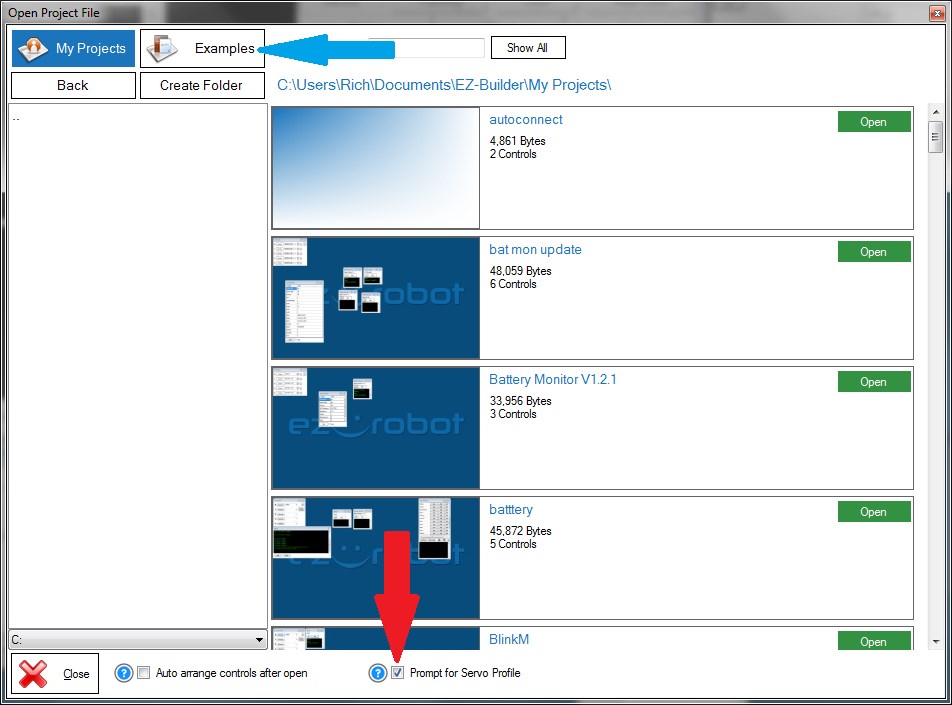
The red arrow points to the check box which enables/disables prompting for servo profile on load.
I also added the blue arrow to point at the examples folder button to help with your other post.
yes that is exactly what i do but as soon as i hit the examples button it gives me an error box saying "could not find path to ....) and i looked around in all the folders and there are not misplaced they are just missing, i have installed it on 2 computers and both did not come with the examples or atleats did not have them after the update i can not be sure
could you please share a zip file with these if they are not online? or email it to me
They are installed with ARC. If they are not in the location I said they should be in then you need to uninstall ARC, reboot and reinstall ARC.
Doing a fresh install of ARC after reboot may also help with some of the other problems that you are having.
that fixed the missing example issue, thanks
and i have uploaded version 2 now
thanks, marking as resolved