





Alternative To Ezrobot Ezb For Robot Head Project
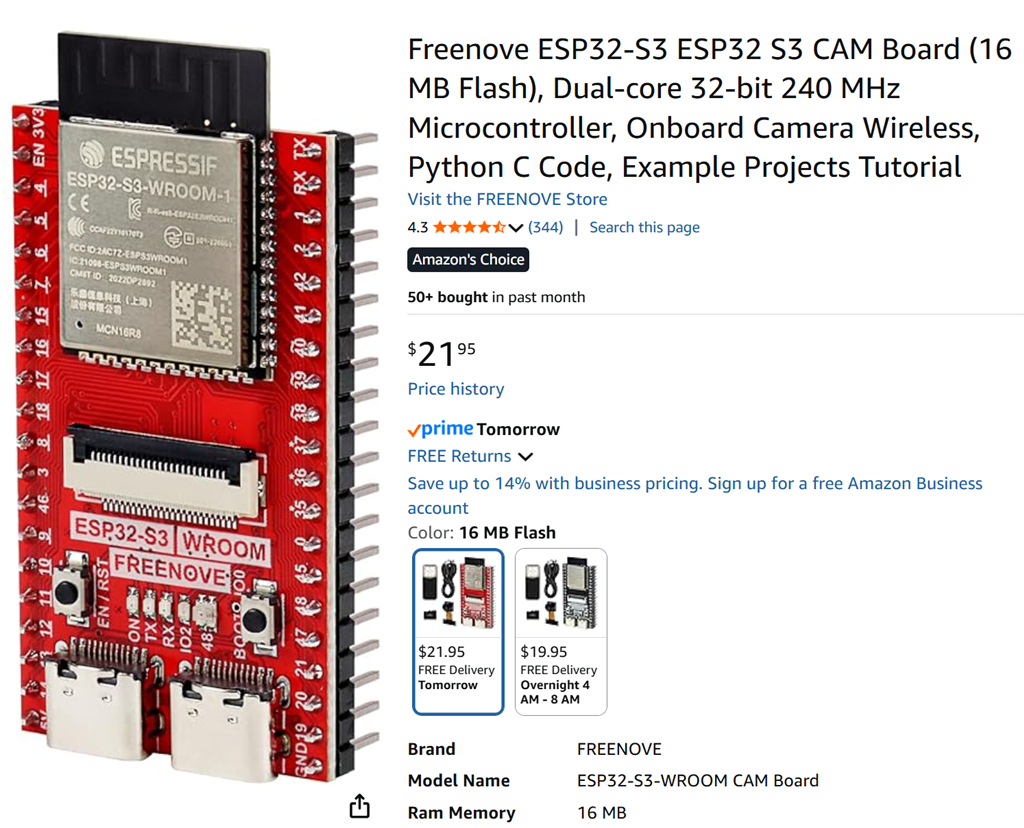
My course has primarily focused on robotics projects using the EZ-B controller and a camera for real-time interfacing. With recent developments, I am planning to create an additional video that incorporates Synthiam's support for other types of controllers. Although I've successfully flashed an alternative controller, it lacked compatibility with camera integration and Wi-Fi capabilities. The absence of an onboard computer limits the use of a USB camera, posing a significant challenge.
This dependency on specific components like the EZ-B, IO Tiny, and cameras can be problematic. For my course project, Mecha Morphix, which involves controlling five servos, the Arduino Mega seems excessive. I am in search of a suitable controller, compatible with Synthiam ARC, that includes both Wi-Fi and camera support to effectively replace the EZ-B.
I noticed that the ESP32 with a camera is listed among the supported controllers for ARC. Has anyone experimented with using the ESP32 in conjunction with a camera for such applications? Any insights or experiences would be appreciated.
Related Hardware (view all EZB hardware)

Related Robot Skills (view all robot skills)


you probably have a position or frame or control named with double quotes, single quote, or backslash in it
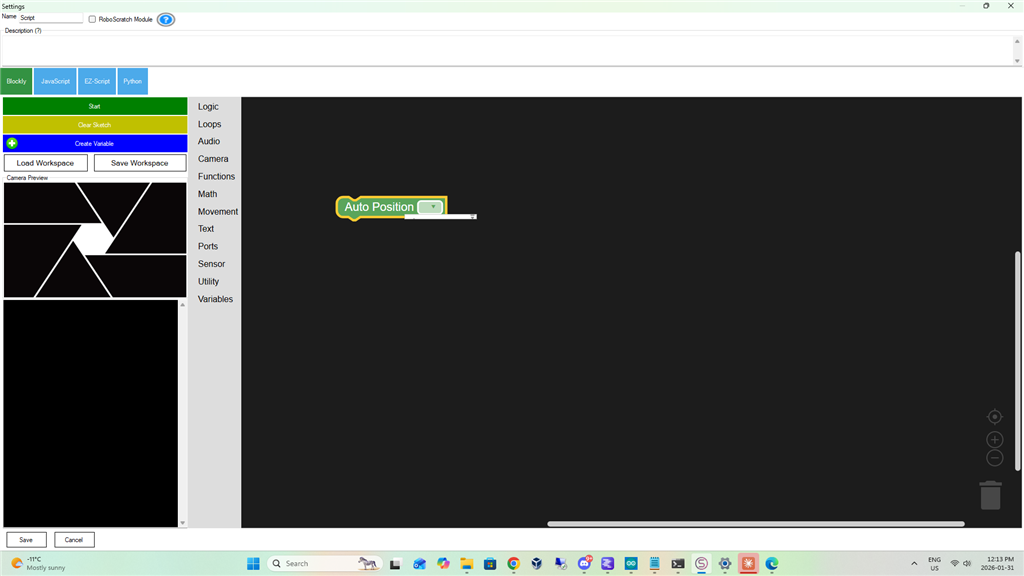
maybe its just my setup ???Oh my bad I had the Movement Panel not the AutoPosition panel on my desktop My bad Haven't used ARC in a while
Just seeing this. This is a good solution. We went from hoping to get a IOTiny to almost a full EZB! That’s a win. I think I may have a few of those break out boards laying around. I’ll have to go on the hunt. If I do I’ll post results.
edit**** I got two! Let you know how it goes later today.
I got the ESP32 PCB servo breakout board today and tried it with the ESP32 Wrover. You can clearly see the LEDs flashing for the gpio of the camera - that's of course why it isn't working with standard settings. The pcb addon circuit is changing the resistance or intercepting the signal of those camera pins. Every flashing pin is a camera pin. You can tell by looking at the pin number and comparing it against the camera_pins.h file.
There are a few options, but the firmware explains that if you have issues with the camera, lower the speed.
So one option would be to simply cut the camera pins so they're not going into the pcb
The other option is to simply lower the speed as documented in the firmware. Here's a copy and paste
Ok here are my results (so close),
This is as close as we've gotten. And I am excited!
So perhaps its trying different pins (14,15) for the SDA SCL, incase there is camera resources from those pins? Or maybe its something to do with the ports assignment?
I know no one has this board yet but me. I'm just throwing out ideas.
I'm guessing something to do with the esp32 wifi driver dealing with the camera and ezb comm data at the same time. i think the tcp window is 6 packet cache so there could be a tcp busy being transmitted if the camera image is taking long to process.
but at the same time - i can move servos without experiencing what you're experiencing. so i'm second guessing that as an issue.
are you certain the esp32 and pca9685 is getting enough power for the servos and isn't browning out?
Yes I have one servo on d0 and separate bench power supply to the 9685 set to 6 volts for the just the servo. Both camera and servo work perfectly separately. But when camera server is running the servo reverts to studder/crawl.
But servo works great by its self, (something it was not doing before) Camera works great by its self, just when i move the horiz slider for the servo moves slow an studders like before.