





Alternative To Ezrobot Ezb For Robot Head Project
My course has primarily focused on robotics projects using the EZ-B controller and a camera for real-time interfacing. With recent developments, I am planning to create an additional video that incorporates Synthiam's support for other types of controllers. Although I've successfully flashed an alternative controller, it lacked compatibility with camera integration and Wi-Fi capabilities. The absence of an onboard computer limits the use of a USB camera, posing a significant challenge.
This dependency on specific components like the EZ-B, IO Tiny, and cameras can be problematic. For my course project, Mecha Morphix, which involves controlling five servos, the Arduino Mega seems excessive. I am in search of a suitable controller, compatible with Synthiam ARC, that includes both Wi-Fi and camera support to effectively replace the EZ-B.
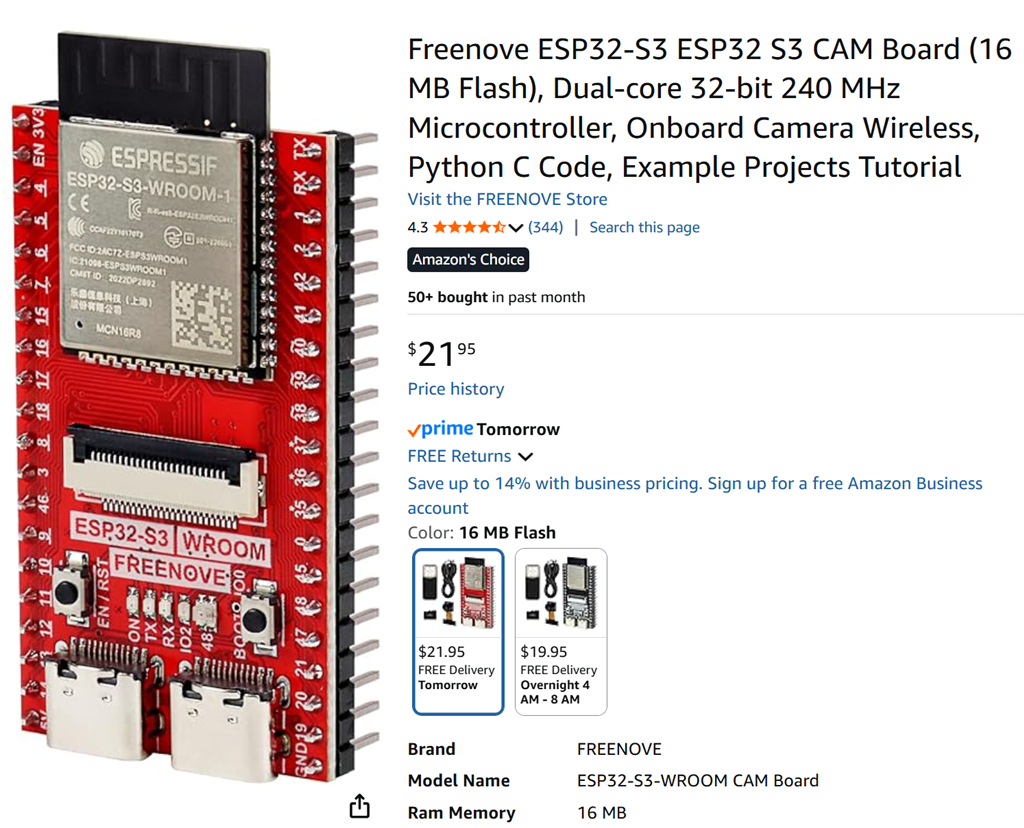
I noticed that the ESP32 with a camera is listed among the supported controllers for ARC. Has anyone experimented with using the ESP32 in conjunction with a camera for such applications? Any insights or experiences would be appreciated.
Related Hardware (view all EZB hardware)

Related Robot Skills (view all robot skills)


Did you have the same issue using the Movement Panel and not the horizontal and vertical manual sliders.
Here is a video of where we are. (I'm excited my servo works at reg speed when camera isnt on...something i could not get working last week.
@nink, No in the past my servo was slow and studderly no matter what panel i used. With the 9685 my servo works normally! Issue is just servo and camera at same time.
Hopefully the video shows where we are. Closer oh so close.
Try this panel it worked for me.
Ok @Nink I thought maybe there was something there, but in the end i think with the arrows you are commanding servos to more with just a single input move to a single position like 36. The slider and servo pad are sending tons of positions as you slide the sliders and hard for data stream to keep up with the camera data and all the update positions flying in? my 2 cents.
Lowering the mhz speed won't change that. it's something i have to change in the firmware. i'll have to do some research to see how to modify the window size - or maybe add more priority to my ring buffer.
the thing is - the esp32's aren't multi-threaded so we're sharing the same thread for sending the camera image and processing ezb commands. the i2c is even slower that wifi so that's a bottleneck as well. i'll think of something....
Yep that's what I was trying to convey before for DJ to add a step option for sliders. If you send 1 position 100 degrees then ARC uses TCP to send position to ESP and ESP sends an acknowledgement to ARC. Meanwhile Camera is using UDP and sending a stream consuming all bandwidth.
If you use a slider what happens is
ARC sends 91 degrees and ESP says yep received 91 degrees
ARC sends 92 degrees and ESP says yep received 92 degrees
ARC sends 93 degrees and ESP says yep received 93 degrees
...
ARC sends 100 degrees and ESP says yep received 100 degrees
So the work around is the ability to select a step so it only moves say 10 degrees at a time and doesn't have to send every single position in between