







Hi everyone I'm Varij. I am studying at University of Waterloo doing Mechatronics Engineering and I'm working at ezrobot for my work term
Asked
— Edited
8 Participants
 Comm Expansion Configuration
— Configure EZ-B v4/2 Comm Expansion: switch between UART transparent proxy and USB direct PC link (avoids WiFi); EZ-B needs separate power.
Try it →
Comm Expansion Configuration
— Configure EZ-B v4/2 Comm Expansion: switch between UART transparent proxy and USB direct PC link (avoids WiFi); EZ-B needs separate power.
Try it →
Hi everyone I'm Varij. I am studying at University of Waterloo doing Mechatronics Engineering and I'm working at ezrobot for my work term

Hi stranger! I think you'll find the forum-goers quite friendly. Stay a while!
nice to meet you Varij
Hi Varij, I know you will enjoy yourself while picking up valuable robotic experience. What robot do you plan on developing your engineering skills ?
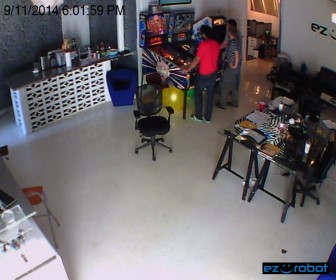
Right now he's developing his Doctor Who Pinball skills
So he is a time lord?
J
Waterloo? You're from my neck of the woods.... You're a long way from home...
You're from Waterloo too? So am I!
Yeah I'm a time Lord :-P and Robot-doc I plan on learning some programming skills to do with these robots :-)