

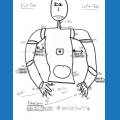



We have gone through many tutorials , adjusting servos etc. We have completed all the prerequisites for the next section but directions state to start with your assembled JD and charged battery. Where are the directions to put JD together, specifically which ports to plug the servos into? What am I missing? I am an engineer but feel dumb:(

Philly
USA
Asked
— Edited
 Resolved by DJ Sures!
5 Participants
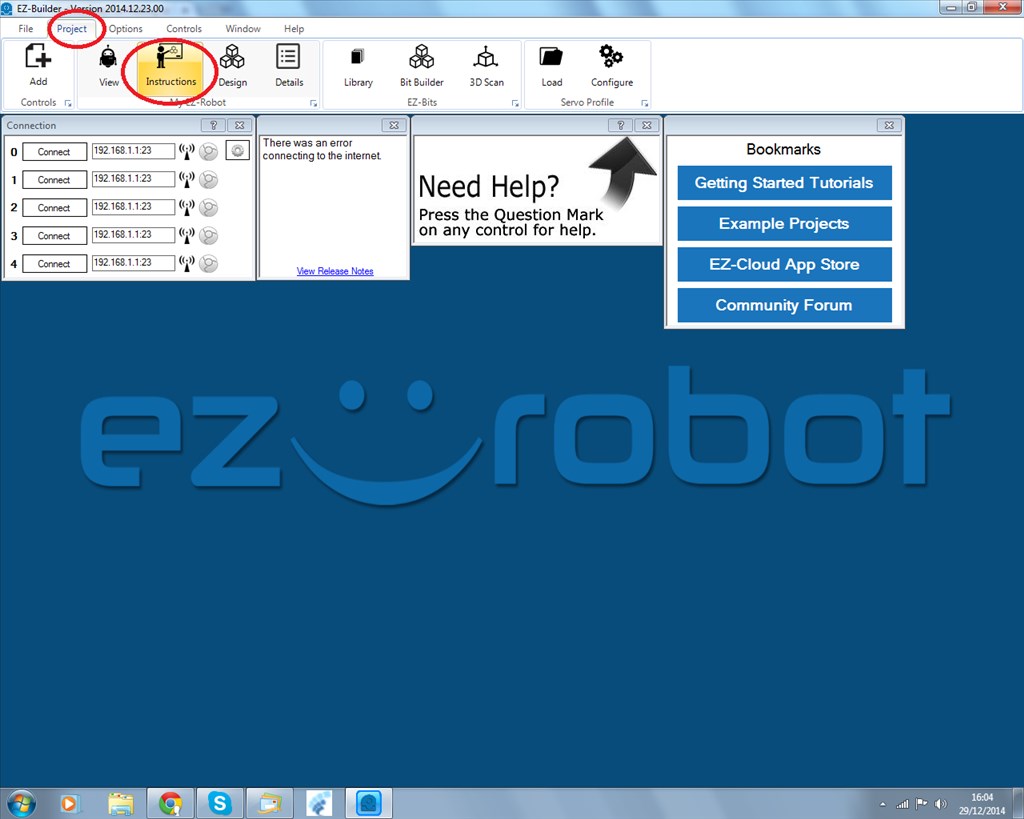

Have you opened the sample JD project that is included with ARC? The assembly instructions are there along servo port arrangement. Also included is sample project with movements (dance, walking etc...)
JD, Six and Roli example files are in the file menu in ARC....
philly when you open ARC there is a checkbox for assembly the jd. it tells where to put it in (port)
Thank you Richard and nomad
Do not forget to follow the tutorials and calibrate your servos before using JD.... I am sure @nomad will tell you what happens if you don't do the calibration correctly...
rr
hehe it will not work correctly,am still having questions.
philly did you connect the ezbv4 to pc?
Yes - wirelessly
does ARC find your ezbv4? and connect
im sorry nomad. I am not presently working on the JD. I am at work. will be working on tonight. I misunderstood the previous question. It was connected when we calibrated all the servos. I have not connected the fully assembled JD because we did not know what ports the servos plugged into.