


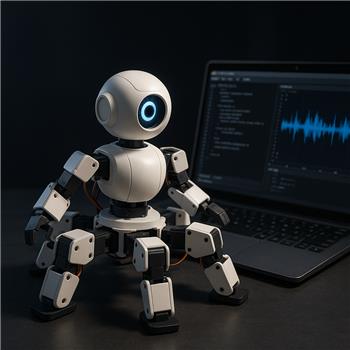
I’m choreographing a ~75 second dance for an EZ-Robot Six Hexapod and trying to capture it with the Recorder skill, then play it back in sync with an MP3. Hardware: stock Six with 12 HD servos on D0-D11, EZ-B v4 over Wi-Fi to a Windows laptop, 7.4V 1300mAh LiPo (freshly charged). I build the motions with Auto Position frames, trigger them live, and hit Record. Short takes (10-15s) replay perfectly. But on longer takes (>45s), playback slowly drifts and the bot ends up a few degrees off in the hips/shoulders, and timing against the audio is late by ~0.5-1.0s by the end. Reverse playback also looks unstable for gait segments (feet placement order gets weird).
What I’ve tried: moved the laptop right next to the EZ-B to minimize WiFi latency, tried AP mode vs client mode, disabled the camera skill during record/playback, verified no brownouts (no EZ-B reconnects, battery >7.6V under load), and confirmed my servo Profile calibration is loaded before recording and before playback. Memory usage jumps noticeably on longer records, so I also tested splitting into two ~35s passes which helps a bit but I still see some drift near the seam.
To sync audio, I added a Script skill to trigger both simultaneously:
ControlCommand("Recorder", "Play Forward")
ControlCommand("SoundBoard PC", "Track_01_Play")
They start together, but by ~30s the MP3 leads the motion by ~0.8s.
Is the best practice for a long Six routine to segment multiple shorter Recorder clips and trigger them from the Script skill (pre-positioning with an Auto Position "Stand" frame between clips), and if so, what ControlCommand sequence or setup do you recommend to keep audio tight and guarantee a consistent start pose each time?
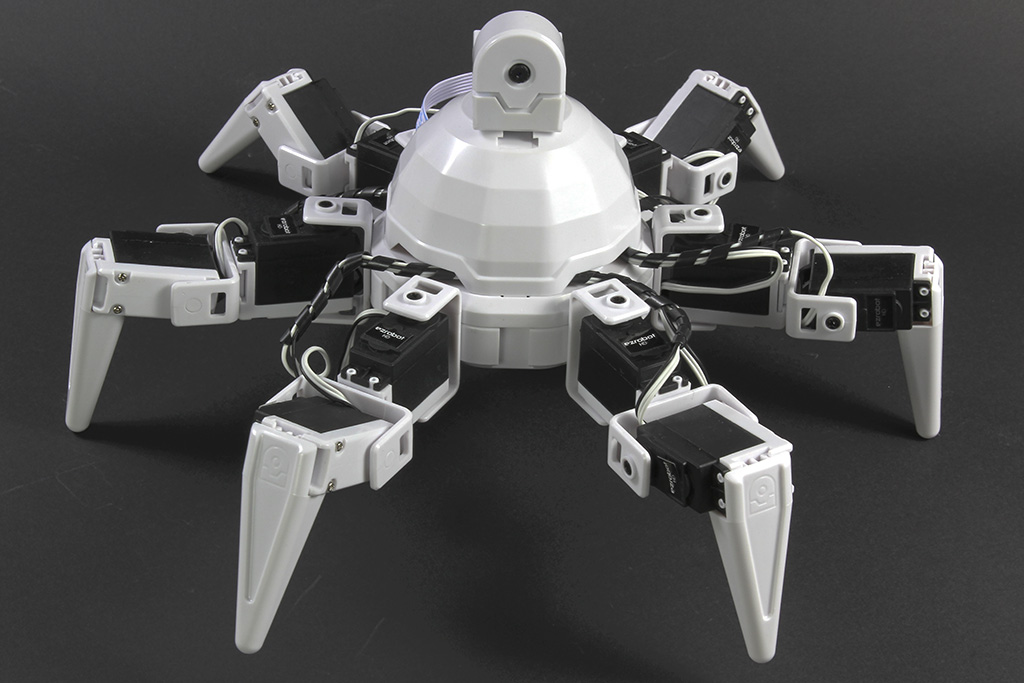


Yes - for a 75-second hexapod routine, the better approach is usually to split it into shorter clips and trigger them from a script rather than relying on one long Recorder playback.
What you’re seeing makes sense for two reasons:
Recommended approach
For a Six routine, I’d suggest:
That gives you much better control than one long playback.
Best practice setup
1) Create a dedicated start pose
Make a frame in Auto Position like:
D0-D11all in your exact neutral standing poseThen use that as your reset before every clip.
2) Split the routine
Instead of one 75-second recording, make something like:
DancePart1DancePart2DancePart3If possible, keep each segment around 15-25 seconds.
3) Trigger from a script
Use a script skill to run the sequence. For example:
If you need each part to run one after another, wait for the recorder to finish before starting the next part:
Important note about audio sync
If the MP3 leads the motion by ~0.8s, that usually means the audio is starting faster than the robot motion begins, not that the laptop is "too slow."
A common fix is:
Example:
Or if the audio needs to lead slightly, reverse that delay.
Even better: use one master timing source
If the song is critical, the most reliable method is often:
That avoids relying on a long recorded motion to stay perfectly aligned for 75 seconds.
Why splitting helps
Breaking it into segments helps because it reduces:
It also gives you a chance to re-center the pose at each seam.
My recommendation for your Six
For a hexapod dance, I’d do this:
One thing to check
In the Servo Recorder skill, open the kebab menu and confirm the playback settings are exactly what you want for each clip. Also make sure the control is renamed consistently if you reference it in scripts.
Question for you
Are you playing the MP3 through:
Audio.playAudioFile(), orThat matters because the best sync strategy is a bit different depending on where the audio is coming from.
If you want, I can help you write a clean ARC JavaScript script that: