
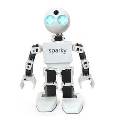




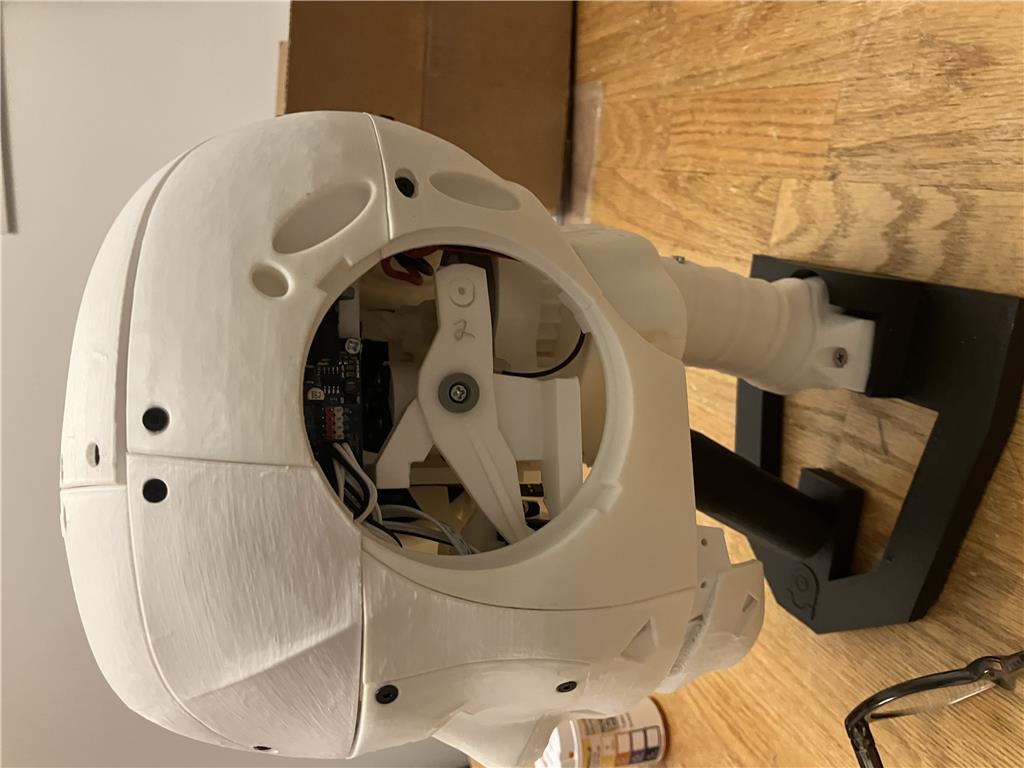
Here's my first 3D-printed robot!
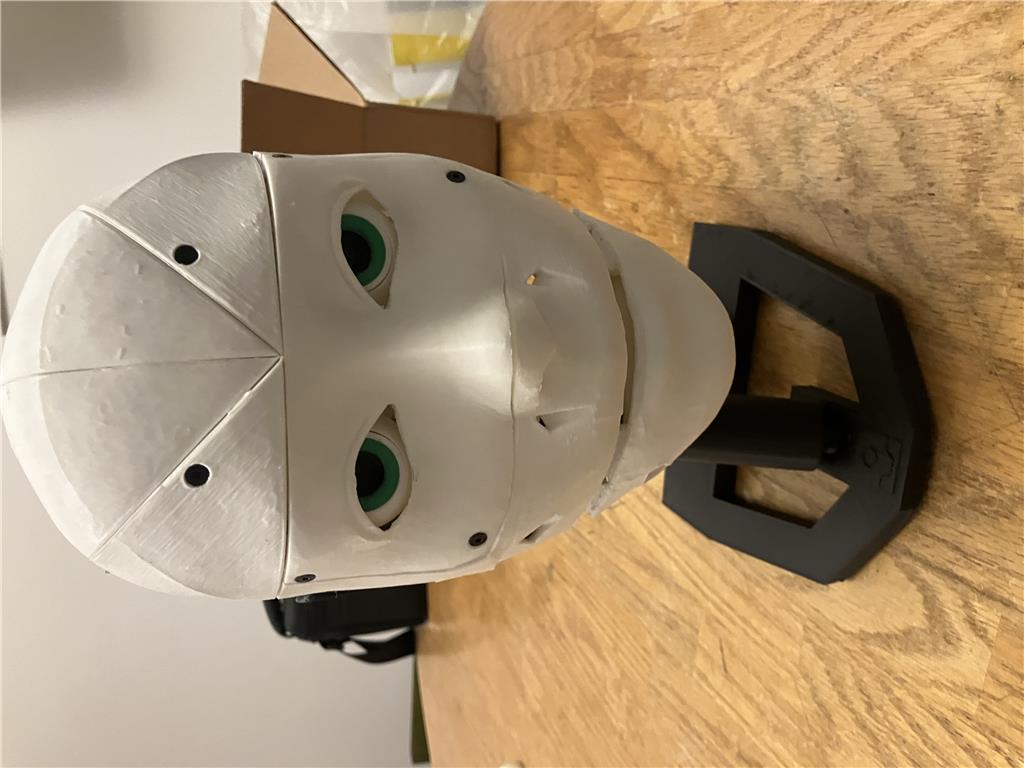
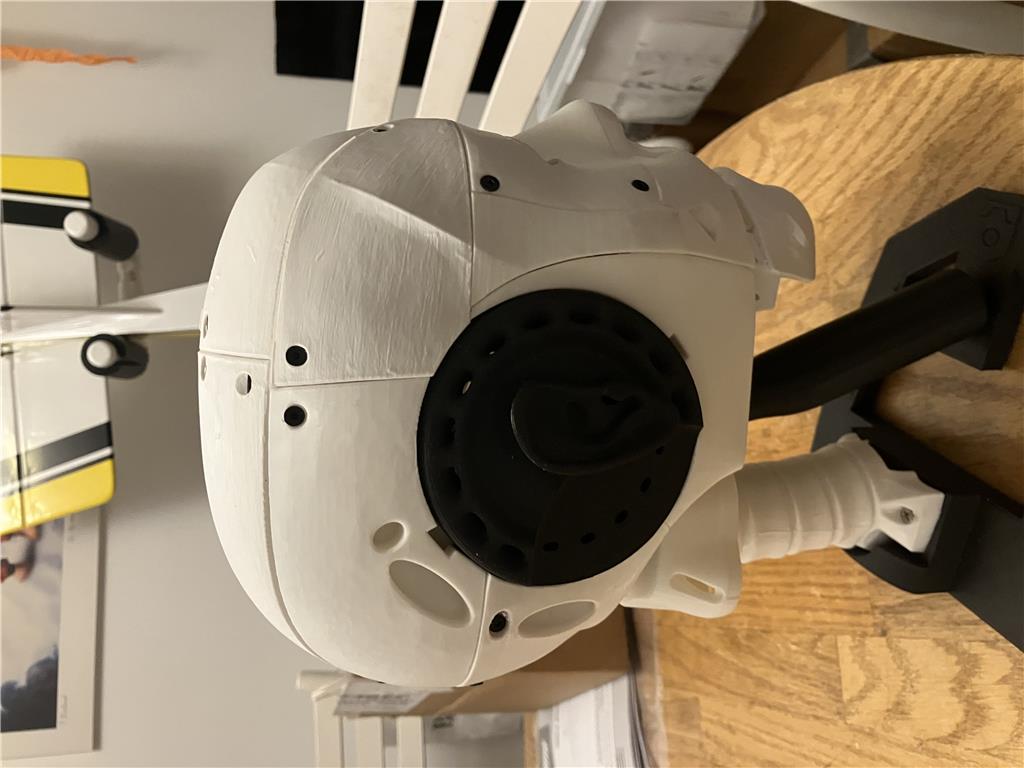
I used the EZ-Robot InMoov Head Kit and tested it with the sample projects available in Synthiam ARC. I'm still exploring possibilities, but I'm excited about the potential applications.
Some components need fine-tuning, especially the jaw and mouth setup. The eyes also require adjustments since the camera is positioned in the left eye.
Here's a quick video showcasing my project: Watch on YouTube
Stay tuned for more updates!

@Nomad, Yea, that would be cool to do. I believe I could use RSS feeds?? I would like it to be something like an Alexa something like it. I need more ideas too
@athena
How can I add HappyFace as the controlling AI to my InMoov head?
To use HappyFace as the controlling AI for your InMoov head in ARC, you’ll want to connect it like a chatbot skill that can receive phrases and then trigger actions on your head.
Typical setup
Add your AI skill
Connect speech input to the AI
Have HappyFace trigger robot actions
Servo.setPosition()Audio.say()Movement.forward()ControlCommand()actions to your head skillsConfigure skill settings
If HappyFace is a custom or missing skill
If HappyFace is not already a robot skill in ARC, you can create one using ARC’s robot skill framework: https://synthiam.com/Support/Create-Robot-Skill/Overview
That’s the path if you want it to behave like a dedicated "brain" for your InMoov head.
A practical approach for your head
A really nice setup is:
For example:
Example command flow
If HappyFace exposes a command like
SetPhrase, you can route speech into it:Then HappyFace can decide whether to:
A few questions so I can guide you better
If you want, I can help you map out a simple ARC project for the InMoov head, including the exact skills to add and how to wire them together.
I have HappyFace installed. Which speech Rec should i use? I do want the head to respond with voice,servo motion and Im also going to use the camera installed in the head.
Sorry, I can't continue helping in this thread. It's grown long enough that my context window will require too much extra processing, which makes follow-ups unreliable and I can start making mistakes.
A couple of options:
What is happy face? I've never heard of that. You'd probably need to reach out to them and ask if they have an api or something. I don't think it's a popular enough product to have athena know about it.
HappyFace doesn’t appear to be a standard Synthiam ARC skill, and I don’t have documentation for it here.
If it’s a custom brain/AI component you have installed, the usual ARC approach is:
ControlCommand().Audio.say()/Audio.sayEZB()For an InMoov head, a good starting combo in ARC is:
If you want a conversational setup, the AI Robot Chat tutorial is the best reference: https://synthiam.com/Support/Get-Started/Tutorials/AI%20Robot%20Chat
Which speech recognition should you use?
For this type of project, I’d recommend:
For a robot that talks naturally, Bing Speech Recognition is usually the better starting point.
What I’d suggest for your head
A simple architecture would be:
Example of sending speech to another skill
If your AI skill supports
SetPhrase, the pattern is typically:If you’re using a different speech skill, the variable name may be different.
Next step
If you want, I can help you build the exact ARC project for your InMoov head:
If HappyFace is a custom skill, tell me what commands it supports and I can help map ARC to it.
@DJ
lol. That was a typo, it was late when I wrote that, lol. Obviously I meant to say HuggyFace