







I saw in a thread, but don't remember a function in an ARC Auto Position skill (That means nothing as my brain suffers from rot and when I disappear for work for months on end I miss alot of added features). I read this thread :
...and if I understand correctly:Quote:
...manually move the servos or create custom movements by recording and playing back servo positions.
Is it possible to physically move standard servos into a position and then record those positions using auto position? ( is this a modified servo ie soldiering wire to the pot? Or just with regular servos?)
If so, can you choose which servos to record and which ones not record, so as not destroy other servo motions? Example, I want to manually move and record positions a robot arm ( which might include 4 servos). But, I don't want it to overwrite the positions of say the rest of the of the robots motions like body, head legs etc. How do I isolate just the servos i want to record.
If this is not a feature, disregard this question and thread.

I mean you can get servo positions with:
But you can't release the servo, ARC has to have initialized the servo position at some time and also manipulated it within the software. You couldn't release it and still have ARC retain the new physical value, that would definitely be black magic
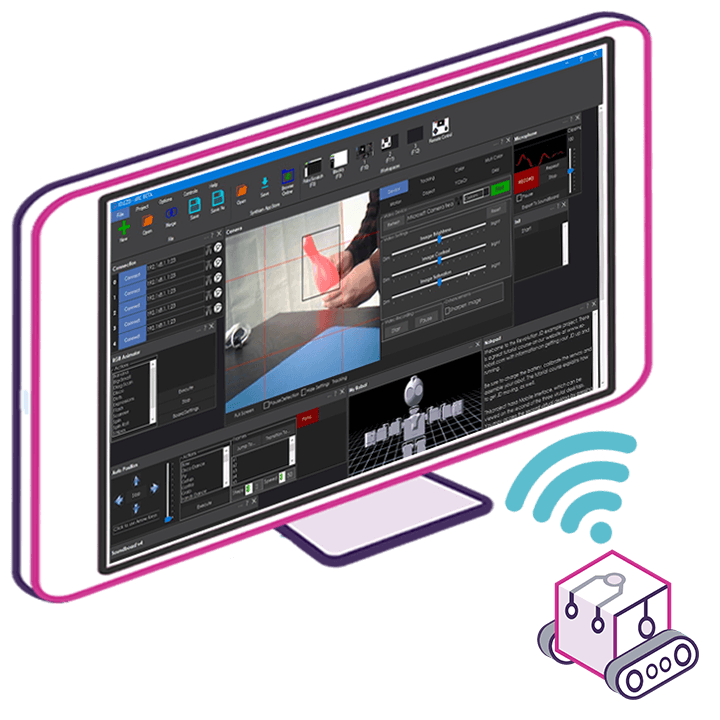
Yeah the Auto Position skill has servo position recording. The buttons are on the frame tab. There’s a release button and a get servo position button. You have to release first. It’s documented with the little question marks. Beside each button
as for what servos are compatible, it’s all servos except for pwm. That me as Dynamixel, lewansoul, Feetech, lynxmotion, etc
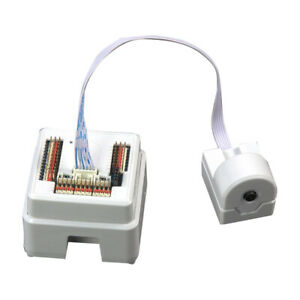
now if you want to do it with pwm servos, you need to connect the potentiometer to the adc servo robot skill.
Thanks so much for the clarification DJ.
Here this will help as well: https://synthiam.com/Support/Get-Started/Tutorials/Record-Servo-Positions-To-Auto-Position-Frames
@DJ may I point out something about your naming convention for servo types on that page you linked to?
PWM Hobby servos - not many people call them by this name - these are most commonly called an "RC servo" Bi-directional servos - I've never heard these servos called by this name - I have heard them called "Smart servo", "Serial Bus servo" or "Serial servo"
Don't just take my word for it though: https://hackaday.com/2018/07/05/wrangling-rc-servos-becoming-a-hassle-try-serial-bus-servos/