






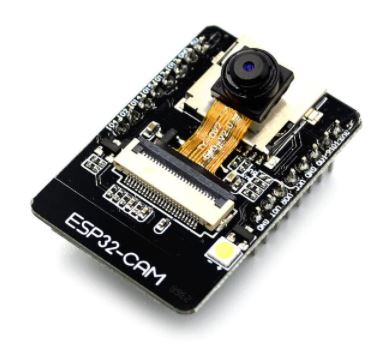
Since the MS LifeCam is not listed in the Product list, I had to chose the ESP32 Cam in order to submit the question.
Problem: Can not connect the MS LifeCam again. Steps to reproduce:
- Plug in the Cam
- Open the ARC
- Project->Add->Camera Device
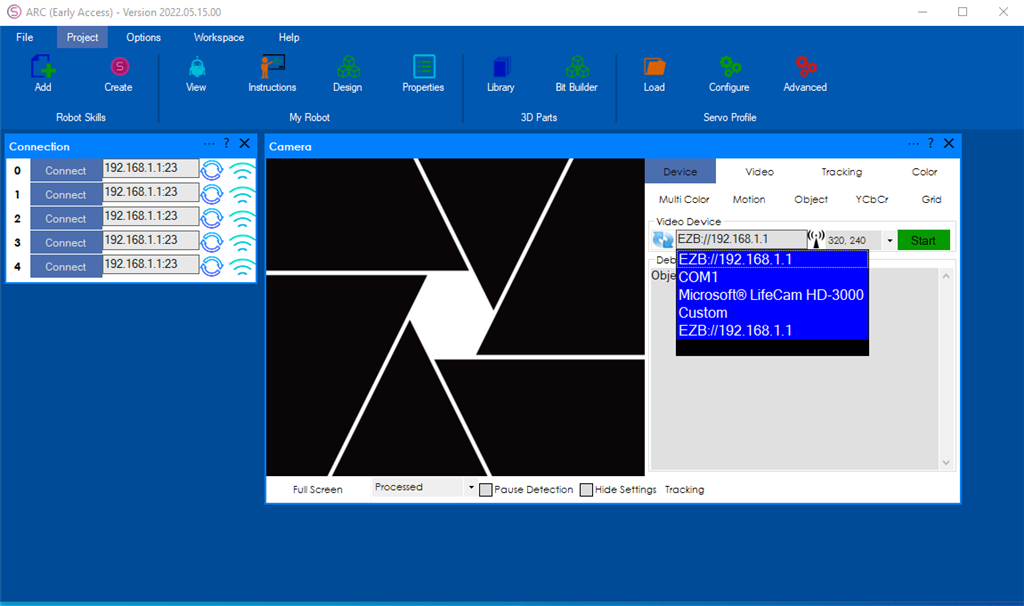
- Start
After playing around with the ARC Camera Features, closed the Camera Device without saving the Camera control to a project: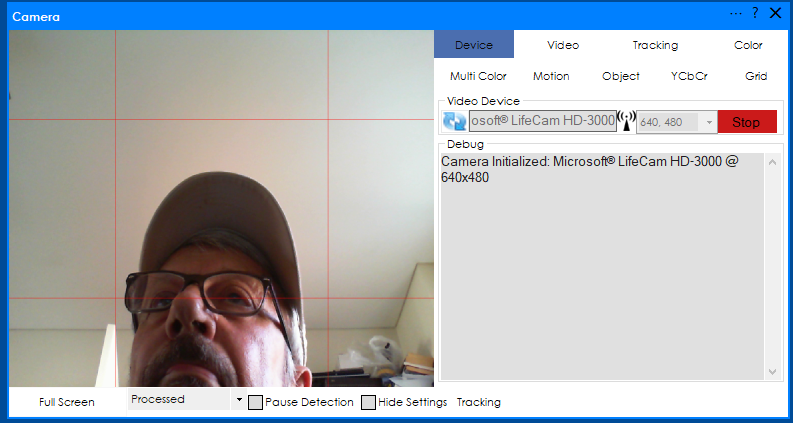
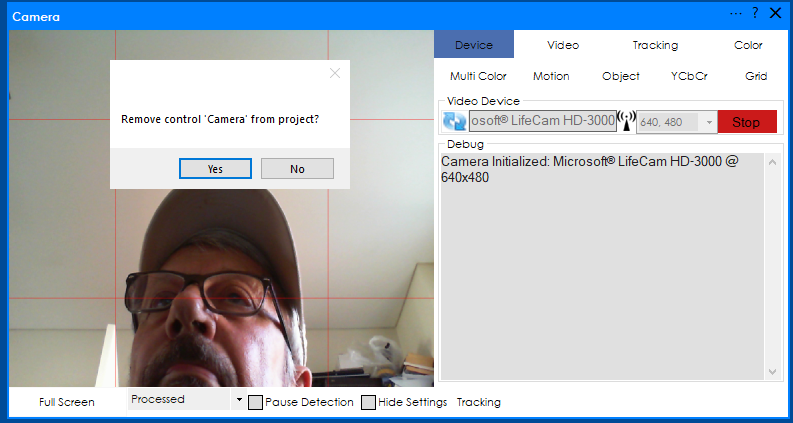
- Closed the ARC, switched off the PC.
- Later on tried same as from the Step 1 and got the message:
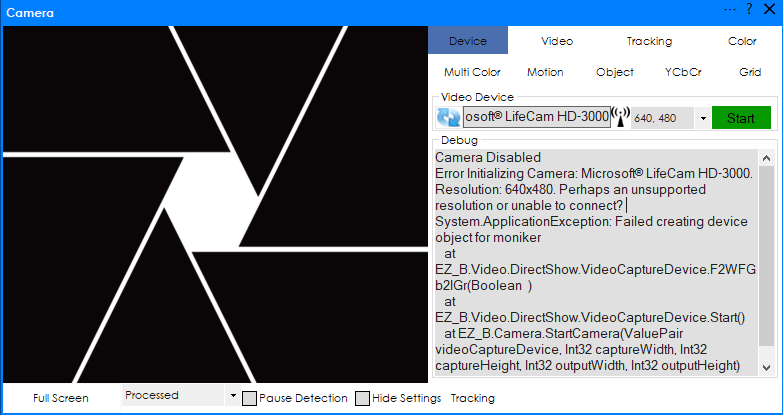
- Closed Camera Device and ARC, removed the MS camera. 8. Plugged in the camera again. Opened the ARC and started as from Step 1 and again same message: "Camera Disabled".
- Switched off the PC. Switched on and tried again without success (same message).
What I have done wrong to stop camera working?
Note: Did not use any Windows app related to the camera before I run the ARC. Later checked the camera with the Yawcam and VLC applications and camera worked fine. The camera is brand new, just opened from the box.

Typing error: not list suspicious but least suspicious.
Wow that is interesting. Did you know it doesn’t matter if you have a keyscrambler that anyone with a microphone still knows what you are typing based on the sound of your key strokes. I did some work around this in the 90s even filed a patent to prevent this.
alexa is listening.
Didi not know Nink. That is unbelievable and awesome. Big brother Alexa!:)