






Can I use a servo like this one to get 270 degrees of motion with EZB and ARC?
https://www.amazon.com/ANNIMOS-Digital-Waterproof-DS3218MG-Control/dp/B076CNKQX4
 User Defined Function Example
— Add custom EZ-Script functions in C# or JS; intercept unknown calls, parse parameters and return values via AdditionalFunctionEvent.
Try it →
User Defined Function Example
— Add custom EZ-Script functions in C# or JS; intercept unknown calls, parse parameters and return values via AdditionalFunctionEvent.
Try it →
 Resolved by DJ Sures!
Can I use a servo like this one to get 270 degrees of motion with EZB and ARC?
https://www.amazon.com/ANNIMOS-Digital-Waterproof-DS3218MG-Control/dp/B076CNKQX4


Thanks very much for this!
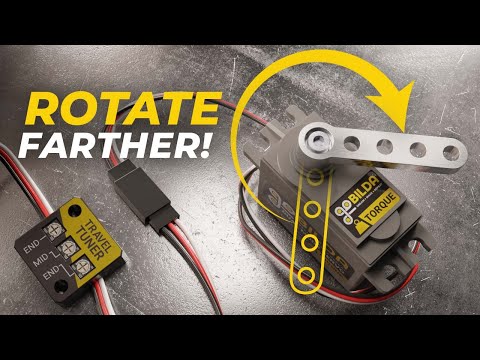
Here's a video...
That my friend will come in super handy for a ToN of situations! Thanks for this!
WOW. very nice.
agree very useful. I am glad it is an optional change as well so it doesn't confuse new people. Having 1 to 180 degrees is good because we can visualize 1 / 45 / 90 / 180 degrees etc and don't need to explain that if you set 1024 that 256 is really 45 degrees for servo A that is a 180 degree servo, and only 30 degrees for servo B that is a 270 degree servo (this would make a new person to the softwares head spin).
BTW servo Travel Tuner is amazing as a one-off to get ALL of your movement from any servo regardless of the max range of movement or frequency.