



I am using the ESP32_CAM with a camera stream for MJPEG files. Code here. https://github.com/arkhipenko/esp32-cam-mjpeg It runs fine and shows a 320*240 image when I bring up a browser or VLC. I open the camera control and type in the URL of the stream it generated https://my.cam.ip.xxx/mjpeg/1 (The same one I use in VLC) and the camera initialises but doesn't actually open (The virtual camera lens stays closed) . Anyone else stream mjpeg cameras in? The manual hints there is support.
Asked
 Resolved by DJ Sures!
MJPEG Stream In Camera
Related Hardware (view all EZB hardware)
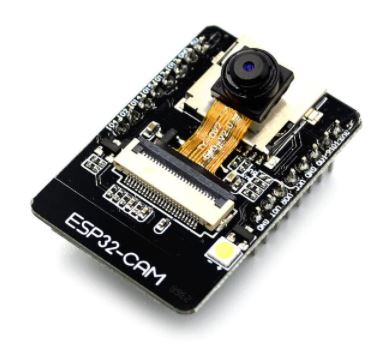
ESP32 Cam
by Espressif
ESP32-CAM with Synthiam ARC streams live video for robot vision, digital I/O, sensors, UART, and Wi‑Fi control.
Wi-Fi
Servos
Varies
Camera
Audio
UART
Varies
I2C
ADC
Varies
Digital
Varies

see my note above You don't allow http on your server copy paste links
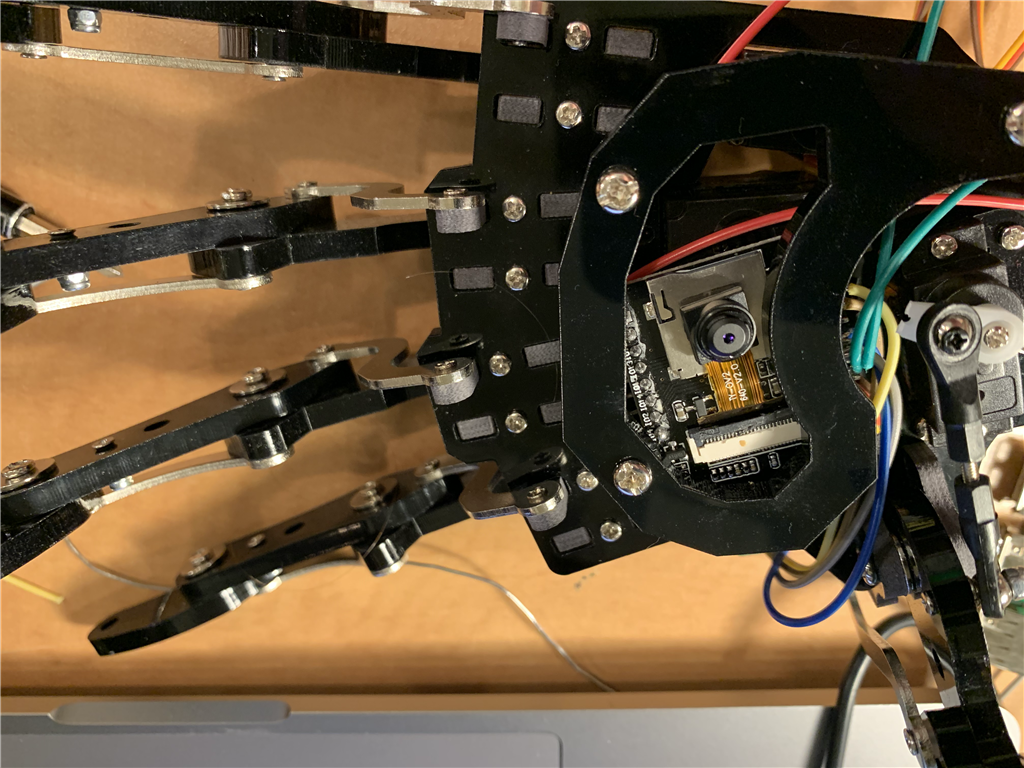
I mounted ESP in the palms of my robot hands so I can see what I want to pick up. Works well but now I need the robot to see it to use object recognition and rotation angles your wrote in order to pick something up. Think I need to add a distance sensor as well
Here, use this firmware and connect as an EZ-B Camera, and turns it into an EZ-B so you can use the digital ports: https://synthiam.com/Firmware/ESP32-Cam-EZB-5KUNP4UTSW0
Wow thanks DJ. I must owe you half a dozen premium support tickets in the past month now.
thank you so much.
Plugged in Camera and ESP picture quality is really good for a $9 camera and responsive. I was surprised. The MPEG Stream I was using was jittery and delayed. Any hints on mapping of GPIO ports to Dx ports. Its tricky finding a free port with the camera enabled. So far I haven't found one that I can drive a servo from. Looks like the camera consumes a lot of the GPIO ports and they are the same ones that are mapped to pins. GPIO12 13 14 15 2 and 4 look like they are reserved for camera. I tried to use GPIO16 (I assume from ESP code that mapped to D13) but enable D13 causes ESP13 to crash.
I thought I could take TX and RX as they are not really needed after you are connected and I won't have FTDI enabled in bot. These are GPIO 1 and 3 according to your diagram but I am not sure of Dx ports they map to as they are not on the original ESP diagram.
Re: gpio in ezb connection see conversation in this firmware thread: https://synthiam.com/Firmware/ESP32-Cam-EZB-5KUNP4UTSW0
i also removed "live stream receiver" robot skill from being tagged in this question. The "live stream receiver" robot skill was not being referenced or used in this question. Unless you had a specific reason for tagging it let me know and I’ll restore it?