



Do you know if ARC is compatible with a RoboClaw 2x30A Motor Controller? - see link: https://www.basicmicro.com/RoboClaw-2x30A-Motor-Controller_p_9.html

PRO
afcorson
Australia
Asked
 Resolved by DJ Sures!
4 Participants
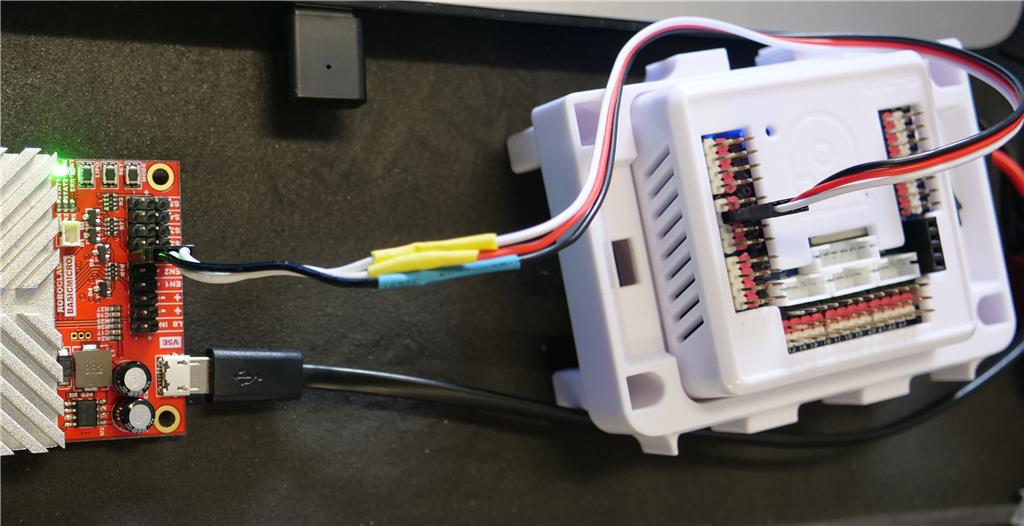
Motor Controller
Related Hardware (view all EZB hardware)
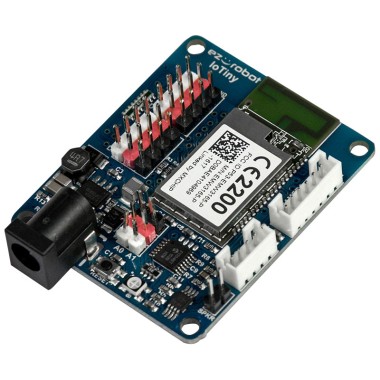
EZ-B Iotiny
by EZ-Robot
EZ-B IoTiny works with Synthiam ARCx to control servos, camera, voice, scripts, and IoT from any browser.
Wi-Fi
Servos
8
Camera
Audio
UART
None (transmit-only serial on digital ports)
I2C
ADC
2
Digital
8

S5 reads 5v (no USB connection)
S1 reads just under 5v
so the 5v regulator is good !!! Still not working ?
No. Like it is stuck in USB mode (mode 15) even though I confirmed by pressing the MODE button that it is on mode 5 (standard serial). The software also says it is in standard or simple serial mode.
In the manual is says...
RoboClaw includes 3 LEDs to indicate status. Two green status LEDs labeled STAT1 and STAT2 and one red error LED labeled ERR. When the motor controller is first powered on all 3 LEDs should blink briefly to indicate all LEDs are functional.
STAT1 lights up when connected to USB. Only STAT2 lights up when not connected to USB.
Forgot to add..,.
The LEDs will behave differently depending on the mode. During normal operation the status 1 LED will remain on continuously or blink when data is received in RC Mode or Serial Modes. The status 2 LED will light when either drive stage is active.
Now I have STAT1 lit when not connected to USB. It's hard to see the problem.
Further testing. Works without vendor software connection but with USB connected. Disconnect USB, then it doesn't work. So the only thing it gets from the USB connection is more 5v power. Curious!
What would happen if I connected the Roboclaw's USB to its own S5 5v power supply? Risky or not?
I tried this experiment and it worked. I connected one end of a USB cable to the Roboclaw's USB connector and the other end to its own 5v power on the S5 pin. So why is this necessary is the big question?
Alan