
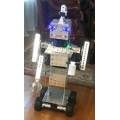
I will be meeting AIMLbot soon
More robots by EzAng
Other projects from the same builder.
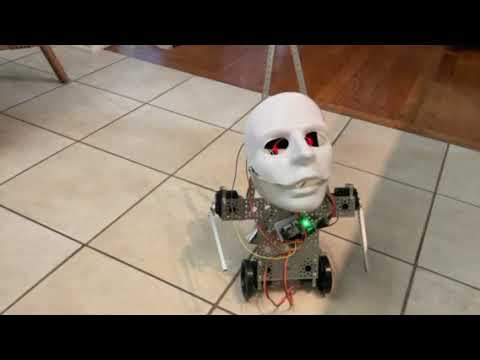
Ezang's Another Of My Funny Robots
Moving, talking JD Robot with expressive LED eyes that answers back-playful interactive build showcasing motion and...
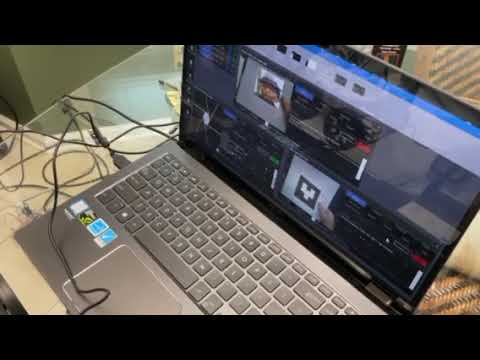
Ezang's Some Examples From The Past Of Glyphs, Glyphs With...
Glyph examples with augmented reality and QR codes using a USB camera and the EZB4 with camera and sample code
Discover more robots
Robots the community built with Synthiam ARC. Get ideas for your next build.
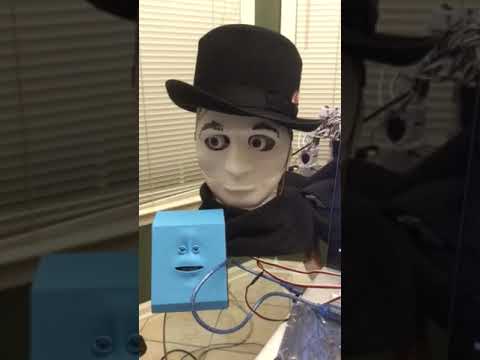
Ezang's New Creation - Mr. Roman 2 Video
Mr. Roman with scarf and hat and a little blue Arduino-based friend
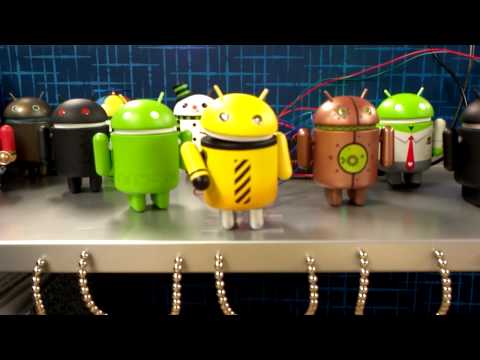
Niek's Dancing Droid
Script dancing Android puppets in Synthiam ARC using cheap mini servos, creating per-move ARC scripts and aiming for...
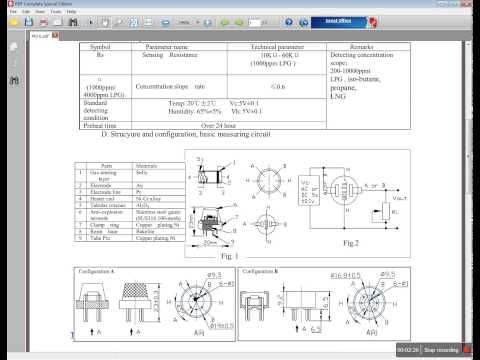
Luis's Using A Mq-? Sensor With The Ezb4 And ARC
Demo video posted-watch the demo and enjoy; creator happy to answer any questions.

now anton has a friend.:D
lol Yes he does
Super cute!!! Especially with the brows, mustache and hat!!
took the mustache off, lol
You can create different mustaches for different moods!! Honestly...eyebrows and accessories like a hat, mustache etc are great ways to create a unique personality for our robots!!
On mine I am trying to "fake" eyebrows with my Oleds, to create the happy, sad or angry expressions!!
You should explore ways for emotional expression, to make your robot easier to relate to!!
I understand,
my next thing I am doing is to add the mouth movements synching it with AimlBot so I have responses also
I found a great tutorial, https://synthiam.com/Products/Controls/Audio/Talk-Servo-16179
it says:
Use the Talk servo icon to add the control to your project
This control will bind to the Text To Speech engine. When ever a text to speech EZ-Script command is executed (i.e. Say, SayEZB, SayWait, SayEZBWAit), this control will move the specified servos to simulate a mouth movement. If your robot has servos connected to simulate a mouth, this control will move those servos while speaking. There are parameters to configure for the voice and voice settings selection in this control. Every voice and different voice settings (i.e. speaking speed) will require custom settings. The settings are delays for each type of audio. For example, there are delay specifications for Constants and Vowels. The mouth is closed when a Constant is detected and opened when a vowel is detected. The mouth is again closed at the end of a word or sentence. The delays for each of these settings can be specified to tune your effect.
Have fun exploring!!
Hey ! It's Antonn's cousin ! Looking good !