
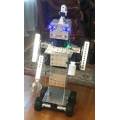
My new Mr. Head robot, jaw movements and more to come
I will be meeting AIMLbot soon
By EzAng
— Last update
Discover more robots
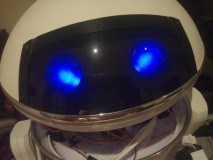
Rb550f's Meet Tk
TK robot - 31in tall, 12in base, 12lb with 12V battery; rotating torso/head, tilting dome, arms w/3 HD servos, digital...
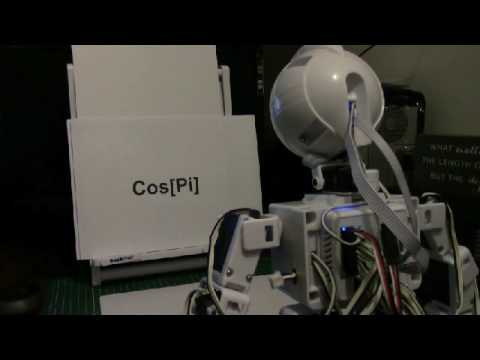
Tezsmith's Linking Mathematica (Computational Software...
Synthiam ARC linked to Mathematica enables robots to read text, identify 10k+ objects, compute routes, use WolframAlpha...
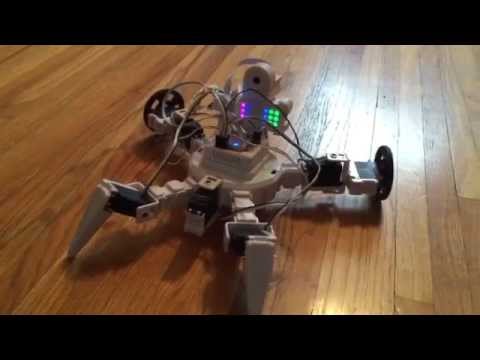
DJ's I Shall Call Him Norm
Norm is a very fitting name, affirming its aptness and suitability.

For the mouth I used a Scary Terry board.
I am trying,
I will use:
I found a great tutorial, https://synthiam.com/Products/Controls/Audio/Talk-Servo-16179
it says:
Use the Talk servo icon to add the control to your project
This control will bind to the Text To Speech engine. When ever a text to speech EZ-Script command is executed (i.e. Say, SayEZB, SayWait, SayEZBWAit), this control will move the specified servos to simulate a mouth movement.
If your robot has servos connected to simulate a mouth, this control will move those servos while speaking.
Hey Andy, I might call my robot "Roman", Antonn's cousin, lol