
Change Release Notes
- Huge GUI rendering performance improvements
- Theme colors can be edited Options -> Preferences -> Theme
- Uses the stable plugin interface (all plug-ins must be updated to work with this release moving forward
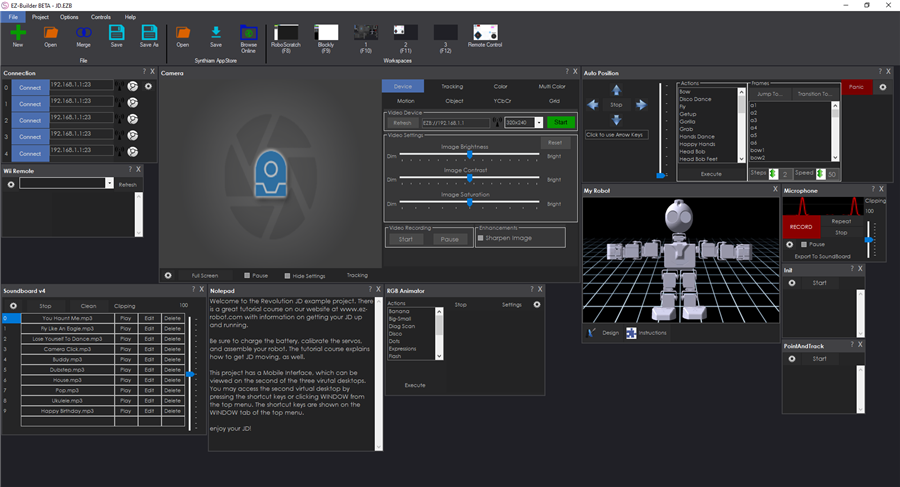
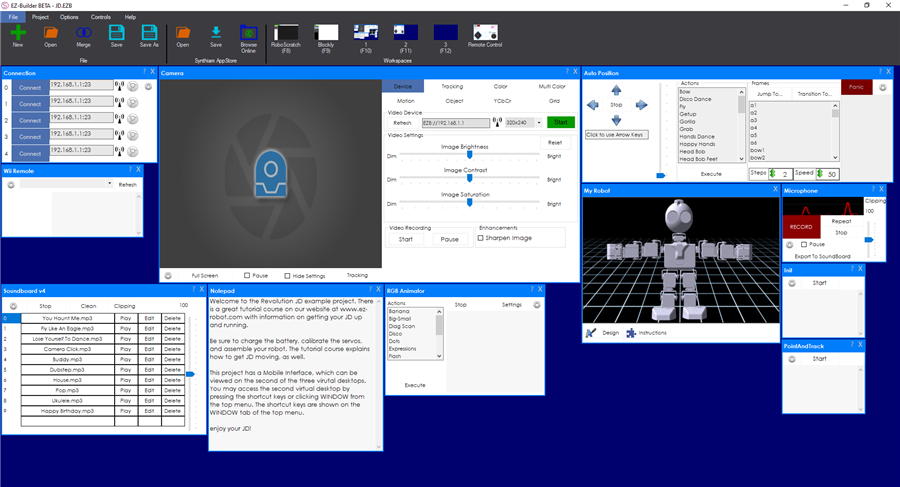
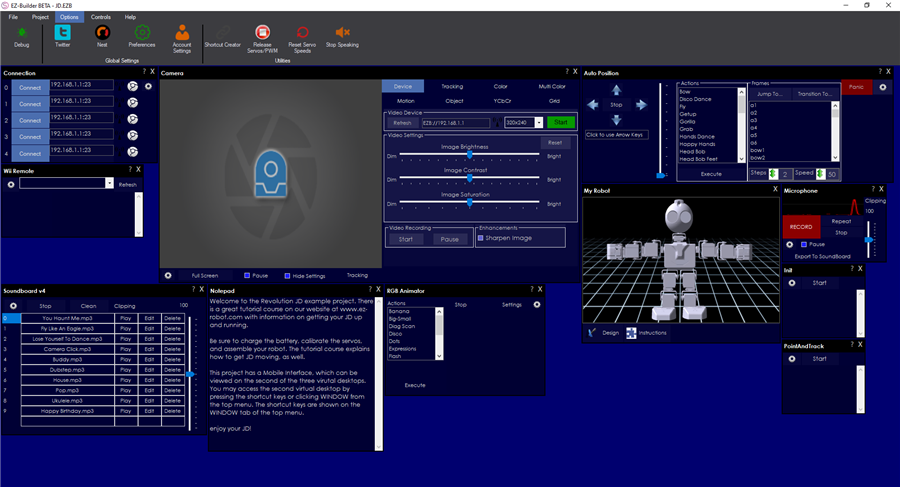
Authors of Plugins to Update The pnlControl has been removed. This means you'll have to edit the designer.cs file for your forms and remove the pnlControl references to use this. For example...
Change: this.pnlControl.Controls.Add(something); To: this.Controls.Add(something);
ARC Downloads
ARC
FREE
$0
always free
- 1 third-party plugin skill per project
- Trial cloud services
- Personal, DIY & education use
- Updated every 6–12 months
 Download
Recommended
ARC
PRO
$8.99
per month
- Use on 2+ PCs simultaneously
- Unlimited robot skills
- Cloud backup & revision history
- Weekly features & bug fixes
- Business use permitted
ARC
RUNTIME
$0
always free
- Load & run any ARC project
- Read-only mode
- Unlimited robot skills
- Includes early access fixes & features
- Minimum requirements: Windows 10 or higher, 2 GB RAM, 500 MB free disk space.
- Recommended: Windows 10 or higher, 8 GB RAM, 1 GB free disk space.
- Prices are in USD.
- More about each edition: Download & install guide.
- Latest changes: Release notes.
Compare Editions
| Feature |
ARC
FREE
|
ARC
PRO
|
|---|---|---|
| Get ARC Free | View Plans | |
| Usage | Personal · DIY · Education | Personal · DIY · Education · Business |
| Early access to new features & fixes | — | ✓ |
| Simultaneous microcontroller connections * | 1 | 255 |
| Robot skills * | 20 | Unlimited |
| Skill Store plugins * | 1 | Unlimited |
| Cognitive services usage ** | 10 / day | 6,000 / day |
| Auto-positions gait actions * | 40 | Unlimited |
| Speech recognition phrases * | 10 | Unlimited |
| Camera devices * | 1 | Unlimited |
| Vision resolution | max 320×240 | Unlimited |
| Interface builder * | 2 | Unlimited |
| Cloud project size | — | 128 MB |
| Cloud project revision history | — | ✓ |
| Create Exosphere requests | — | 50 / month |
| Exosphere API access | — | Contact Us |
| Volume license discounts | — | Contact Us |
| Get ARC Free | View Plans |
* Per robot project
** 1,000 per cognitive type: vision recognition, speech recognition, face detection, sentiment, text recognition, emotion detection, azure text to speech

Upgrade to ARC Pro
Harnessing the power of ARC Pro, your robot can be more than just a simple automated machine.
Everytime i got a error with My Mobile Interface when updating installed apps. Photo.
sorry for late respons.i mean checkboxes like pauze.
i got it dave.thank you
With the latest release, I cannot save the dimensions of my Mobile Interface. They keep changing to 834x663px instead of 800x480px. Hence the display on my tablet is distorted. Can you advise what might be happening here?
Hi, I have the new release, can't get the ez script working, no text etc
Hi, I have the new release, can't get the ez script working, no text , pc audio, nothing etc can you help me?
Blockly does not work
Did you update all your plug ins as instructed?
There are a few bugs expected in this release...give the guys a bit of time to sort out.