
Tutorial

PRO
EzAng
USA
Published
— Updated




Add More Voices
Step 6 of 6
My ARC Picture
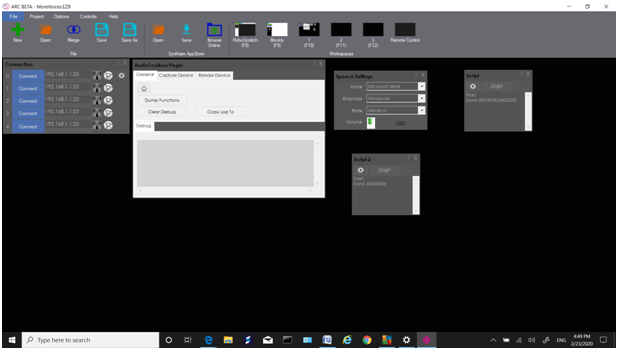
That is it, enjoy! EZAng

Nice - your first tutorial
:) I trying, lol
All great things start with trying
over 100 views, I hope someone likes it, lolk
Thanks for the tutorial, I'm going to try this. My only comment would be that it's a little hard for me to read the scripts in the pictures. Could you perhaps also type them out either above or below the picture? Other than that, nice job!
ok I will, thanks - it is done!
2nd step and I'm lost. (Who saw THAT one coming?... ugh...) I'm not seeing any Speech Synthesis button.
Bobsheaux
do you mean in arc?