



hi all
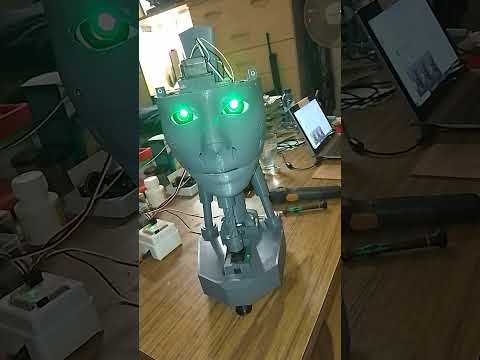
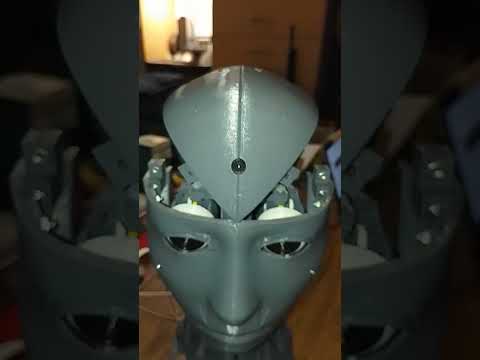
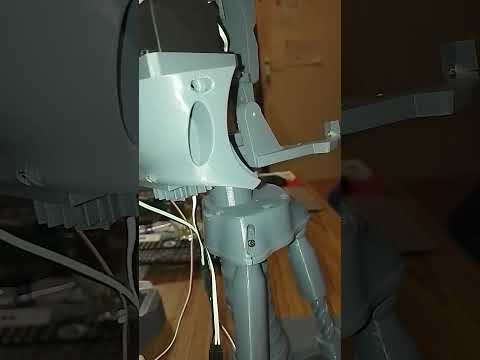
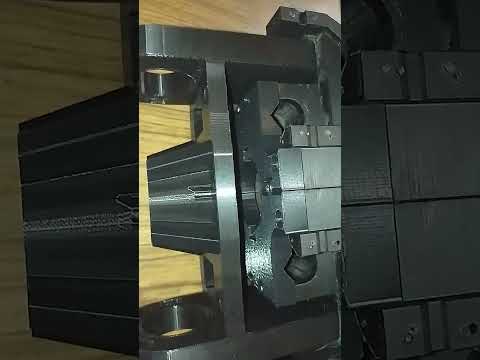
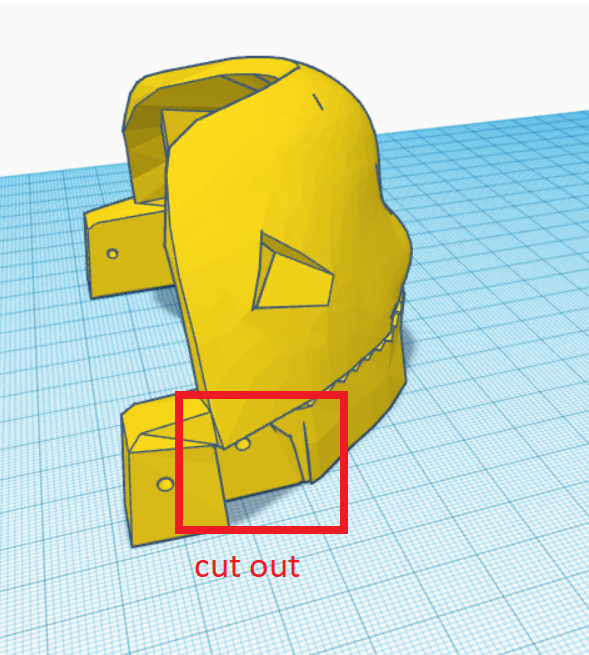
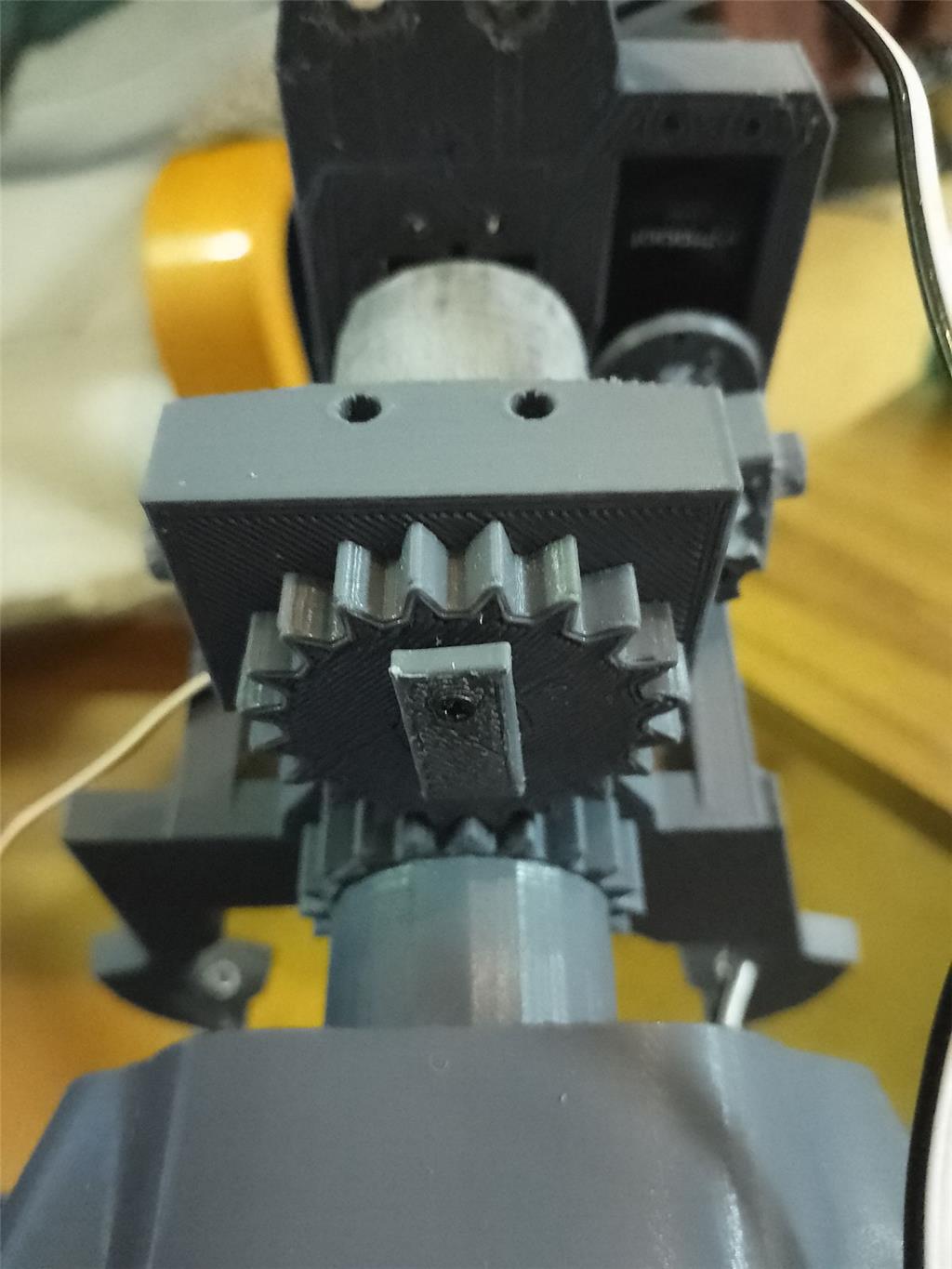
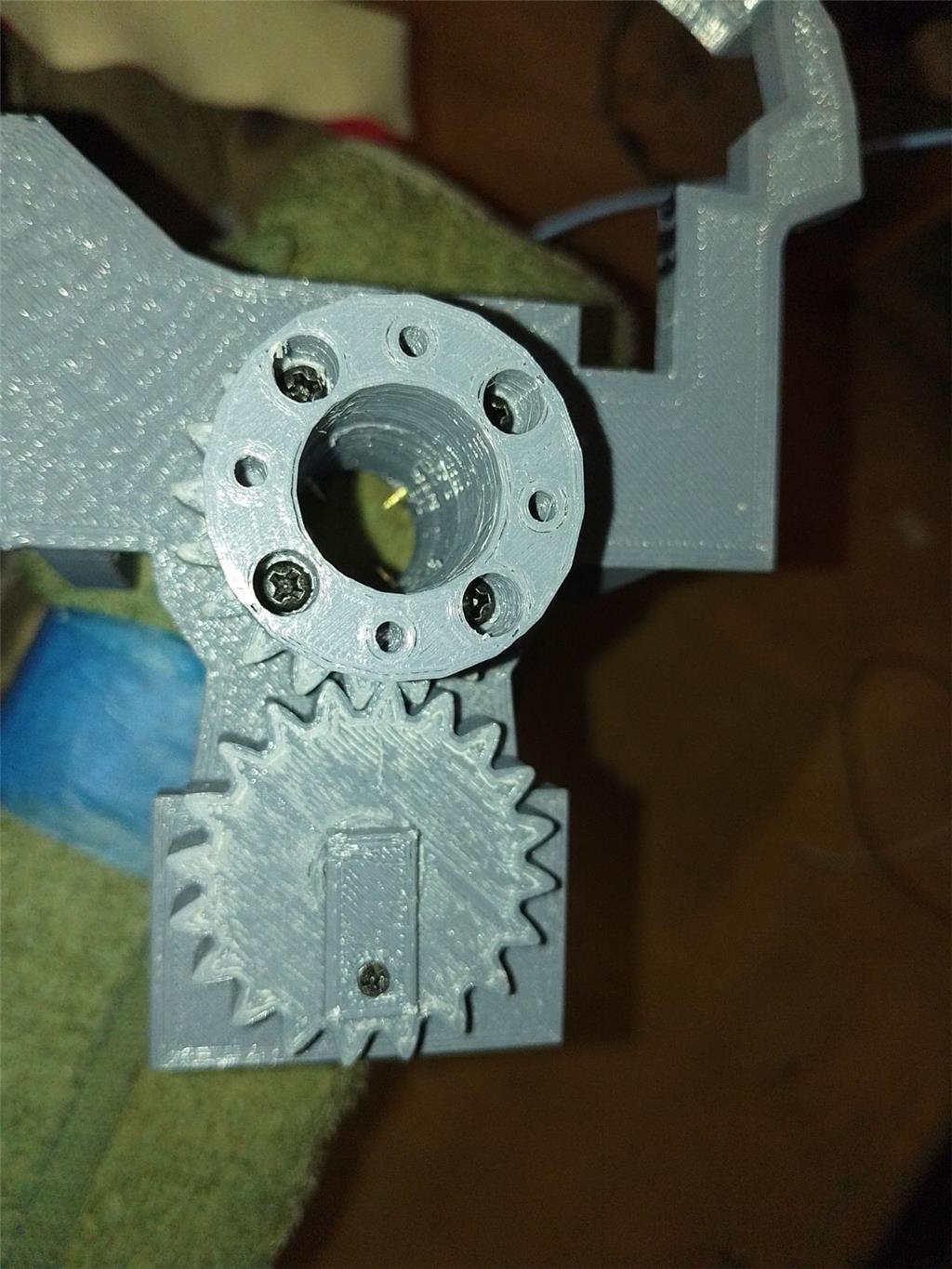
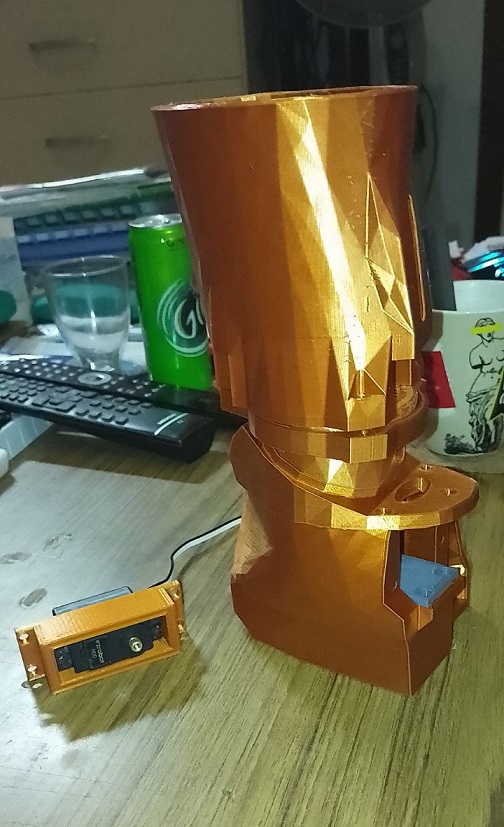
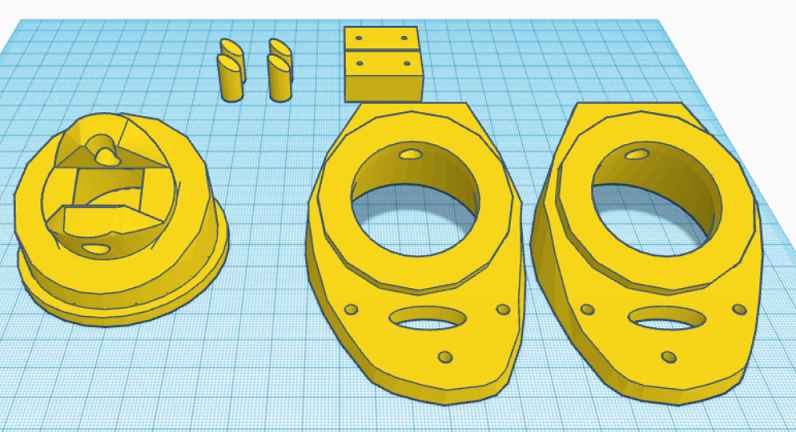
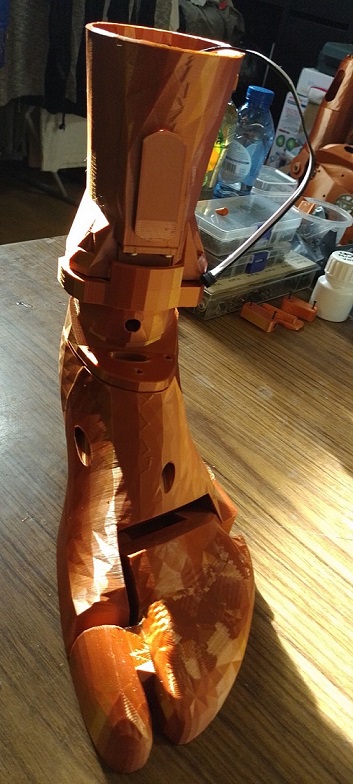
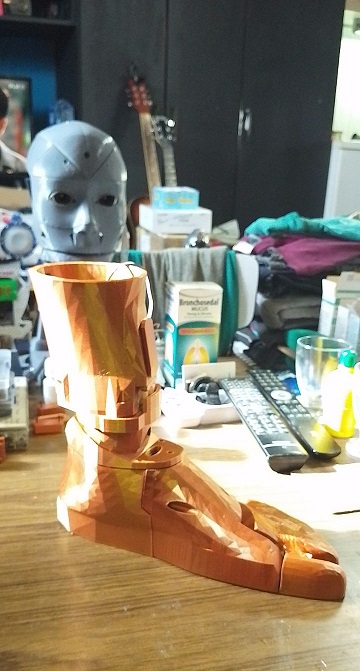
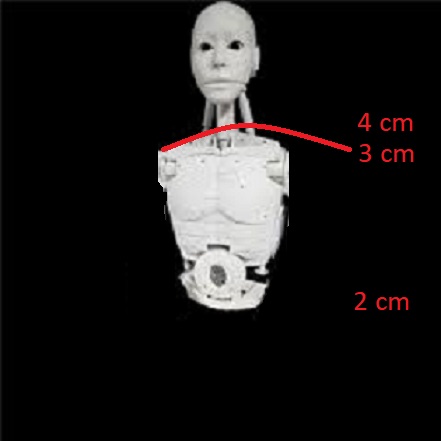
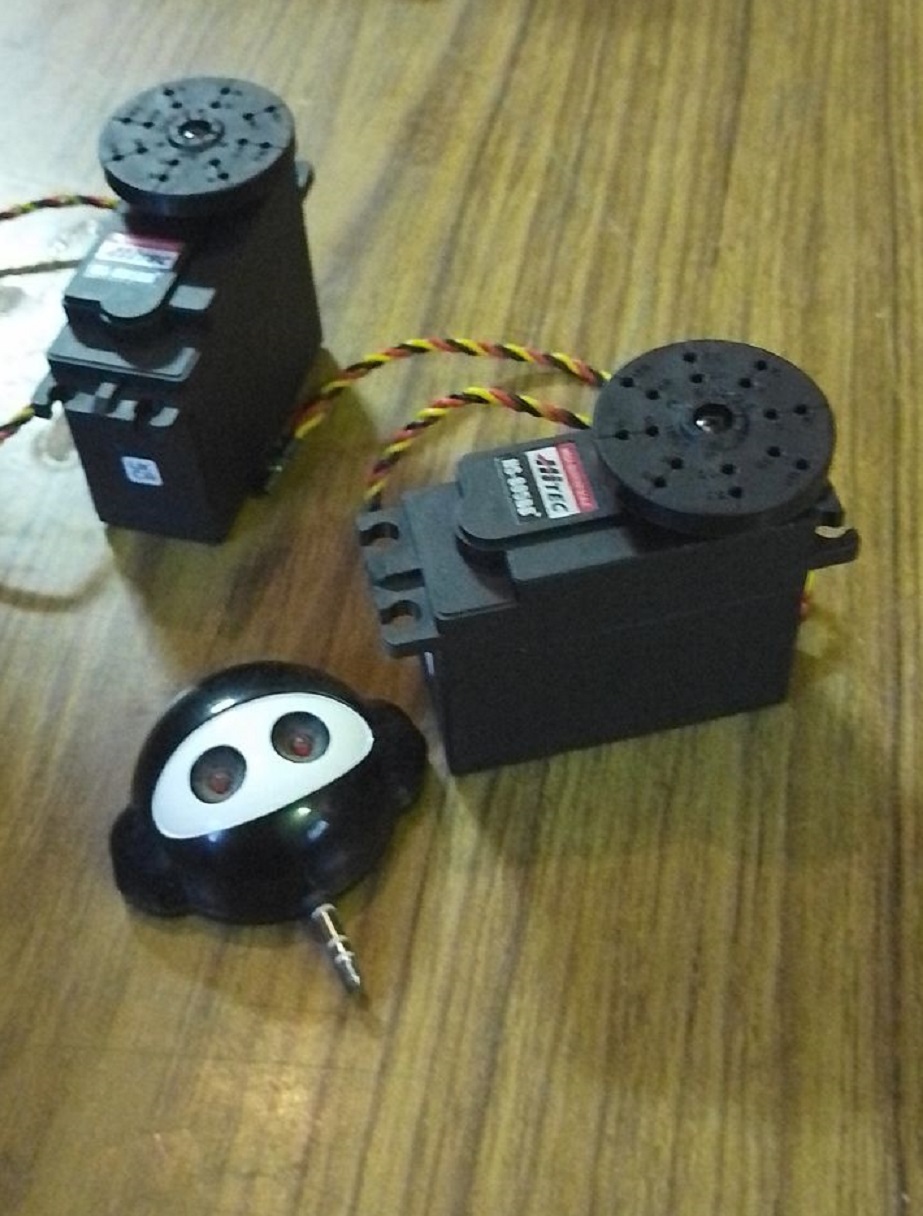
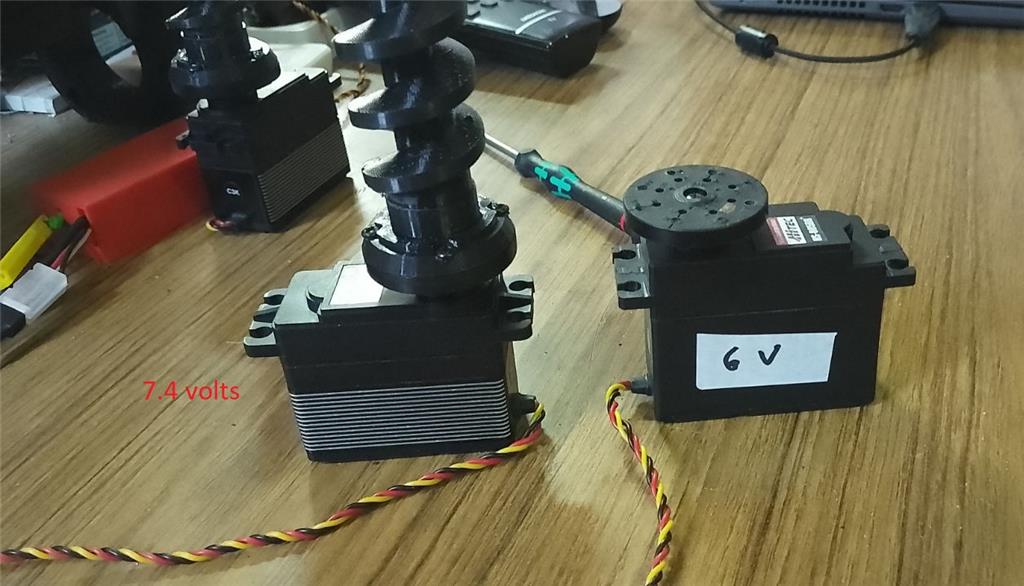
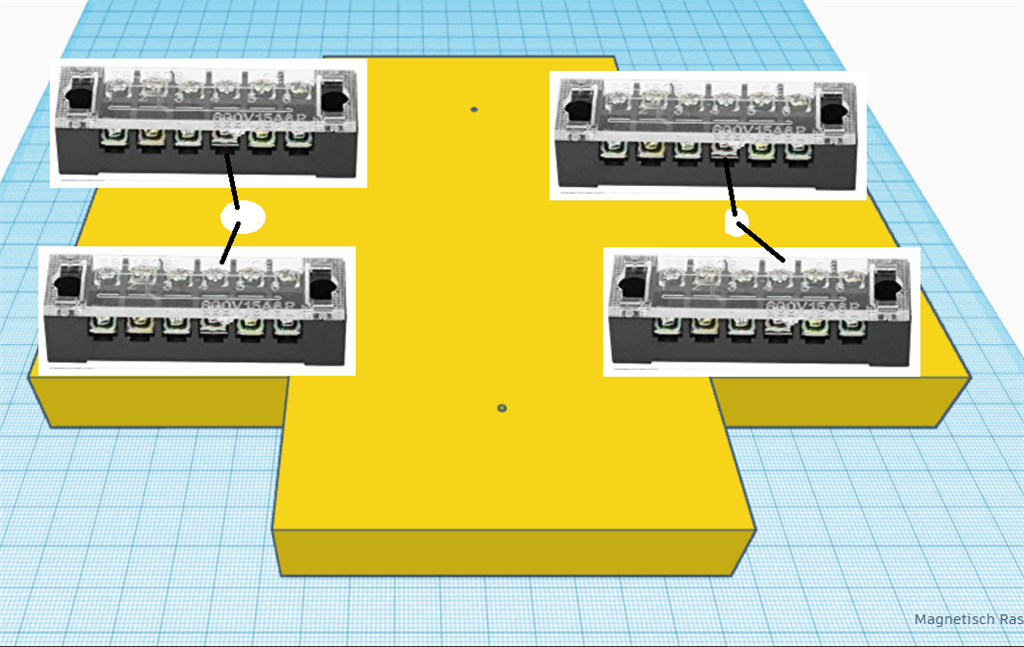
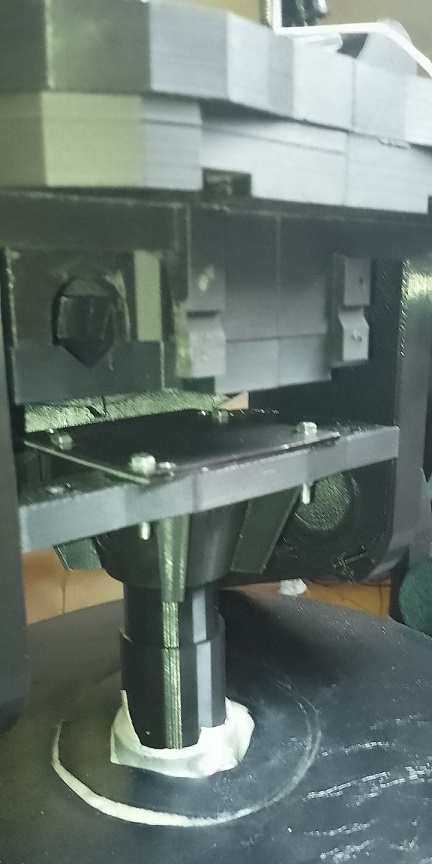
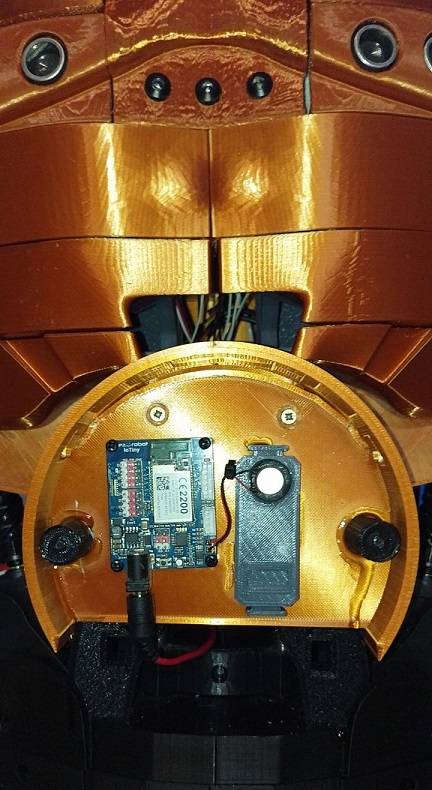
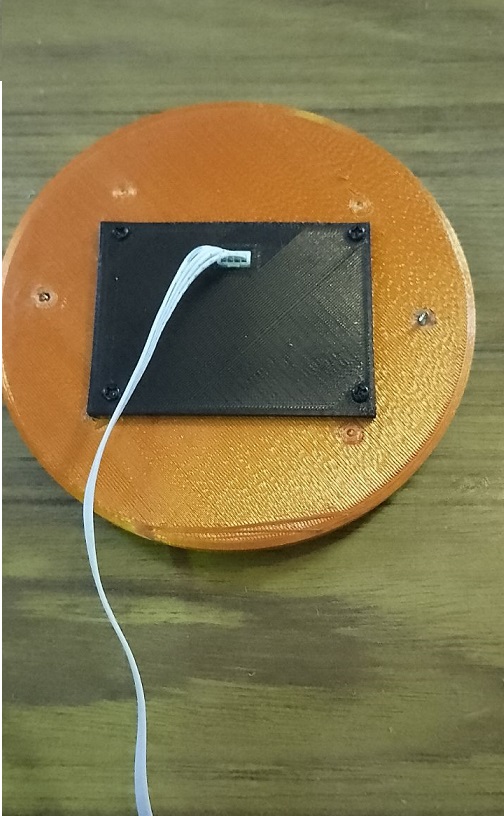
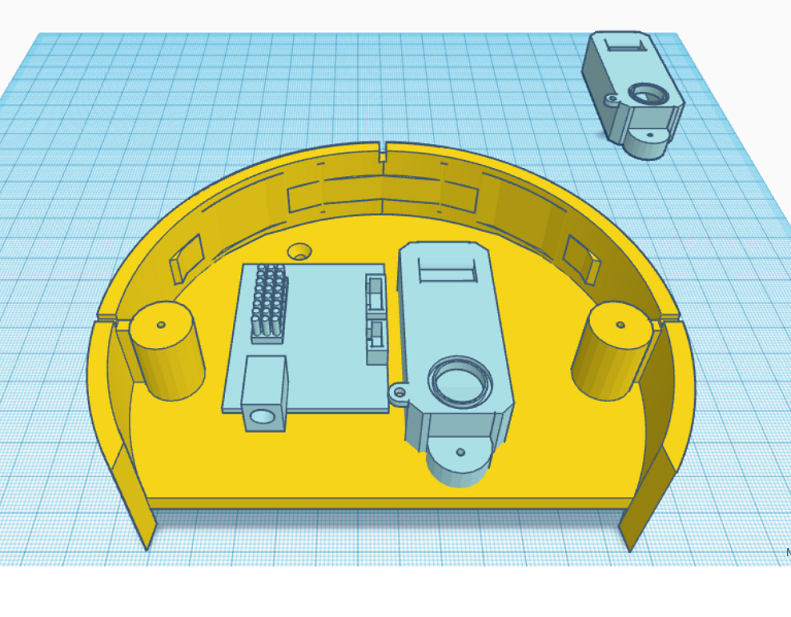
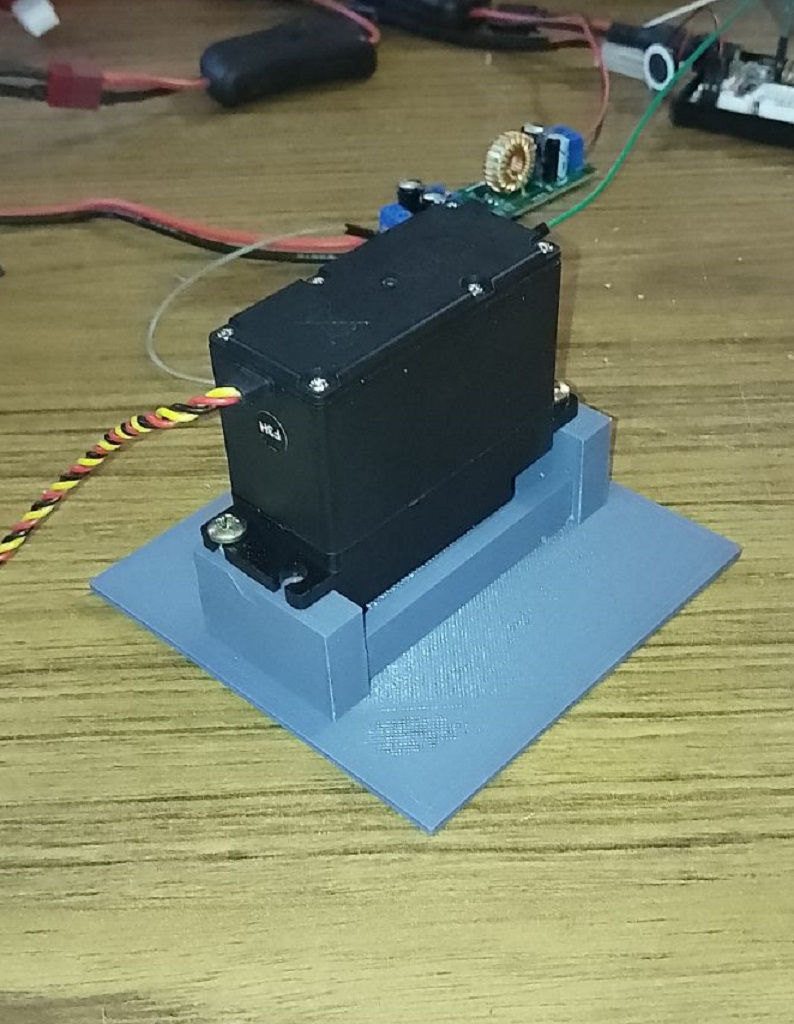
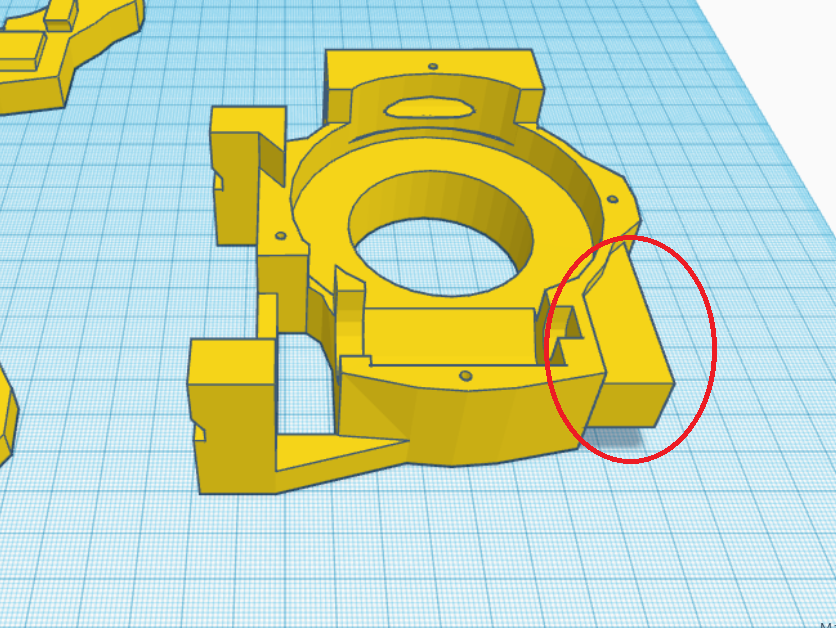
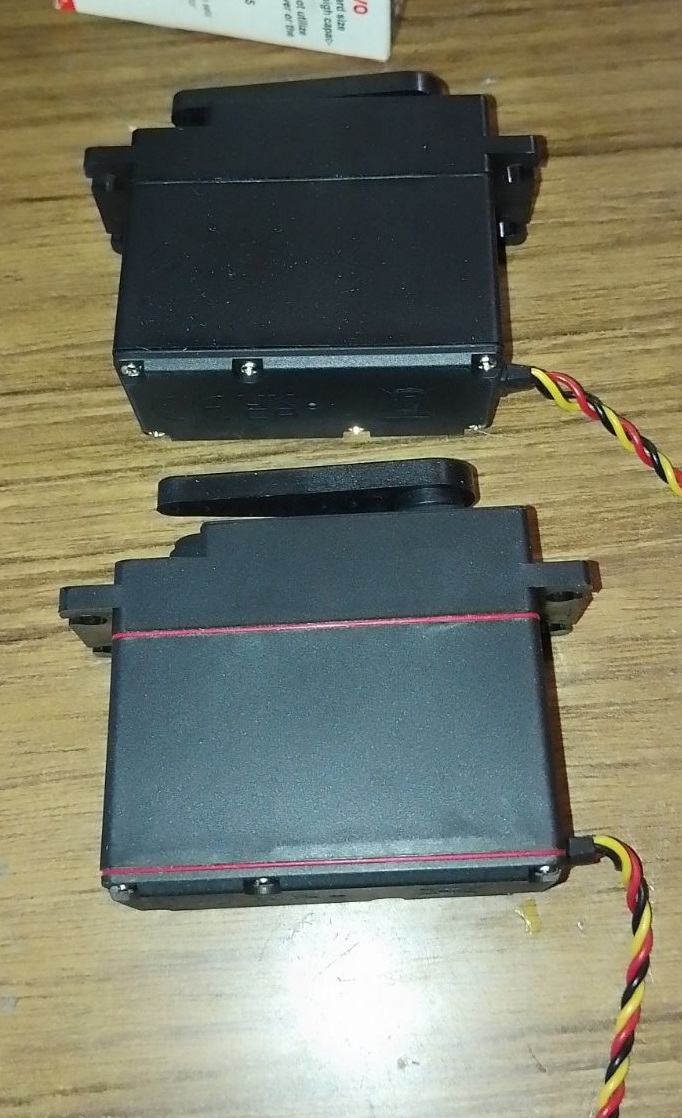
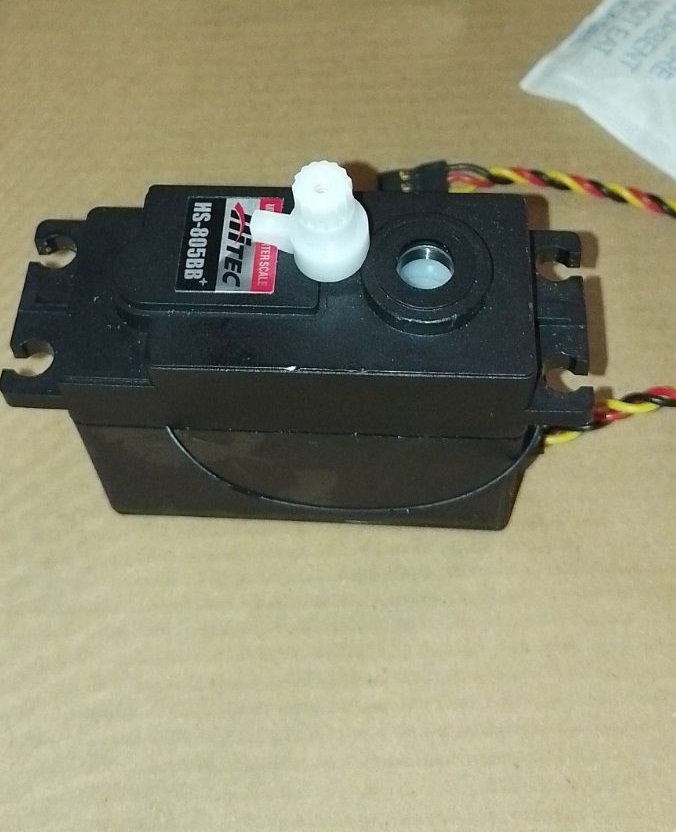
I've created a modified version of the EZ Robot head, featuring both side-to-side and up-and-down (yes) movements. This new design includes an improved base for the head, accommodating three additional HDD servos. There's an option to install two cameras, with the base designed to allow passage for a second camera cable. This setup is ideal for incorporating additional IoT devices or EZBV4, for instance, for LED lighting. Conveniently, there's no need to remove the potentiometer from a servo, as the 1 to 180-degree range provides ample movement. The base height is 7.2 cm.
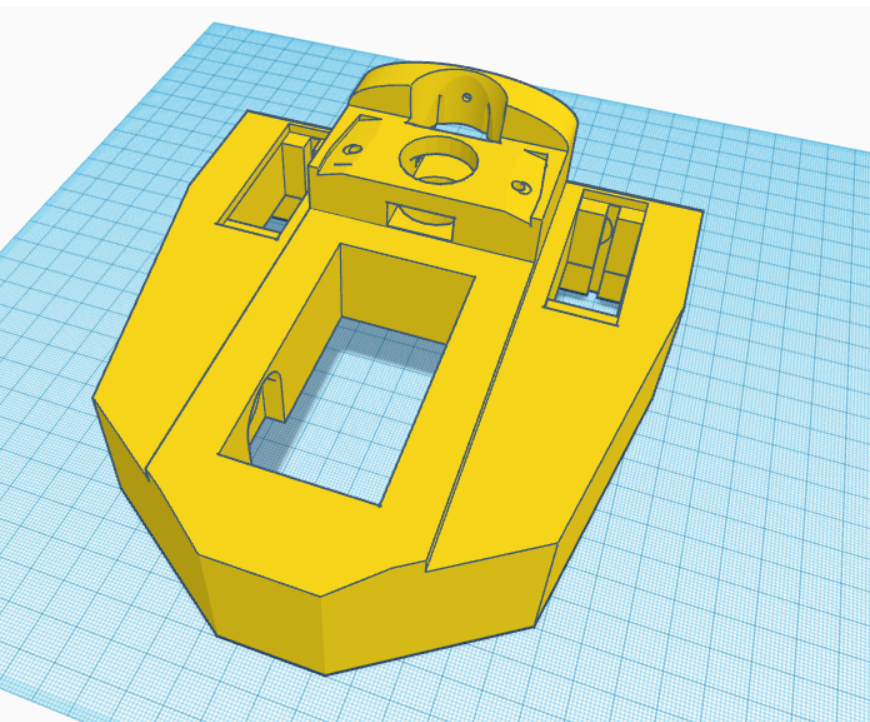
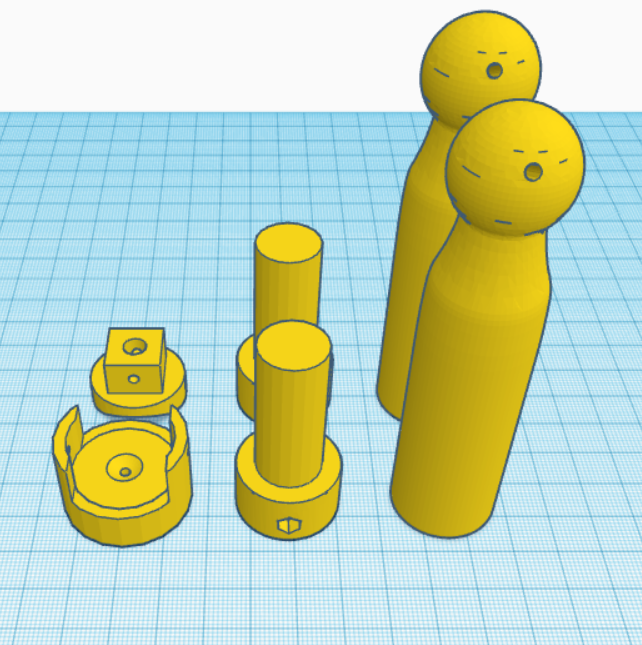
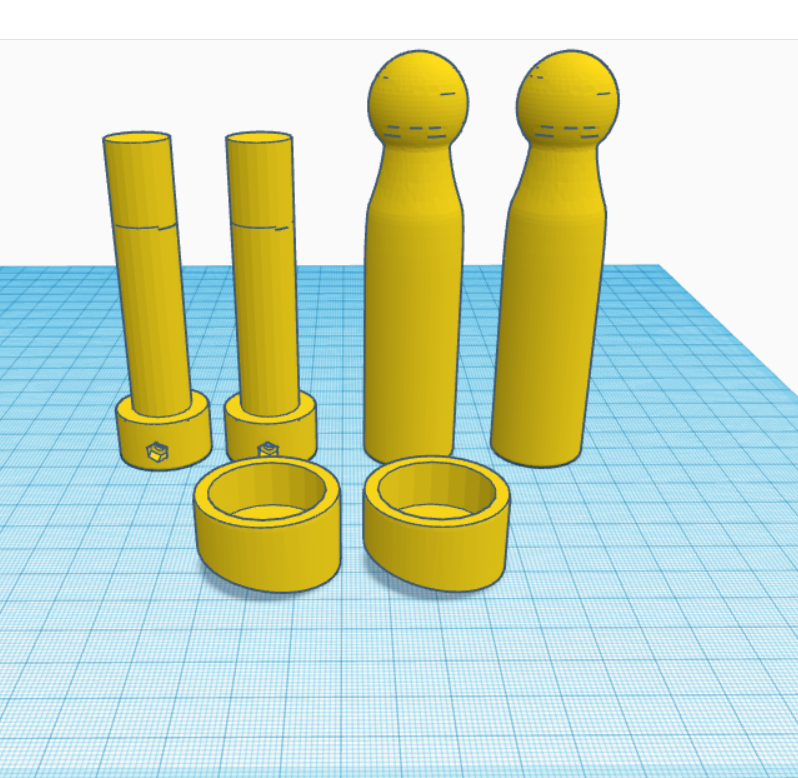
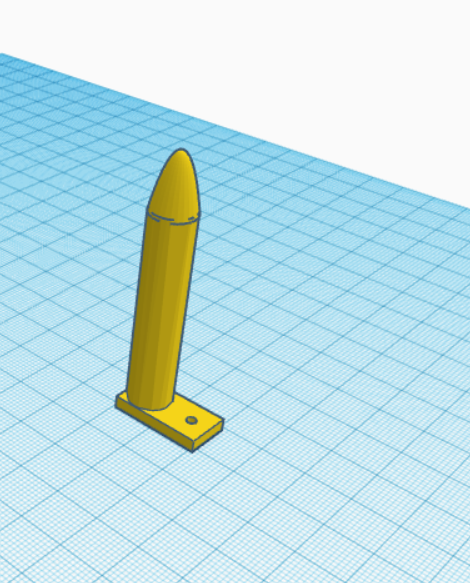
The pistons are original components from InMoov, and the neck base in EZ Robot is correctly designed.
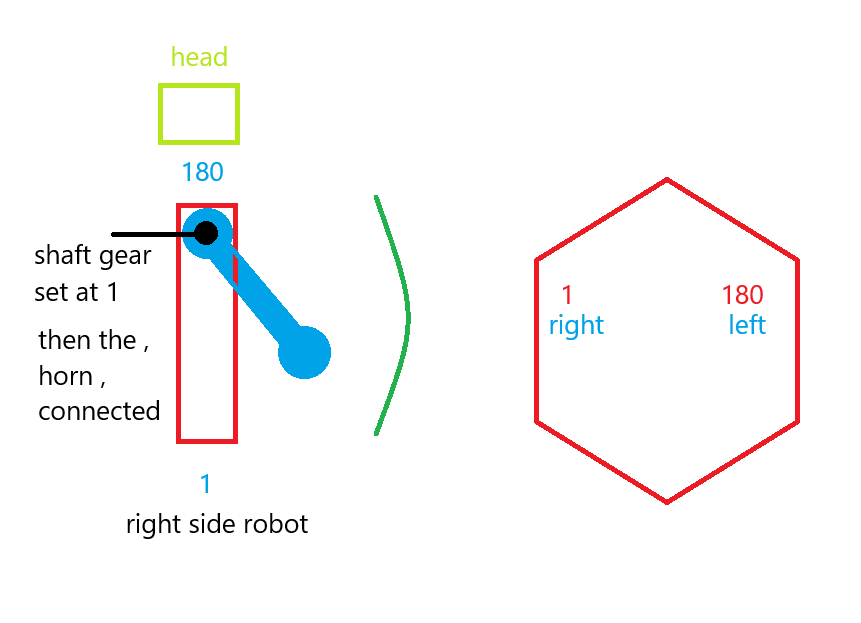
For moving the side pistons, adhere to these settings:
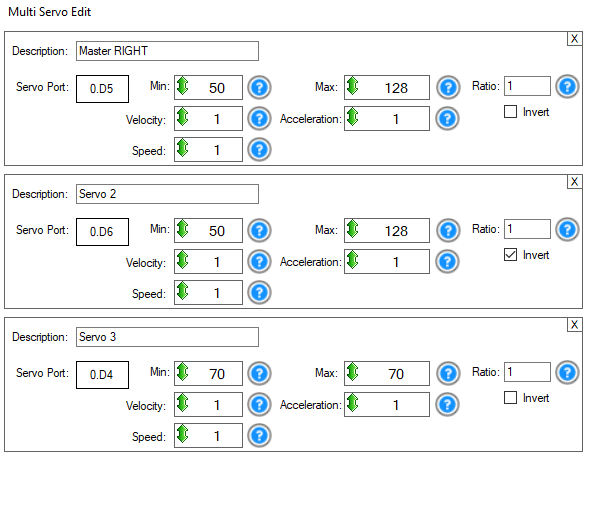
Programming
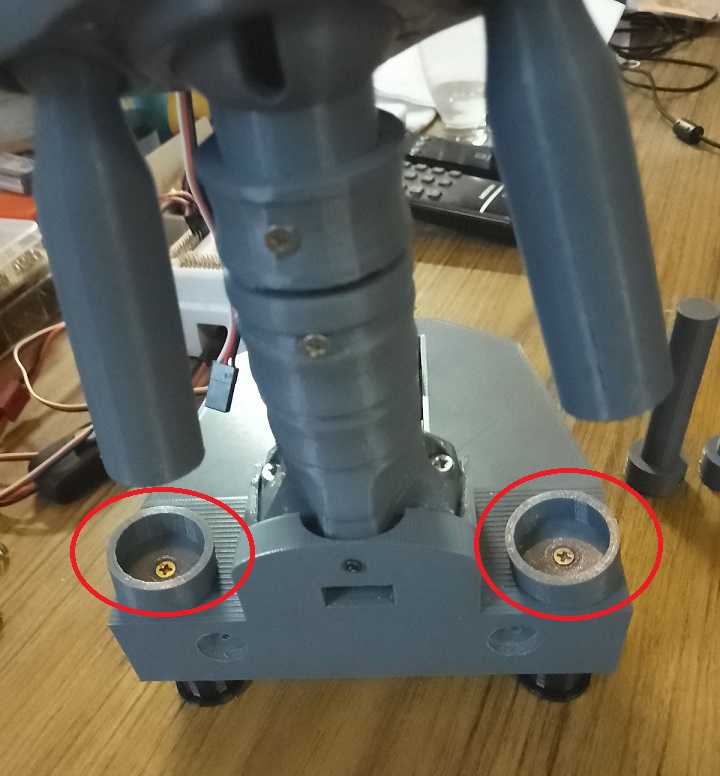
Adjusting the side pistons can be a bit complex. Start by calibrating your HDD servos. Then, align the inner piston with the holes in the piston base and secure it with a screw. For the second side piston, align it similarly, then disconnect the IoTiny. This allows you to manually adjust the previous piston to properly position the second one. The original documentation on EZ Robot is extremely helpful in this process.
Parts & Materials
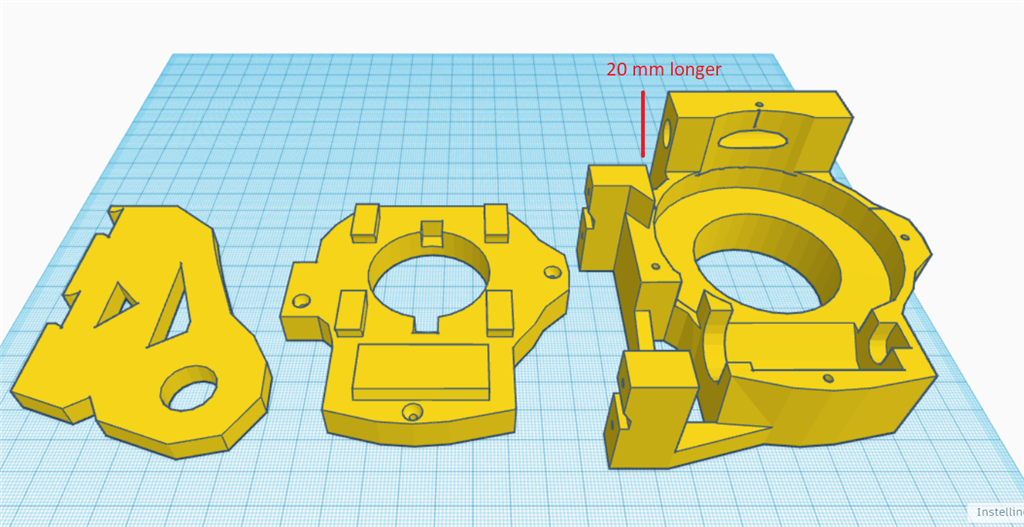
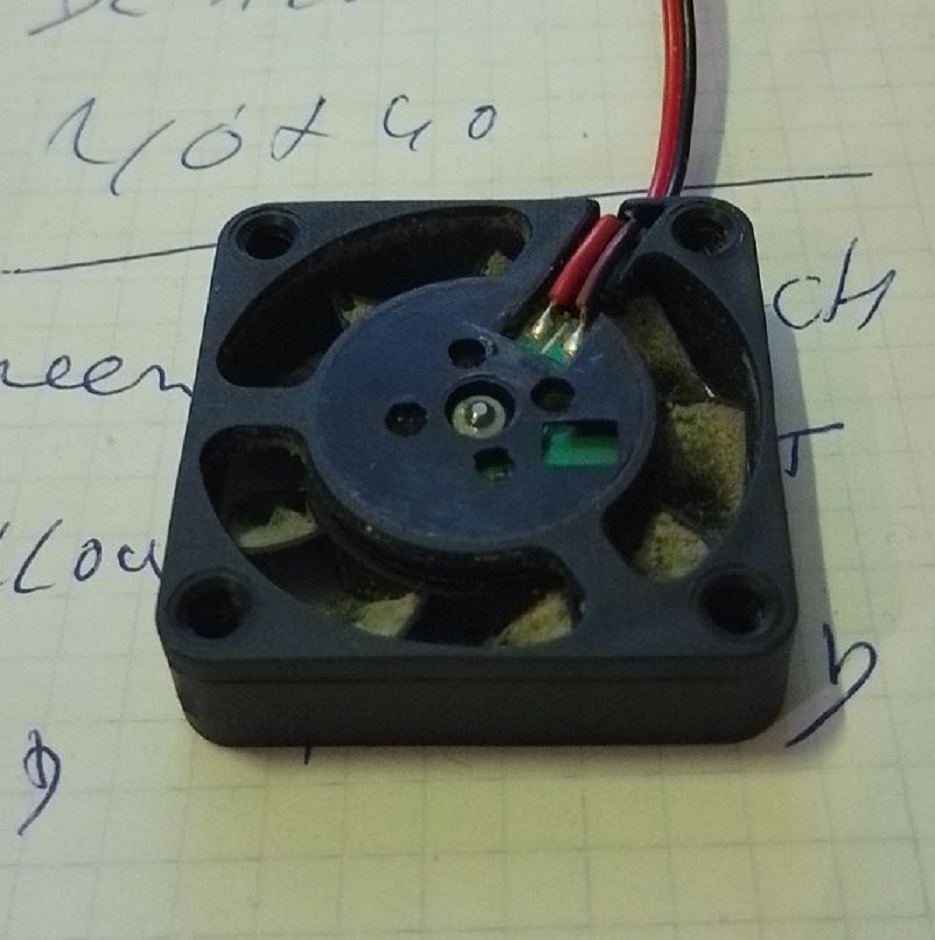
You'll need 3 extra HDD servos and grey PLA filament. The drive shaft parts should be printed with a 35% infill and a gyroid pattern in your slicer for enhanced strength. Other parts can be printed according to your preferences. Additionally, there's an optional neck extension, offering one to three extra vertebrae for more piston movement space. In my experience, the two-vertebrae option works best.


Discover more robots
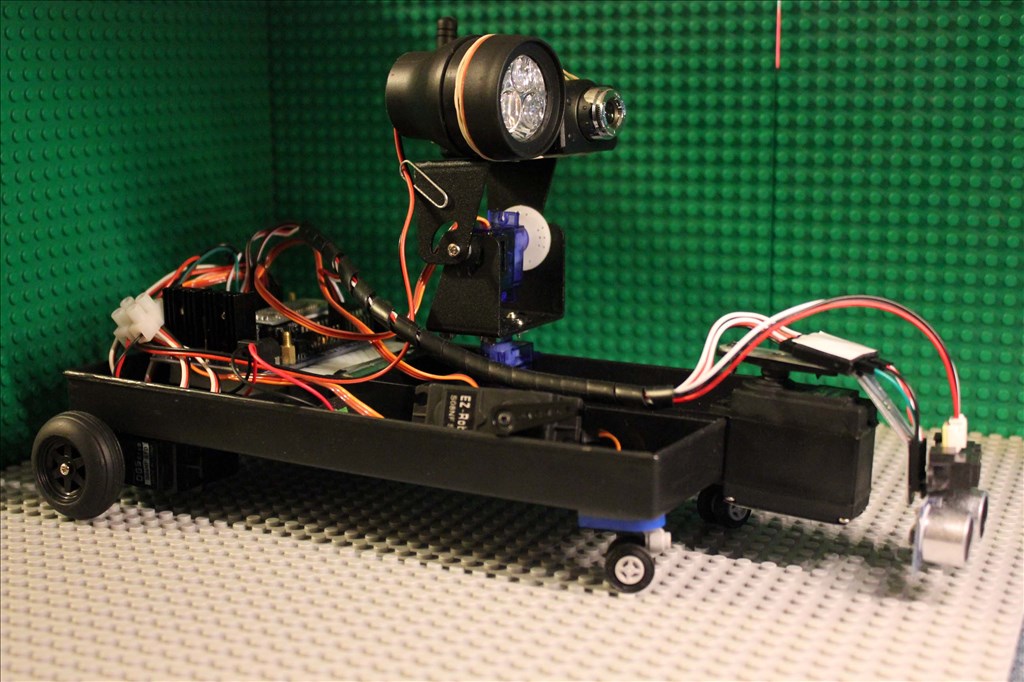
Steve1dh's Test-Practice Bot
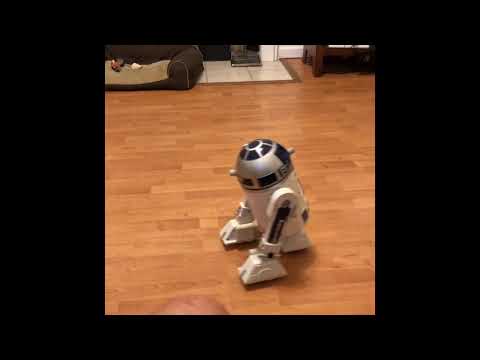
Markthebotbldr's R2D2 Interactive Hacked!

If the ezb is attempting to move past the limits, you can add limiting to arc. There’s a command to set the min and max limits of a servo. This ensures the servo can never move past that limit.
@athena show nomad how to set Min and max servo limits using JavaScript.
This will be put in your initialization script, nomad.
Absolutely, Nomad! Setting the minimum and maximum limits for your servos in ARC can help prevent them from moving past their physical limits and potentially burning out. Here's how you can do it using JavaScript in your initialization script:
Servo.setMinPositionLimitandServo.setMaxPositionLimitcommands.Here's an example of how to set the limits for a servo connected to port D0:
This script will ensure that the servo on port D0 can only move between 10 and 170 degrees, preventing it from moving past its physical limits.
If you need more detailed guidance or have any other questions, feel free to ask!
@dj
i will be using this when i start using the big servo's .
Awesome that will be very helpful!
hello
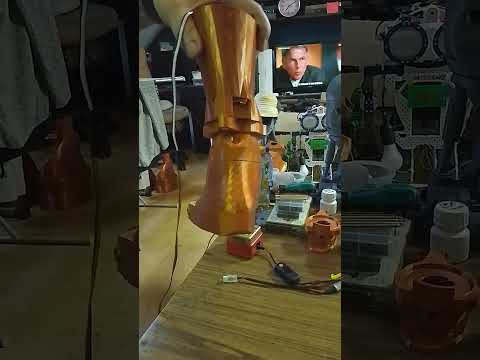
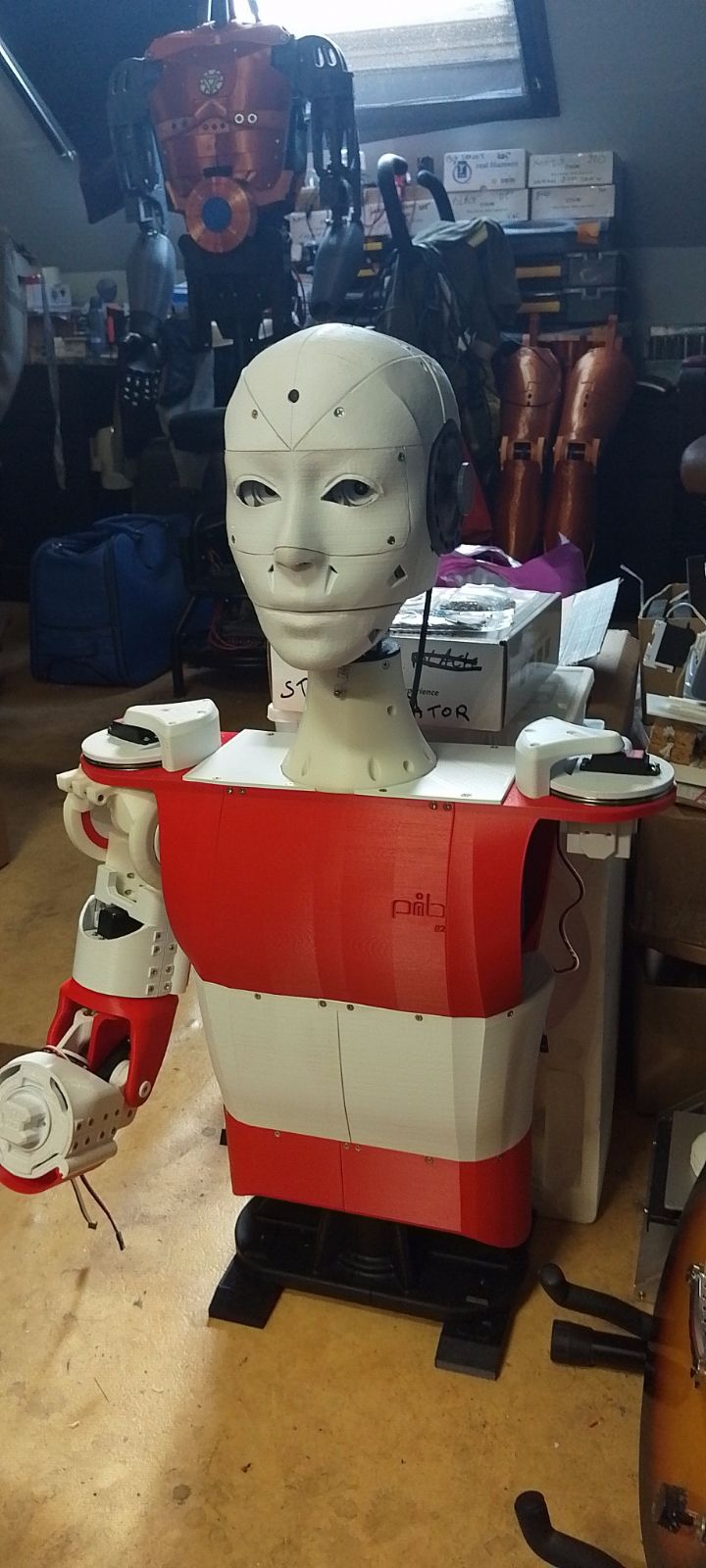
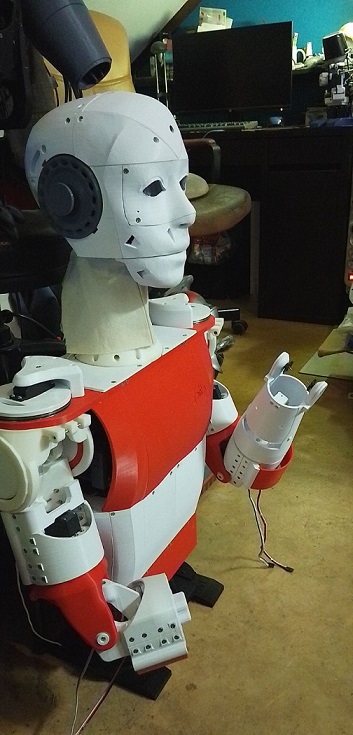
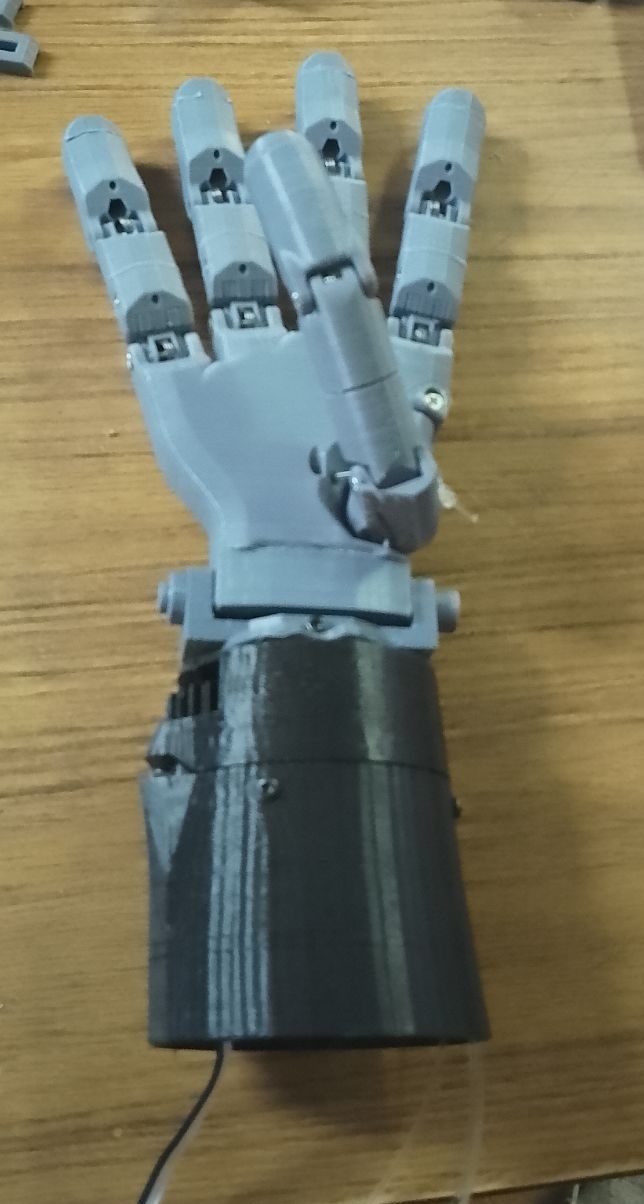
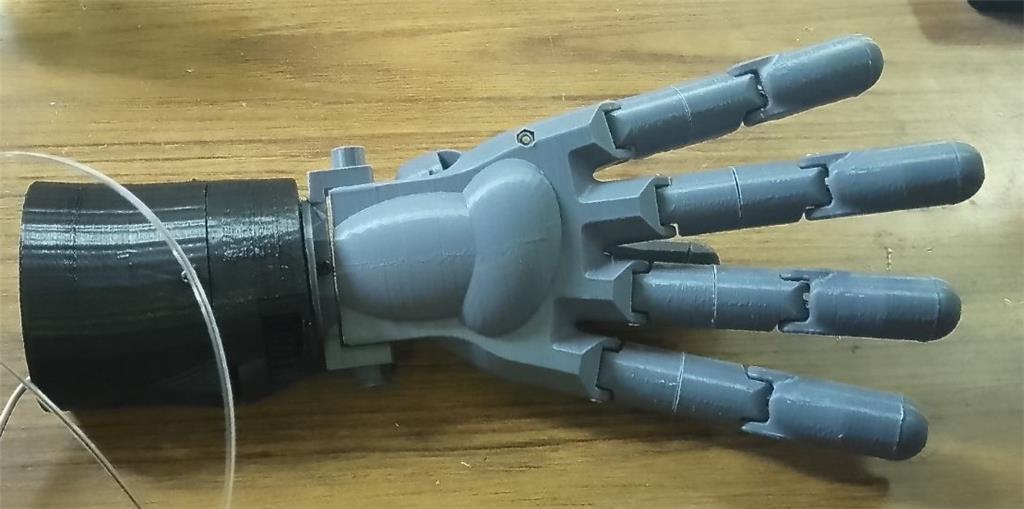
one hand almost complete . tomorow start test print the lower pib arm . sofar only two small mods added . the hand looks bigger then the org inmoov hand . waiting for some hardware . the thumb has great feature . it has two wires for one servo. it does pull in the thumb/finger but also move the thumb inwarts at same time . little more tinkering
little video. pib hand .
https://www.youtube.com/watch?v=dYYc0490Hws
I’m looking forward to seeing how they work. They are bigger than InMoov hand but maybe increased strength. Hopefully they have more dexterity than InMoov hands.
@dj
they are for sure stronger then the inmoov ones .
hi robotbuilders
little progress . lower arm connected to handpalm . i notest you have to connect the palm and wrist first before adding the wires .
short video .
https://www.youtube.com/shorts/gfynXqRIV-U