






Hey Guys,
I've read lots on the forum, and posted a hand full of times, but I thought it was about time I launched my first major project (well, my second really, I converted a wall-e, but I thought there was enough of those on here ).
).
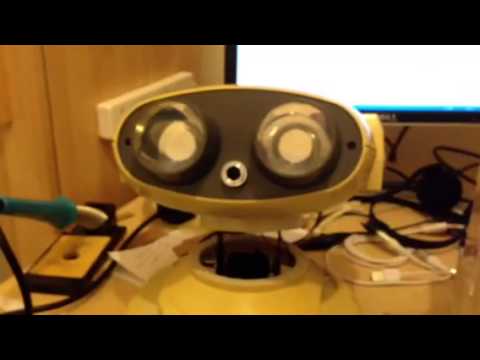
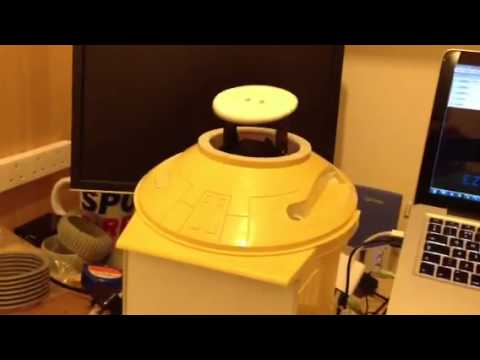
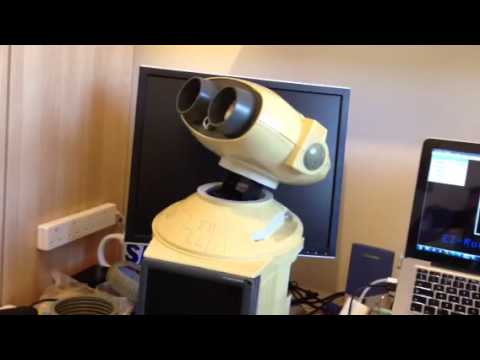
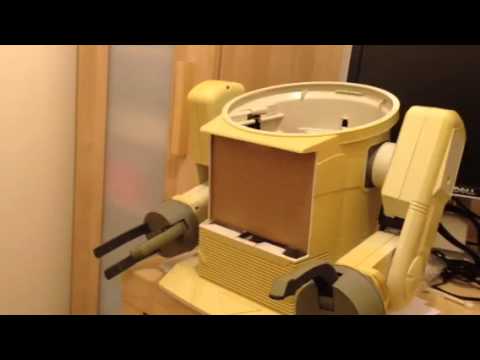
So here is announcing OmniMC, an Omnibot 2000 media centre

The idea is to make him all RC and to also house a Raspberry PI running RaspBMC as the media centre bit. I'll then add some speakers and maybe some under-bot lighting
I'm wondering if then I can control the whole thing with one of these:
Other than that, I'm kinda just winging it and seeing what other bits and pieces I come up with.
To start with though, I've done the usual thing of gutting him and sticking him through the dishwasher


So right now, he is prepped and ready to go.
I've already got my EZ-Robot kit, and a few components such as 6v battery
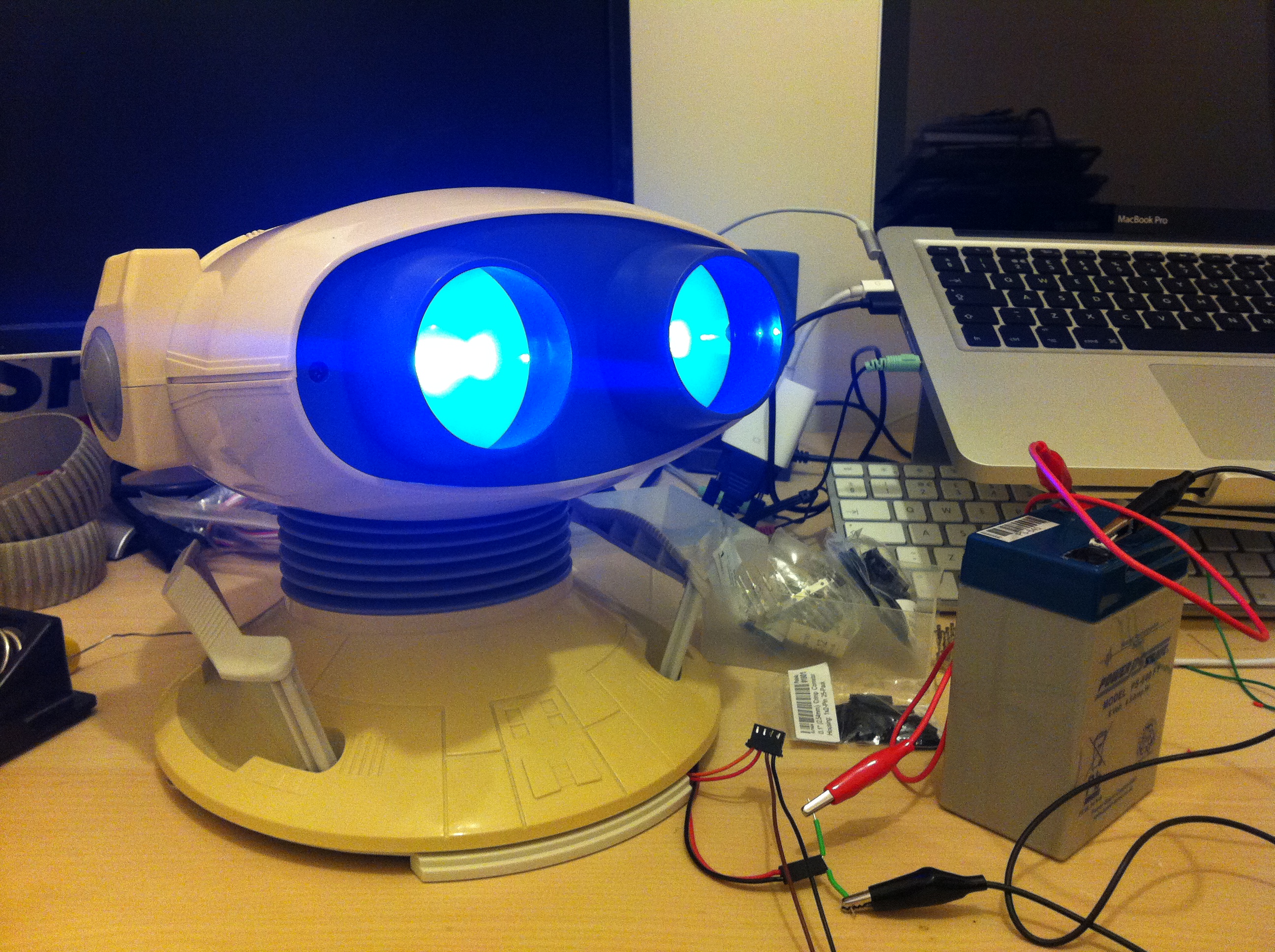
Some blue replacement bulbs
My Raspberry PI (which arrived today) and I've just won a screen for his chest
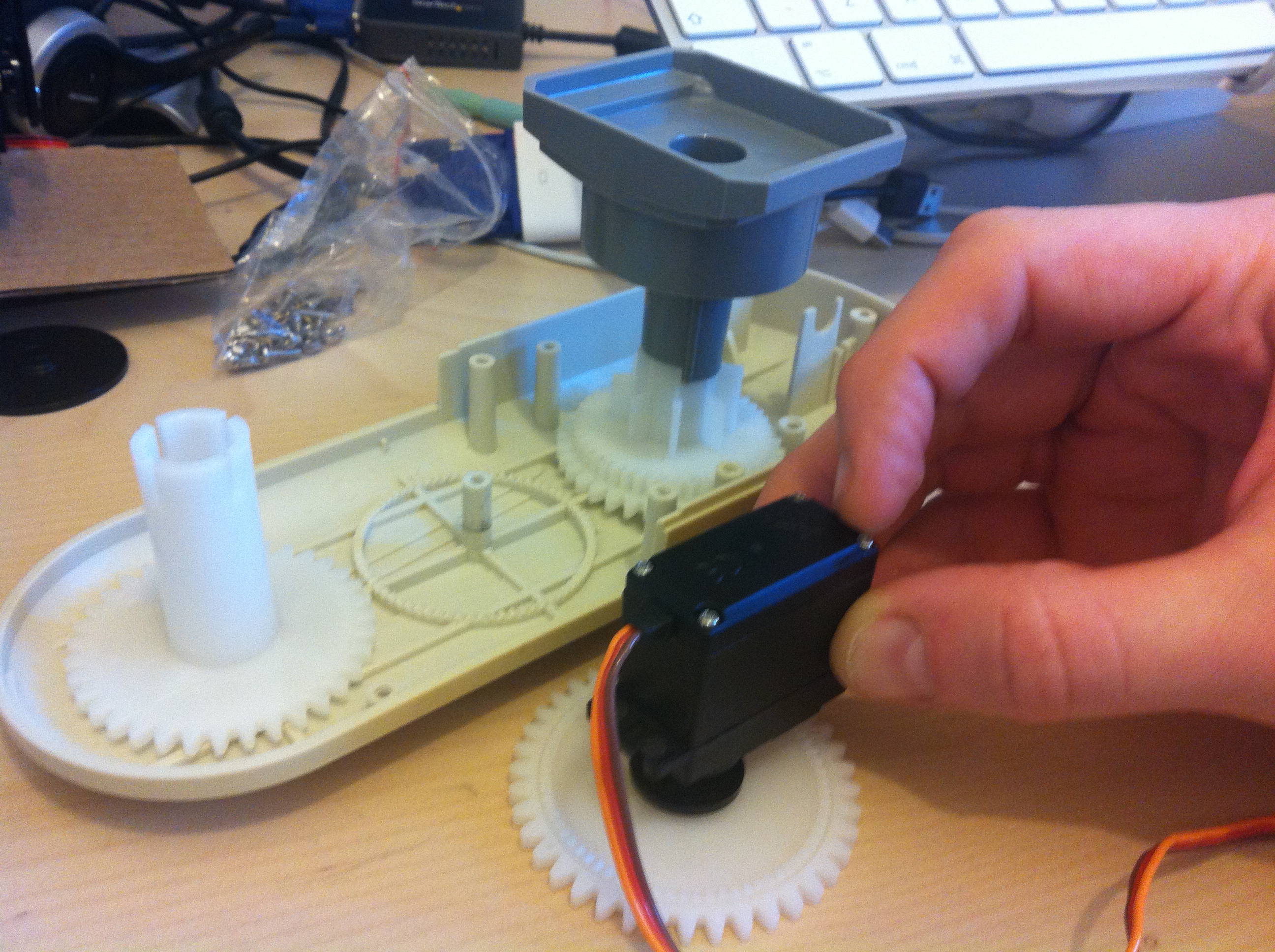
While I'm waiting for some other bits, I've also been looking at making some replacement tires which you can see details of in one of my other posts
So that's pretty much the state of play at the moment. I'm pretty much a novice at all this, so I'm looking forward to the challenge. Lets see if I've bitten off more than I can chew

Discover more robots
DJ's At Home With Jd

Tmesserschmidt's Meet Melvis: My Ultra Humanoid Robot

For my robot Mini-B I used a set of fork dust covers from a motorcycle. You can get them in different diameters and different colors.
Okidoke, more progress. I recently replaced the cardboard backing for the monitor with some white acrylic which I fixed in place with epoxy and hot glue (you might have seen that in my last videos) but today I went ahead and drilled some holes in it to fix the screen against. The screen came with a groove down the back to fit bolts in that could be tightened against something, so I just slid in a couple of bolts, then drilled some holes in the centre and bolted it all tight.
I also received some perspex mounts today, so I went ahead and hot glued those onto the back of the plate aswell.
Once that dried, I was able to screw the ez-board into place.
I've left room on the other side so that I could also mount the rasperry PI. It's a pretty good placement as it makes it a nice distance from everything (head, arms, battery).
An addition to this, I also received these in the mail today (from China)
I ordered them when I was looking for blue replacement bulbs for the eyes. What I liked about them is that it has smd bulbs all around the edge, so it's not just shining light forward, it's actually shining to the sides aswell. After a test, they work really well.
The only thing is that they are 12v rather than 6v like the others, but I have other 12v things I need to power (the screen) anyway, so shouldn't be an issue. I might have to do some tests though to see how hot they run, as they sit pretty close to the plexy glass.
Oh, cool, I've just come across this theme for XBMC which I'm hoping should work well on my small screen (if not, maybe I can modify it slightly)
Ellipsis
I like the bulbs. A shame they dont sell any of these with less voltage such as 3V or 4,5V. Could you send me the item number just to be able to look it up?
Check that the XBMC skin is compatible with Raspbmc/OpenElec/Whichever you plan to use. I say that because the latest Raspbmc is based on Frodo Beta 2 (V12), this skin was made for Dharma (V10), there have been a lot of changes since Dharma which may cause the skin to not work.
Also, my RaspBMC has had all skins stripped from the XBMC repository, I know there were issues with the graphically intense skins and the Pi. This may have been fixed with the newer 512Mb boards but you'd have to check on the RaspBMC site/forums (caution, last time I was on there it seemed there were a lot of school kids with attitude arguing).
A more current but similar skin is Simplicity if the one you mentioned isn't compatible.
What are you going to power the Pi with? Keep in mind the Pi needs 1A to run properly (that said, mine is run from a 750mA charger and works fine but all that's attached is an RF remote dongle). Which brings me on to ask how will you control Raspbmc?
As for the LED lamps, how dim are they running on 5V? I've seen some 6V LED lamps on eBay although I'm not convinced that it's not the old "package a 12v as a 6v and hope they don't notice" scam.
@mike these are the bulbs
www.ebay.co.uk/itm/170831193130?ssPageName=STRK:MEWNX:IT&_trksid=p3984.m1497.l2649
@rich I tried running them on 6v to see what would happen, but you basically get nothing.
Thanks for the tips on the skin, I haven't gotten round to testing it yet. The main problem is that the screen is so small and text looks aweful on it, so finding a skin that works is gonna be hard. If it proves problematic, I may just resort to something else, though not sure what yet.
Power wise, again, I can't say I really got that far yet. I've got 2 6v power sonic batteries at the moment which will be powering everything, so I was planning on using those, but now you mention the 1A usage, that may mean it won't last that long (especially when powering everything else).
Control wise, I was going to look at connecting the RaspBMC to the EZ-Board and send it mock keyboard commands. I can't remember where I saw that, but I'm sure someone else has done it. That way, I can use one controller to control everything.
Again, this is still all very much in the air and it may change when I actually come to implement it all. Who knows, I may just do what DJ did and stick an iPod in there
Hey matt , i learned that 2 12v 7ah batteris fit right at home in the torso.
@josh this shape? 12 VOLT 7AH Power Sonic