
Bravia
Ireland
Asked
— Edited
Roboscratch
My project has one servo with min and max values set then I switch to RoboScratch and would like to create a loop is this possible
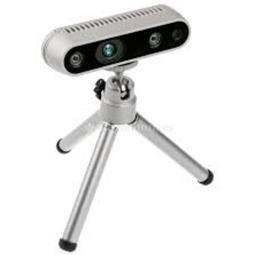 Intel Realsense D435i
— Connect Intel RealSense depth cameras to ARC NMS for depth-based distance detection, point-cloud mapping, video streaming, and navigation telemetry.
Try it →
Intel Realsense D435i
— Connect Intel RealSense depth cameras to ARC NMS for depth-based distance detection, point-cloud mapping, video streaming, and navigation telemetry.
Try it →
My project has one servo with min and max values set then I switch to RoboScratch and would like to create a loop is this possible

No, use robo scratch for learning to program and creating linear execution blocks.
If you want to create a loop, use ezscript and type....
Or if you're creating animations for looping, use the Auto Position control. That makes the most sense of you are animating stuff. More here: https://synthiam.com/Tutorials/Help.aspx?id=180
Thank you Dj
Are there any plans to implement more of Scratch 2.0 functionality (i.e. loops, conditional statements, etc.) in RoboScratch in the near future? My kid is somewhat proficient in Scratch, but text-based programming is beyond his grasp so far. And it's difficult to teach him robot programming without basic constructs. IMHO having some flavor of Scratch (similar to mBlock, maybe) working with EZ robots would certainly expand their application in STEM.
Here you go: https://synthiam.com/Community/Questions/9906
@AlexM, please limit duplicate posts to one thread.
Sorry, my bad. Won't do it again.
No prob and enjoy Blockly in ARC!