


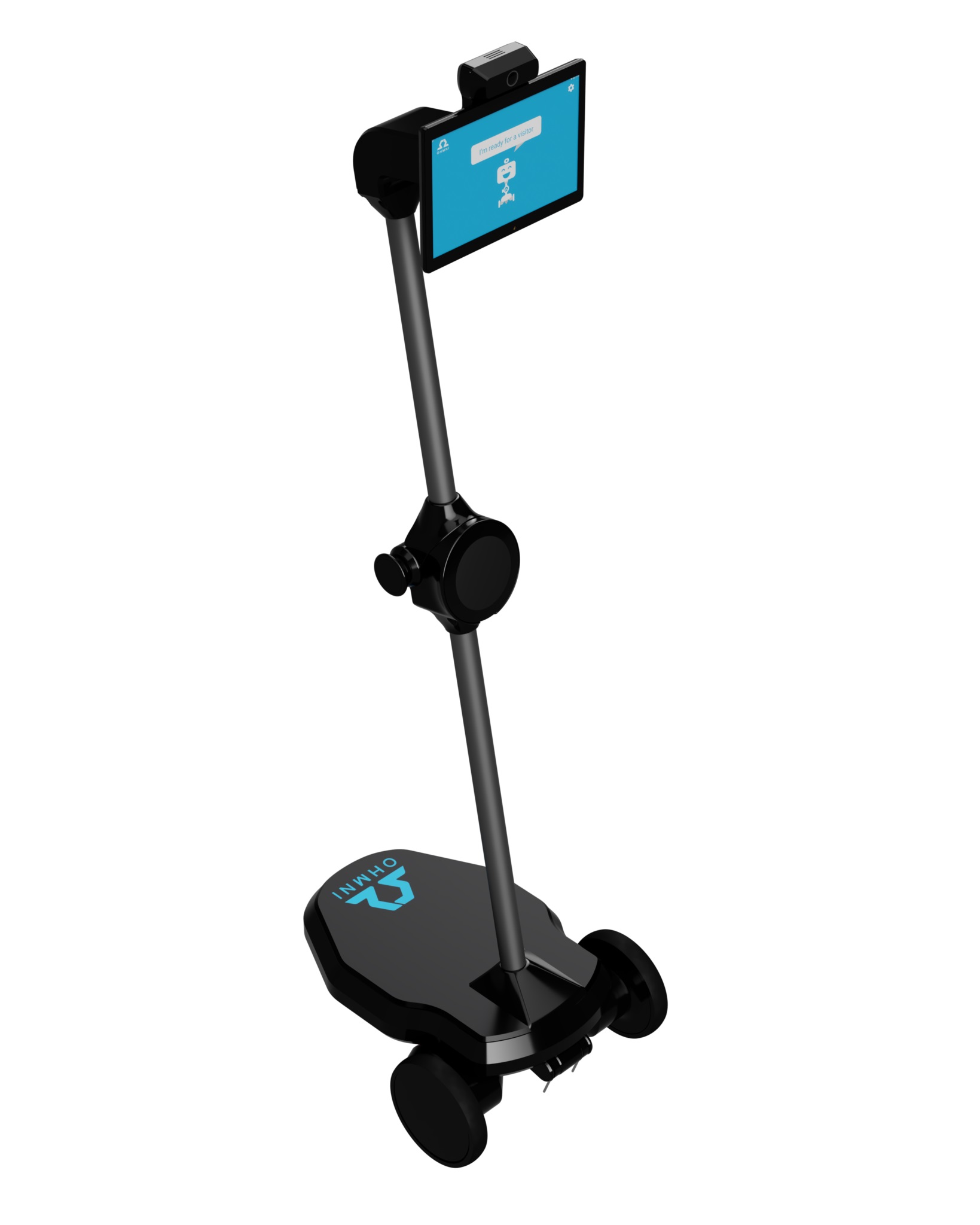
I’m running ARC directly on an Ohmnilabs Ohmni telepresence robot (Windows 10 Pro on the UpBoard. I use the Ohmnilabs Standalone Movement Panel to drive and added the Remote Mouse skill to automate a couple of on-screen clicks (launching a browser-based kiosk and hitting a "Join" button). I’m doing SetAbsolute moves via a Script/Python block so the operator doesn’t need to fiddle with the touch UI while telepresent. The issue: pointer coordinates drift when the display scaling or resolution changes. With Windows display scaling set to 125% on the Ohmni, SetAbsolute lands ~60-100 px off from where it should; if Windows auto-switches to 1024x768 after an RDP disconnect, everything is way off again. I tried: forcing Windows scaling to 100%, locking resolution to 1920x1080, enabling the ARC compatibility setting "Override high DPI scaling behavior" (tested Application/System/Enhanced), and always calling ControlCommand("Remote Mouse", WindowMaximize) on ARC before moves. I also attempted to compute relative coordinates in Python by reading the screen size:
import ctypes
w = ctypes.windll.user32.GetSystemMetrics(0)
h = ctypes.windll.user32.GetSystemMetrics(1)
# then map 92%/95% of w/h to SetAbsolute
But SetAbsolute still seems to use unscaled coordinates when Windows is at 125% DPI, so my math is still off unless scaling is 100%. Is there a DPI-aware way to use Remote Mouse so SetAbsolute targets the effective (scaled) desktop, or a percent-based command I’m missing, or does ARC expose the current scaled screen width/height I can read reliably and recompute on resolution changes?


Yes - what you’re seeing is consistent with Windows DPI scaling vs. physical desktop coordinates on the Ohmni’s Windows 10 UpBoard.
Short answer
Remote Mouseuses screen coordinates, not percent-based coordinates, and ARC does not currently expose a separate "scaled desktop" coordinate system for that skill. So if Windows changes scaling or resolution,SetAbsolutewill be affected unless you compensate for it yourself.What’s happening
When Windows is at 125% scaling, the desktop coordinate space reported by some APIs can differ from the actual clickable surface ARC is interacting with. That’s why:
SetAbsolutelands correctly at 100%This is a Windows display scaling behavior, not really an ARC mouse skill bug.
Best approach
Option 1: Keep the robot UI at a fixed display mode
For telepresence kiosk-style operation, the most reliable setup is:
If the machine is dropping to 1024x768 after disconnect, that usually means the display session is being renegotiated by Windows or the remote display adapter. In that case, the most stable workflow is to avoid RDP for the live kiosk session if possible.
Option 2: Use image-based targeting instead of fixed coordinates
If the "Join" button can move depending on browser UI, zoom level, or scaling, coordinate clicking will always be fragile.
A better ARC workflow is:
That is much more robust than hard-coded pixel positions.
Option 3: Read the current desktop size and map coordinates yourself
You can build a workaround in Python/JavaScript by reading the current screen size and converting percentages to absolute coordinates. However, this only helps if the values you read reflect the same desktop coordinate space that
Remote Mouseexpects.If you want to test this, I’d recommend using a browser windowed state first and compare:
But if Windows scaling is affecting what
GetSystemMetrics()reports vs. what Remote Mouse is using internally, the mismatch can still happen.Things to try in Windows
On the Ohmni PC, check these:
Display Settings
Advanced scaling settings
Compatibility settings for ARC
Avoid session drops
Recommendation for your use case
For a telepresence kiosk, I’d suggest:
If a built-in feature doesn’t cover your exact workflow, Synthiam’s path for that is to create a robot skill: https://synthiam.com/Support/Create-Robot-Skill/Overview
Useful related docs
Screen resolution & display issues:
https://synthiam.com/Support/troubleshooting/screen-resolution
Remote Mouse skill:
https://synthiam.com/Support/Skills/Misc/Remote-Mouse?id=16144
One question so I can narrow this down
Are you launching the browser in:
That detail matters because the best coordinate strategy changes depending on whether the browser is occupying the whole desktop or just a window.